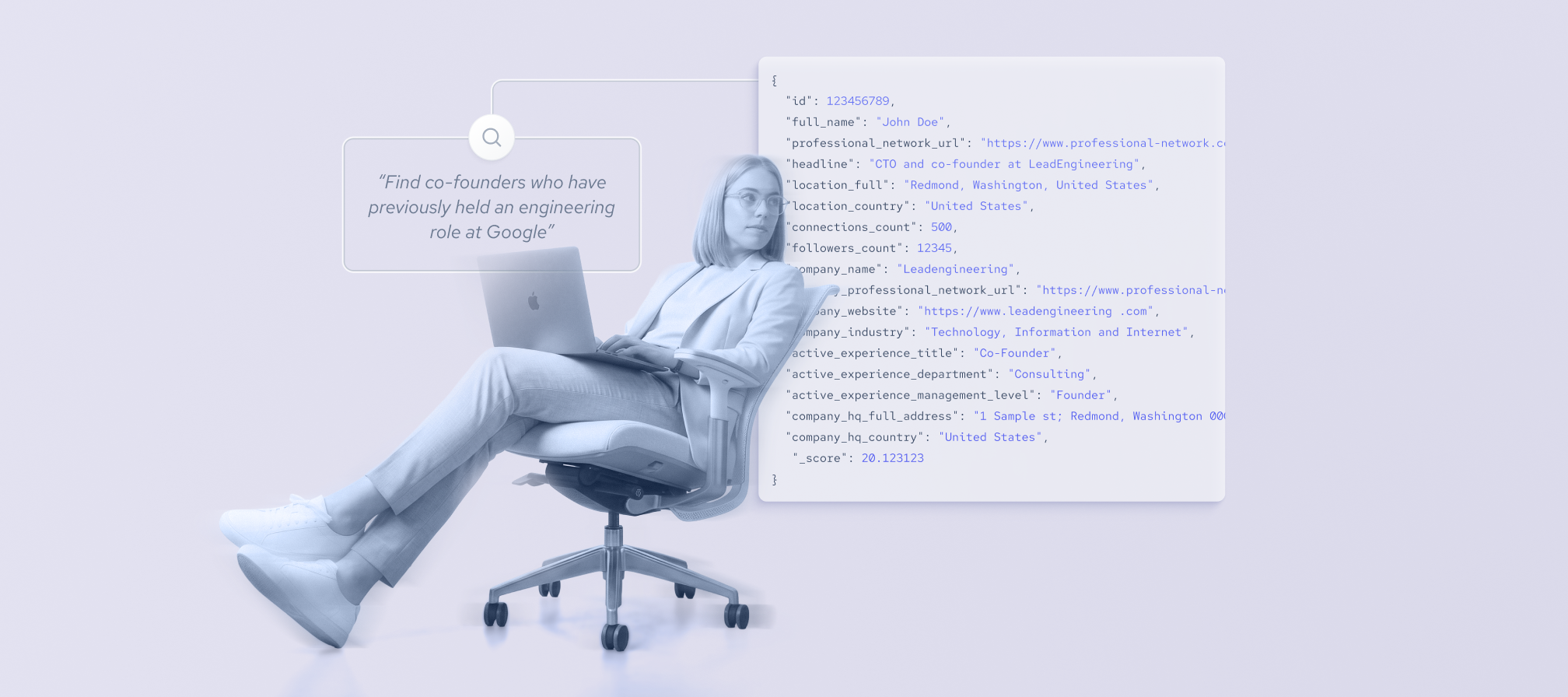


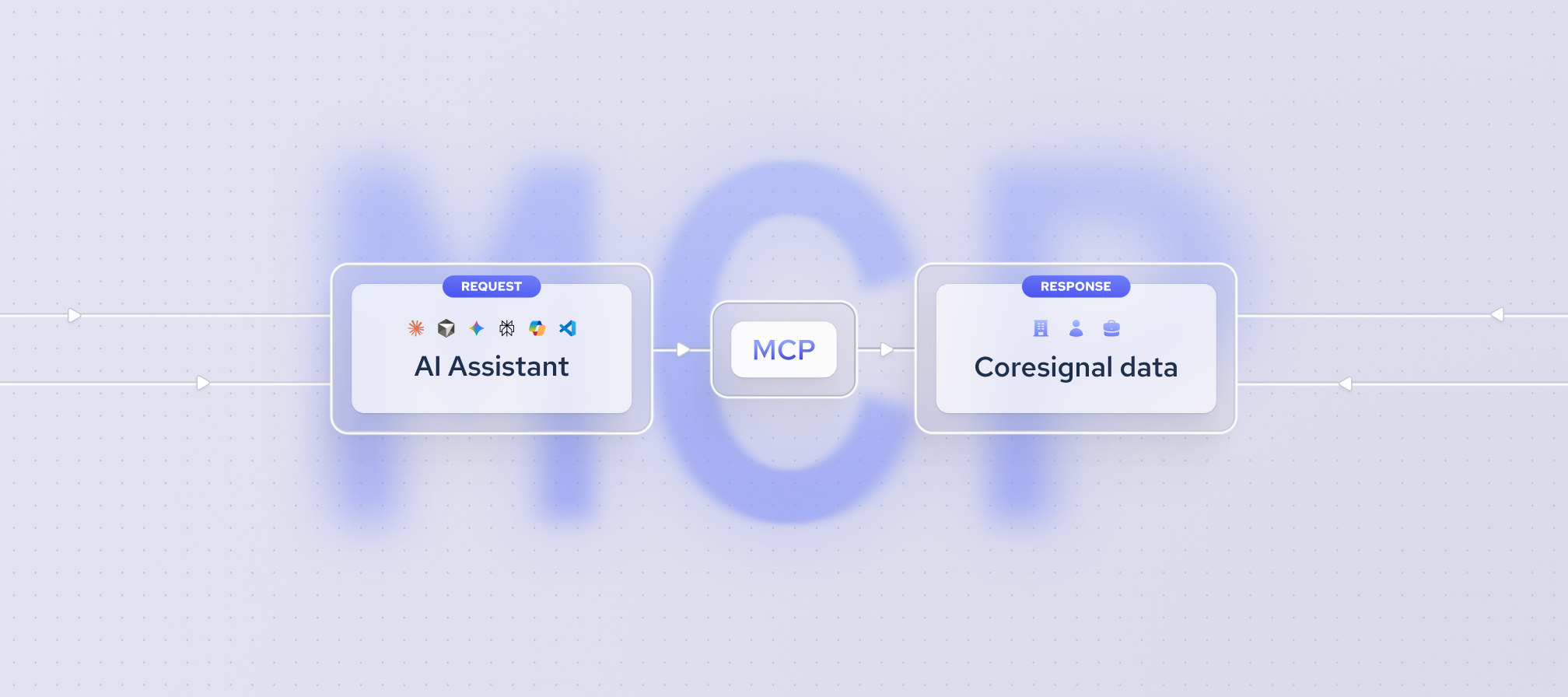
Coresignal's new MCP with OAuth connects an agent or any other MCP-ready platform to multi-source company, employee, and jobs data with less setup friction. You no longer need to copy, paste, or expose an API key.
With a single click, you eliminate the need to manually write Elasticsearch queries, manage long-lived keys, or accept unclear costs. Instead, you connect your agent using a secure key that stays on the server, enter your search in plain English, and review available fields and transparent pricing before using any credits.
New Coresignal MCP server URL: https://mcp.coresignal.com/mcp/v2
Now let’s take a look at how the legacy and new MCPs compare capability by capability.
New MCP now supports enterprise-grade OAuth, so you can easily connect data to any LLM agent, such as Claude, ChatGPT, Perplexity, Microsoft Copilot, Cursor, VS Code, Gemini, and more.
The API key never touches the client
Previously, MCP required every user to paste a long-lived API key into a client configuration file. This extra step not only slowed down access to data, but also created an ongoing security risk as long as the key remained in plaintext.
OAuth 2.1 changes how you access MCP. Now, your data key is fetched live with every request and never stored. This means you can revoke access instantly, with no lingering credentials.
You still use the same API key, but there is no need to paste it into a configuration file. Instead, you log in with OAuth. The key remains securely on Coresignal's server, and you only receive a short-lived credential. This keeps sensitive information off your devices.
As a result, connecting an agent to Coresignal's data is as straightforward as logging into any SaaS product. You can grant, revoke, or rotate access directly from a central dashboard.
Four tools, one clean workflow
The new MCP splits the old single tool into four, each with a specific job.

- Search. Ask in plain English; no query language needed. The tool searches across multi-source employee, companies, or jobs data and returns what matches your request, rather than requiring you to set up a filter first.
- Discover. Find the right data fields by keyword, at no credit cost.
- Fetch. Pull records at real volume, with parallel, rate-limited requests and automatic retries. Every response reports exactly what it costs, so you approve the spend before it happens, not after.
- Enrich. Add verified contact emails to records you've already pulled. Every email is verified, and Coresignal automatically skips restricted regions to stay compliant with privacy rules.
The new MCP with OAuth also allows downloading data. Enabling downloads from third-party tools isn't universal: check each tool's documentation to see how to configure the necessary permissions.
What can businesses do with the new MCP?
These four tools work seamlessly within the MCP, but real-world requests show that each team can use them differently based on their goals.
- HR and recruiting.
entity_searchcan turn a prompt like "Find backend engineers with Kubernetes experience in Berlin" into matching results, with visibility into which fields were hit. No Elasticsearch, no filters to configure. - Sales and GTM. With a prompt such as "Pull the top 200 SaaS companies in the Nordics as full profiles into a file,"
entity_fetchconfirms the scope and delivers the results as a file, avoiding unnecessary chat clutter. - Data science. For example, asking, "What fields do you have on employee tenure and skill history?"
entity_fieldsreturns a list of available fields without using credits or pulling records. This is especially valuable for data science teams scoping datasets before making a commitment. - Marketing.
email_enrichadds verified emails to an existing list of leads, skips restricted regions as per alignment with privacy guidelines, and charges only for verified results. A prompt like "Add verified emails to the leads from my last search" is enough.
The same four tools support any workflow that begins with a straightforward question about employee, company, or job data. This applies whether a finance team is analyzing a market, a product team is enriching a customer list, or an engineer is integrating the MCP into a new data pipeline.
Get started
To start using our new MCP with OAuth, follow these steps:
- Open your client's connector settings. In most LLM clients, such as Claude, ChatGPT, or Cursor, you will find a section for MCP servers, connectors, or integrations. The section name may vary by client, but it is usually located under Settings.
- Add a new remote MCP server. Be sure to choose a custom or remote server, not a local one. This ensures you are connecting to the correct external resource.
- Enter the following server URL: https://mcp.coresignal.com/mcp/v2
- Complete the OAuth flow. Your client will prompt you to sign in and approve access in a browser window. After you confirm, the connection will be established automatically.
- Verify the connection. The server should now appear as connected in your client, and its available tools will be listed. To ensure everything is working correctly, send a simple request.