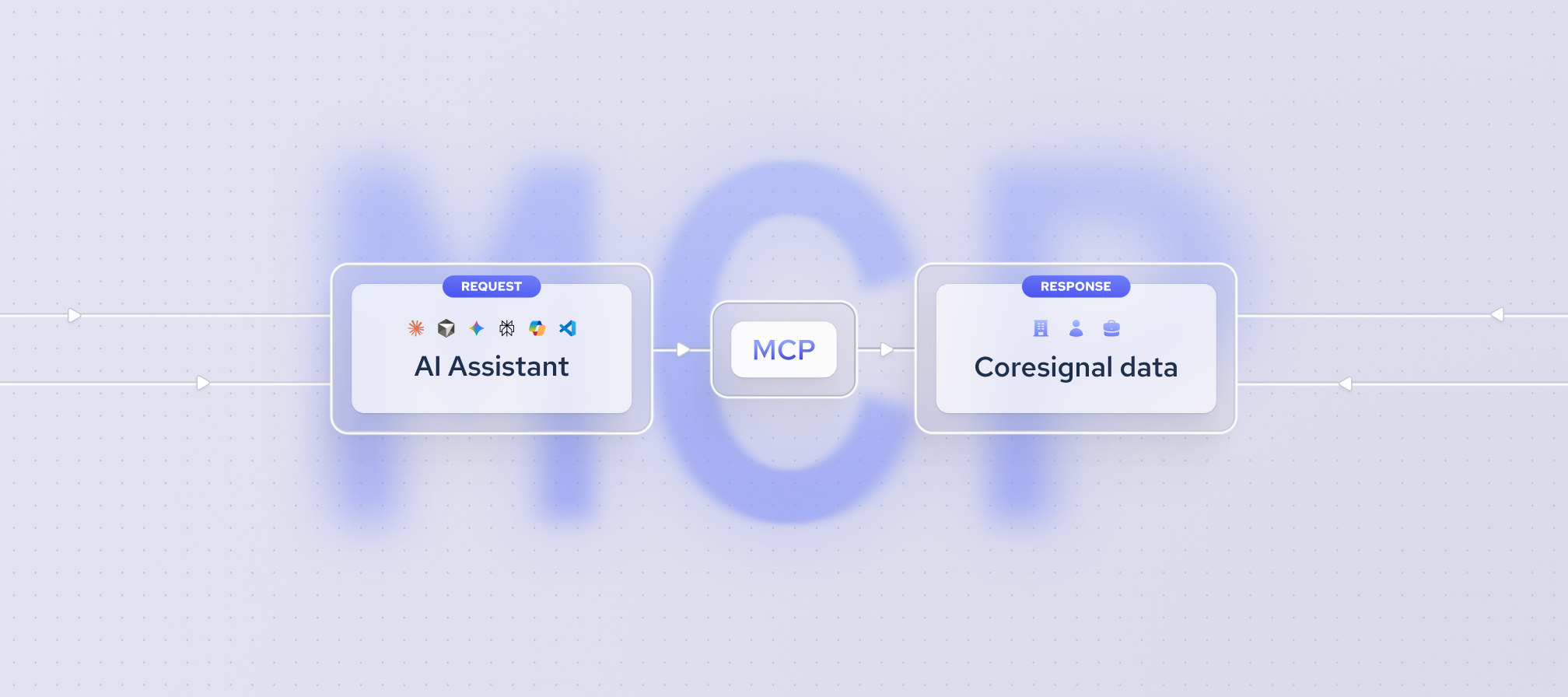


AI assistants are fast at suggesting prospects, but they answer from training data. That data stops at a fixed point in time, so an assistant may suggest companies that have since closed, merged, or changed focus. A company search MCP solves this problem.
Model Context Protocol (MCP) is a standard way for AI assistants to connect to outside tools and data sources. With a company search MCP, the assistant queries a live company database instead of relying on memory, so its answers come from actual company records.
In this article, you’ll learn how a company search MCP works, how to use one for B2B prospecting, and which provider to choose for your prospecting workflow.
What is a company search MCP?
A company search MCP is a server that connects an AI assistant to a live company database. Instead of guessing from training data, the assistant sends a query and gets structured company records back. Coresignal’s MCP, for example, works with Claude, Cursor, and other MCP-compatible clients.
Why use a company search MCP for B2B prospecting?
Traditional B2B prospecting often means switching between a database, spreadsheets, and a CRM. A company search MCP brings that work into one conversation.
- Account lists built inside the tools teams already use. You can search companies directly in Claude, Cursor, or other MCP clients without opening a separate database interface.
- Conversational refinement of the ideal customer profile. You can narrow results with follow-up prompts, such as adding a funding stage or headcount range, instead of rebuilding filters from scratch.
- No query syntax required. You describe the companies you want in plain language, and the MCP translates that description into structured search filters.
- Search connected to the next steps. A list can feed directly into account research, signal checks, or a CRM handoff within the same session.
What makes a company search MCP good for prospecting?
A company search MCP is only as useful as its data and how clearly it works. Check these five areas before you choose one for B2B prospecting.
- Data coverage and freshness. An MCP is only as good as the database behind it. Check how many companies it covers, in which markets, and how often records are updated.
- Depth of data per company. Look for firmographics plus headcount, locations, and industry classifications. Signals like workforce growth, hiring activity, funding, and technographics help you time outreach. Multi-source records are usually more complete and easier to cross-check than single-source ones. Also check whether search results include full data or only identifiers that need a separate, billed enrichment call.
- Transparent natural-language search. A good MCP shows how it interpreted your query, returns an exact match count, and lets you preview results before pulling full records. Our MCP v2, for example, explains how it built each search, returns an exact match count with a preview, and offers data field discovery at no credit cost.
- Cost transparency and spend control. Look for published credit costs per action, cost estimates before large retrievals, and credit usage shown for every request. Coresignal’s MCP, for example, reports the credits used in each response and pauses to confirm scope and estimated cost before large pulls.
- Setup, limits, and export options. Check whether the server runs remotely or needs a local install, whether it uses OAuth sign-in or an API key, and which AI tools it supports, such as Claude, Cursor, or ChatGPT. Then check how many records each call returns, whether it supports pagination, and whether large results can be delivered as a file. This matters because thousands of records printed in a chat overload the conversation and are hard to use elsewhere.
How to use a company search MCP for B2B prospecting
Most company search MCPs follow the same basic flow: you connect the server, describe your ideal customer in plain language, review the matches, and export the final list. The details vary by provider, including how searches are interpreted, what each step costs, and how results are delivered. The steps below walk through each stage.
1. Connect the MCP to your AI agent
Connecting a company search MCP is a one-time setup. You add the MCP server to an MCP-compatible agent, such as Claude or Cursor, and sign in to your provider account. Some providers use OAuth sign-in, so you don’t need to paste an API key or install anything locally. Providers usually list client-specific steps in their MCP documentation.
2. Describe your target companies
Start by describing the companies you want in plain language. Begin with basic criteria such as industry, location, and company size, then add details in later prompts. A broad first search shows how many companies match before you narrow the list.
Keep the first prompt simple. If you add too many conditions at once, it’s harder to tell which one is shrinking your results.
3. Refine your search
Once you see the first results, narrow the list with follow-up prompts. Start with simple refinements:
- A more specific category. Move from a broad industry, such as software, to a niche, such as HR software or cybersecurity.
- A tighter size range. Adjust the employee headcount range to match the companies you usually sell to.
- A narrower location. Filter by country, state, or city. Check whether location means headquarters or any office, since the two can return different results.
- Exclusions. Remove existing customers, competitors, or companies already in your pipeline. Check whether the MCP accepts a list of domains to exclude and how many it supports.
Next, add buying signals. Industry, size, and location define which companies could buy from you, while signals show which ones are more likely to buy now. Common signals include headcount growth, active job postings for relevant roles, recent funding rounds, and changes in the technology stack.
Signal filters depend on the data behind the MCP. If a provider doesn’t track hiring or funding activity, these prompts may return fewer or less reliable results.
4. Analyze the results or export the list
You can research the list in the same conversation instead of exporting it and analyzing it elsewhere. For example, ask the assistant to compare companies, summarize their recent hiring, or rank them by fit.
When the list is ready, confirm it and retrieve the full records. You can then move them to a CRM or spreadsheet for outreach or account planning. For large lists, file delivery keeps the conversation readable and makes the data easier to import.
Which company search MCP should you choose?
The right company search MCP depends on what your B2B prospecting workflow needs most. Some providers focus on data depth, others on search filters, contact data, or outreach. The five providers below each offer an MCP with a different primary strength.
This comparison is based on public information available as of October 29th, 2026. Verify the current status of each provider’s products before relying on it.
Coresignal MCP
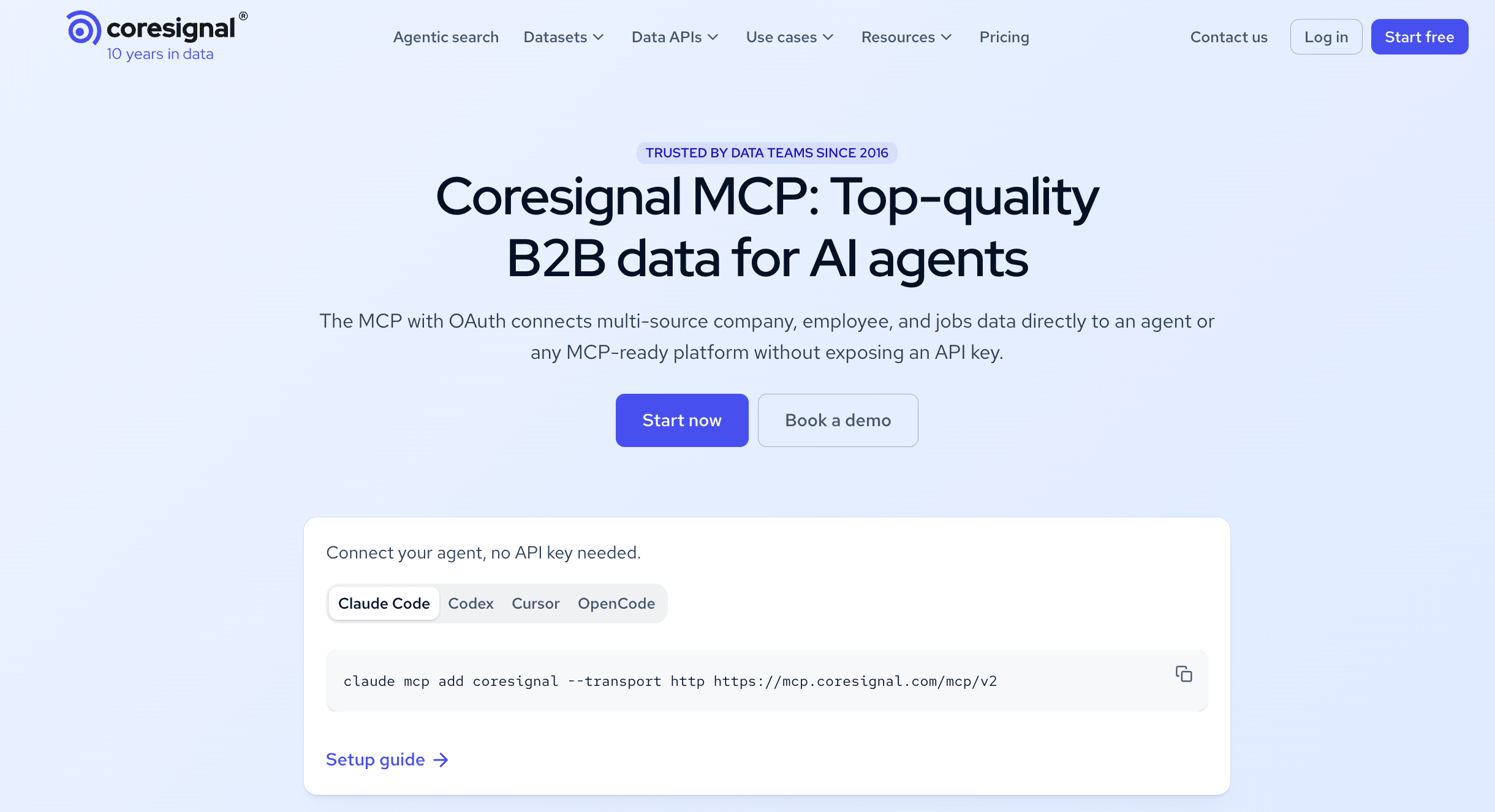
Coresignal is a multi-source B2B data provider whose MCP gives AI tools access to company, employee, and job postings data.
Company search strengths: each company record combines 500+ data fields from multiple sources, including historical headcount and AI-enriched insights like employee attrition rate. The MCP explains how it interpreted each query and shows an exact match count with a preview, and large lists arrive as a file. Data field discovery is free, the MCP confirms estimated cost before large retrievals, and large lists arrive as a file. For non-technical users, it can even suggest solutions that wouldn't require much user effort.
Consideration: focuses on finding and analyzing companies, not outreach, so teams use a separate tool for sequencing.
Best for: building account lists with growth and hiring signals.
Crustdata MCP
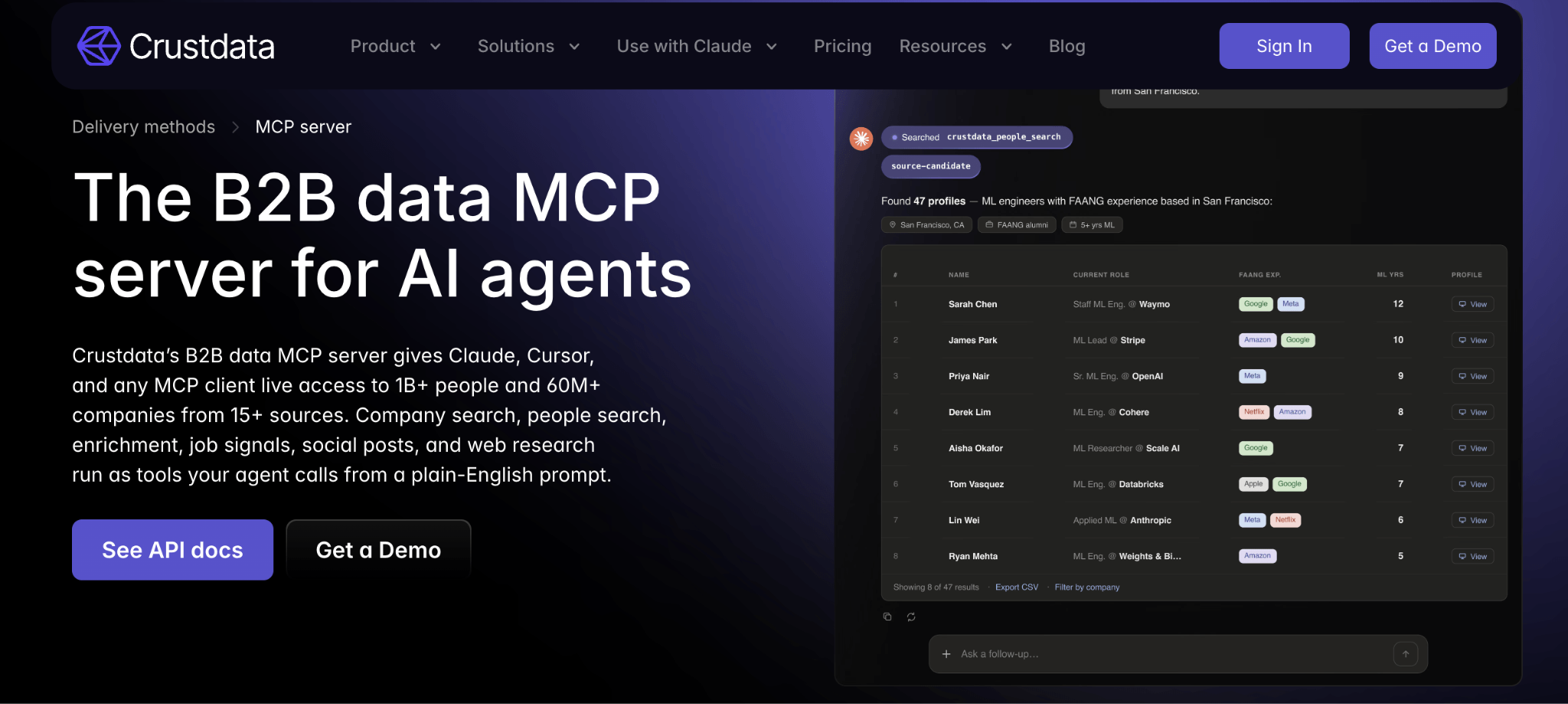
Crustdata is a real-time B2B data provider whose MCP gives AI tools access to company, people, and job listings data.
Company search strengths: company searches run in real time, and filter-value discovery is free, so the assistant can check valid values before spending credits. Every request reports the exact credits it used. Setup takes an OAuth sign-in with no API key to paste.
Consideration: Crustdata offers an original MCP server and a newer one with different setup steps, so teams should check which server their workflow uses.
Best for: live lookups of specific companies.
ZoomInfo MCP
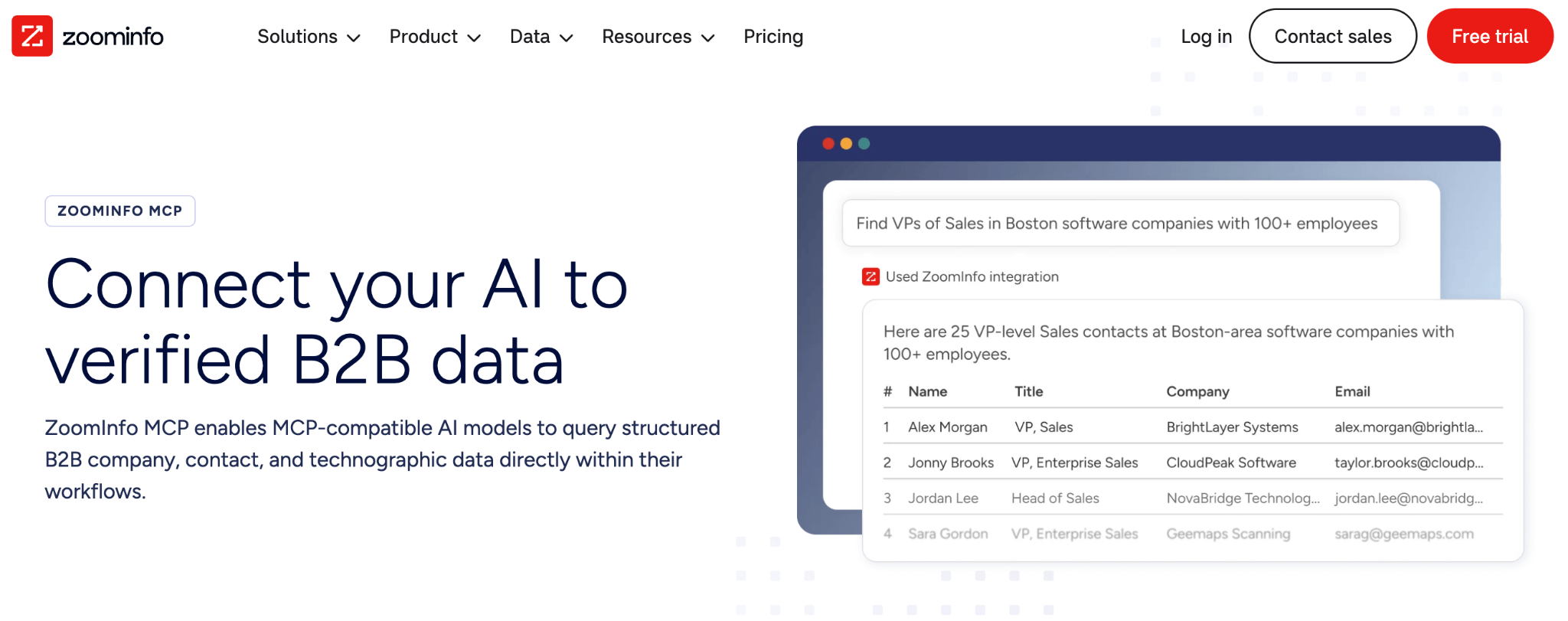
A B2B intelligence provider, ZoomInfo gives AI tools access via MCP to company and contact data, plus a team’s CRM and conversation history.
Company search strengths: one data credit covers a new company or contact record, and pulling the same record again within 12 months is free. Access follows each user’s ZoomInfo permissions, and the MCP works with LLMs and other clients.
Consideration: the MCP requires a ZoomInfo subscription with bulk data credits, so it isn’t an option for teams without an existing contract.
Best for: prospecting for enterprise teams already on ZoomInfo.
Apollo MCP
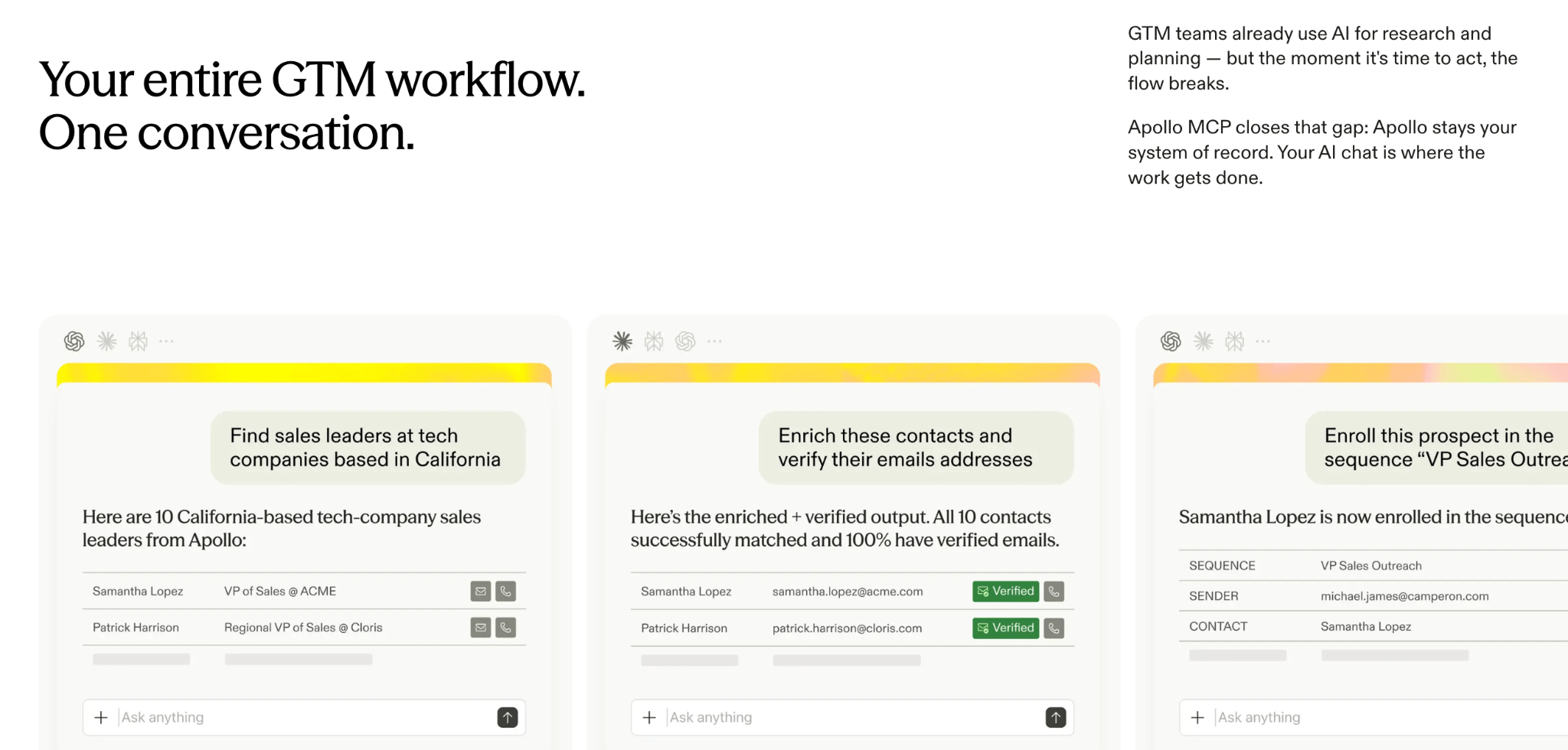
A sales engagement provider, Apollo gives AI tools MCP access to people and company data, plus contacts and outreach sequences.
Company search strengths: the assistant can search companies in plain language by industry, headcount, location, and website visitor intent, and pull company details and hiring signals from job postings. The same connection can create contacts and add them to existing sequences.
Consideration: company search, enrichment, and job posting data all use Apollo credits, and free accounts registered with a personal email address can’t use company search.
Best for: moving from company search straight into outreach.
Crunchbase MCP
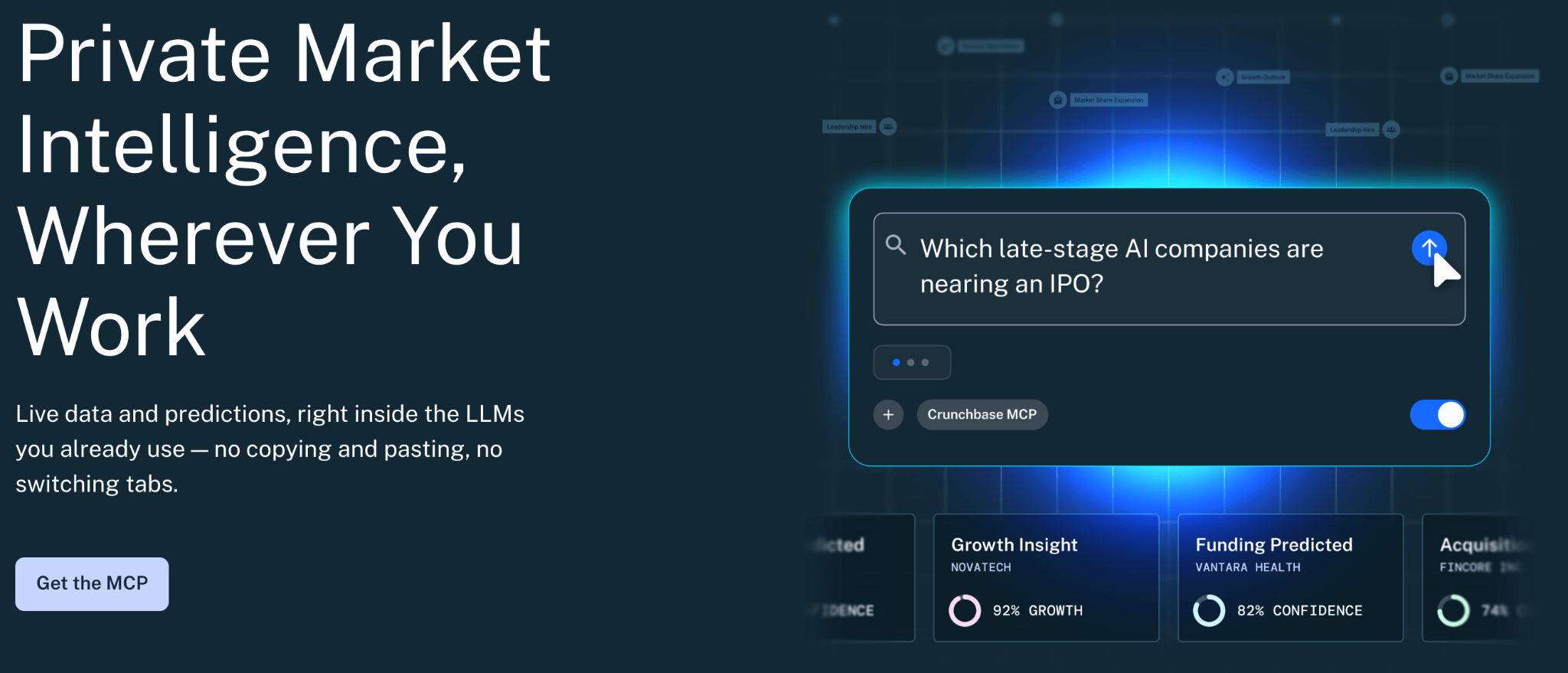
As a private company data provider, Crunchbase’s MCP gives AI tools access to company profiles, funding rounds, investors, and acquisitions.
Company search strengths: everything available through the Crunchbase API is available through the MCP, including predictions and insights. Tools are read-only, and the MCP works with LLMs and other clients.
Consideration: MCP access is purchased per workspace, and an admin assigns seats to individual users.
Best for: finding recently funded companies to prospect.
Summary
A company search MCP changes where B2B prospecting happens. Instead of guessing from training data, your AI assistant searches a live company database, refines the list through conversation, and passes the results to your next step without leaving the chat.
The MCP itself is only the connection, though. Its value comes from the data behind it, how clearly it shows what it searched for, and how well it controls costs and handles large lists. Choose the company search MCP whose strengths match your prospecting workflow, whether that’s growth signals, live lookups, enterprise contact data, outreach, or funding activity.