



Building a list of leads, candidates, or target accounts usually starts the same way: you define what you're looking for, get back a batch of records, then check whether those records actually match your use case.
We built our no-code AI Data Search to allow you to confidently check, enrich, and download multi-source data before making any commitment. Today, we expand it's capabilities to make it even more easy to use.
The lists are larger.
The data matches your query even better.
You can also set up webhooks for monitoring employee data.
What changed
AI Data Search now lets you enrich and download up to 10,000 records as a CSV file, significantly expanding the lists you can export in a familiar, analysis-ready format.
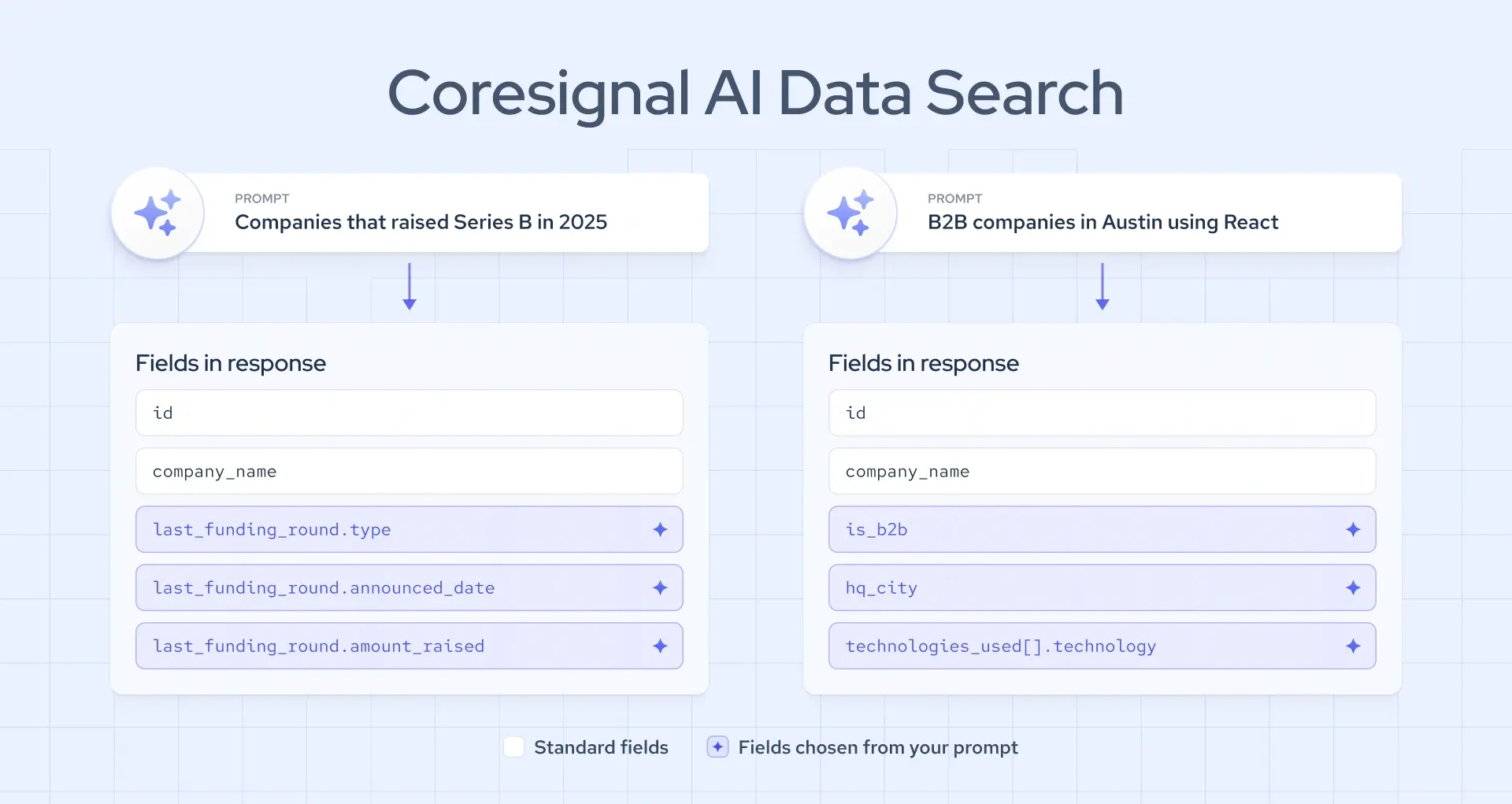
Data Search results now prove their relevance. Every record carries your search criteria, returned as data fields with the highest fill rates. Searches are repeatable: the same prompt, the same list, every time. You can refine, re-run, and compare your results.
The upgraded flow changes four things:
- Export more enriched records. The CSV export limit rises from 100 records to 10,000 enriched records.
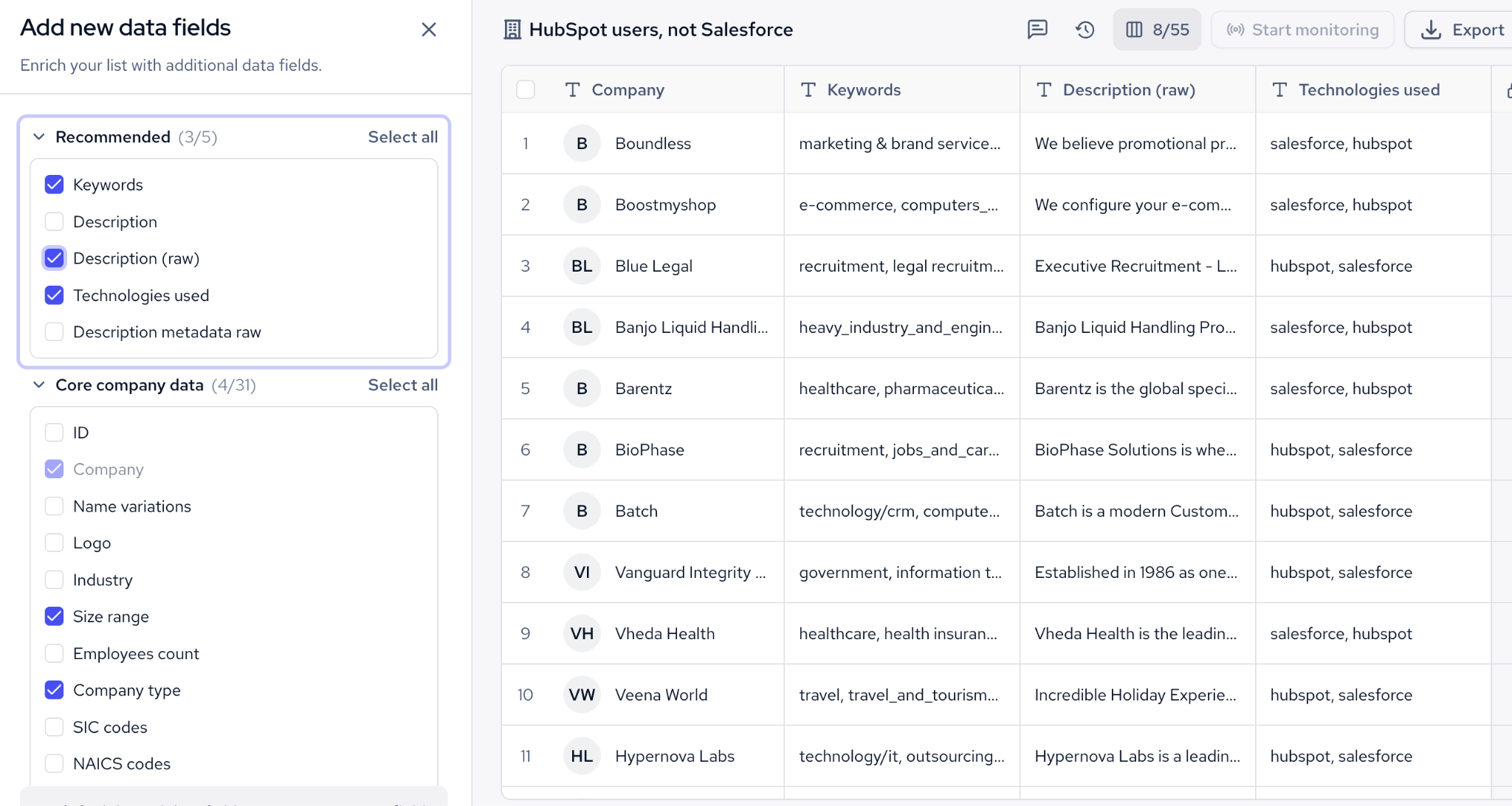
- Get data with top fill rates for enrichment. Enriched records now include the fields with the best fill rates in our multi-source data, organized by category, plus the dynamic fields from your original query applied across every enriched record. The most relevant records are show on top.
- Be more confident about your lists. Results now come back with multi-source dynamic fields that match your query, so you can see the specific data your prompt asked for before deciding to enrich anything.
- Monitor list changes with webhooks. Once a list is built, you might wonder whether it's still accurate later on. Our new monitoring feature truns through webhooks will surface employee profiles that start matching a query, stop matching, or get updated. This feature is currently in beta.
Get 100x more results in CSV
The core idea behind the update is that a list should prove its own relevance before you commit credits to it. Here's how it works:
- Generate a query in your own words, describing the type of companies, employees, or jobs you need for your list.
- Review the initial results and check the dynamic fields against your criteria to confirm the results are on target.
- Enrich the records you choose, up to 10,000 per list.
- Select the fields you need using column visibility, without paying extra to adjust what's shown.
- Download the list as a CSV or JSONL file, ready for a spreadsheet or CRM.
- Start monitoring your list. Once you have a list, you can set up webhooks and monitor list changes in profiles matching the query.
Since the same prompt now returns the same list every time, this flow is repeatable. That lets you hand a prompt to a colleague and get the same list back, which matters for teams that build lists collaboratively.
Built for people who need top-quality B2B lists
AI Data Search is aimed at people who need relevant B2B data without writing a query language. That covers two main groups.
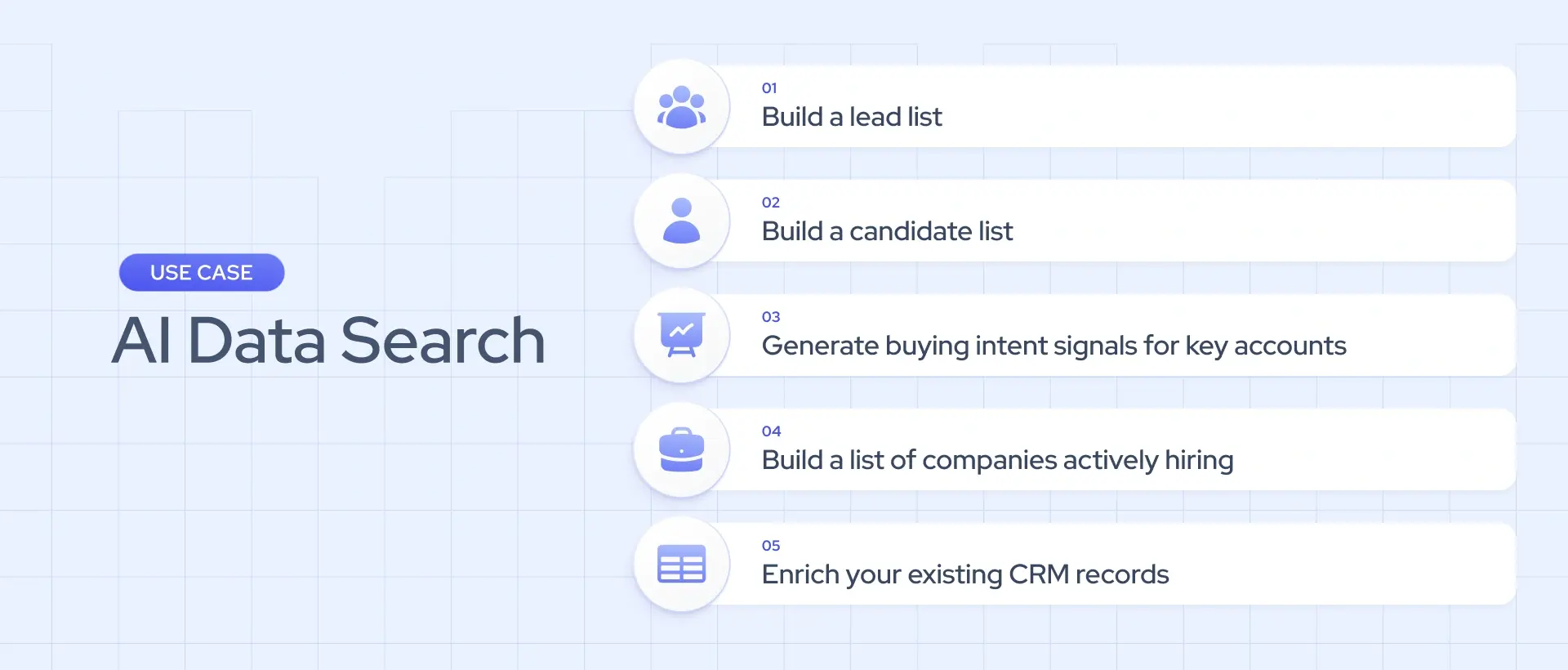
GTM and sales-tech teams (RevOps, growth, and founders using a CRM, spreadsheets, Clay, or Apollo) use it to build lead lists, generate buying-intent signals from active job postings at target accounts, and export directly into their existing tools.
HR and talent intelligence teams (TA ops and recruiting agencies working in an applicant tracking system and spreadsheets) use it to build candidate lists or identify companies that are actively hiring.
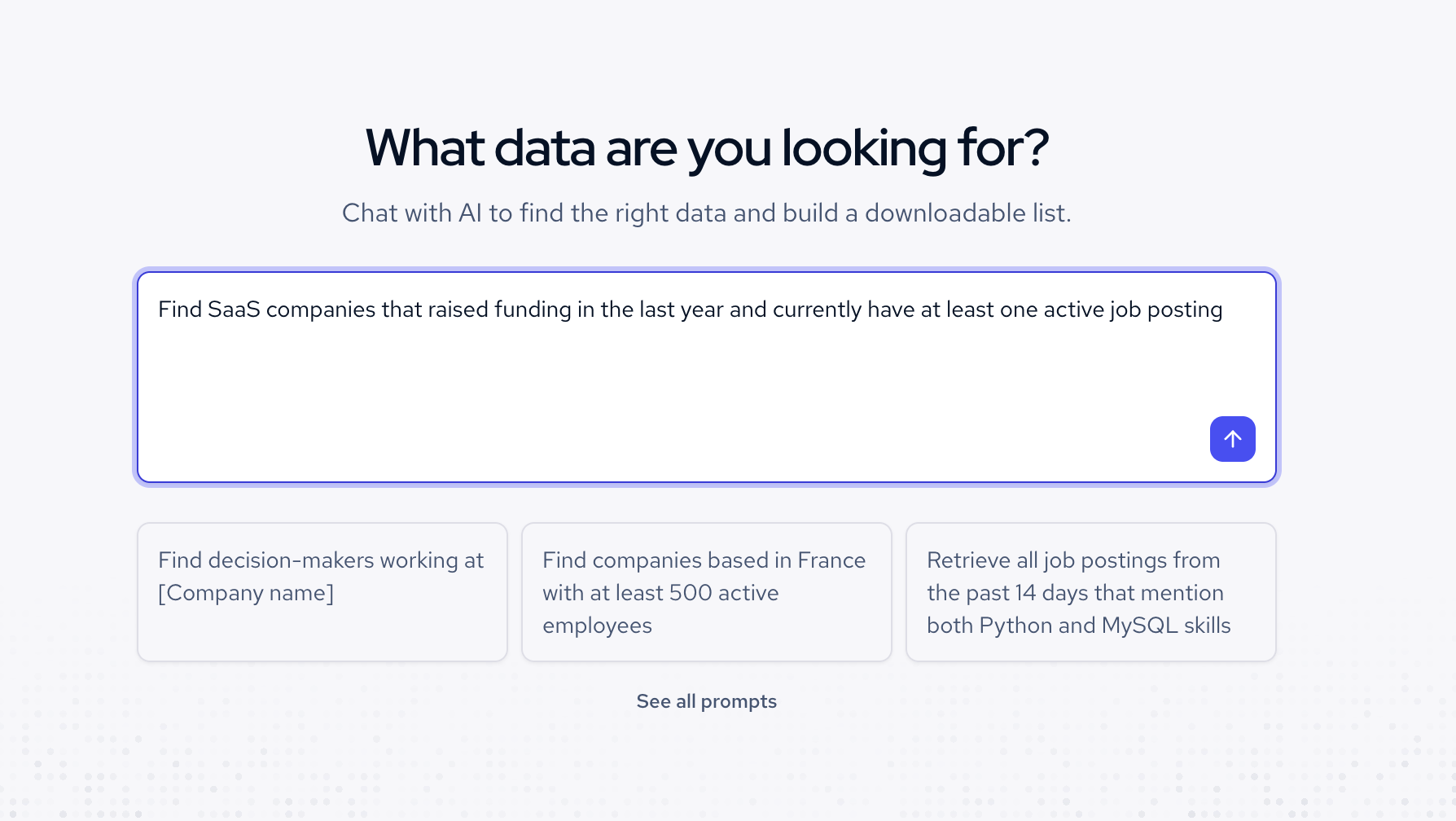
A typical query could be quite complex and look like this: "Find SaaS companies that raised funding in the last year and currently have at least one active job posting." The updated search returns the matching companies with the funding and hiring fields the query asked for, filled in across the full list rather than a small sample, ready to enrich and export.
What’s the pricing?
Multi-source Jobs records cost 1 credit each. Company and employee records cost 20 credits each, with a one-time enrichment fee per record.
Once a record is enriched, you can adjust which fields are visible without an extra charge.
The plans start at $49 per month, with a free trial available for trying out the data before making any commitments.