Recently, B2B data provider Explorium announced it’s shutting down after almost nine years. Its platform stays available until December 2, so customers have less than a month to save their data and pick a replacement..
Here we explain everything you need to know or do before December 2nd – and what would be the best Explorium alternatives.
What happens to your Explorium account
As an Explorium client, pay attention to these important dates:
If you still have any credits left, you can use them until December 2, which is also the last day for data exports. Any credits left after that will be refunded within 30 days to the original payment method used for the purchase. Lastly, by December 31, all your account data will be deleted.
Before you switch: export checklist
Before transitioning to a new provider, export your data from Explorium. After December 2nd, you will no longer be able to access your data.
Below is a list of what we recommend to export and bring to your new provider:
- Saved lists and segments: account lists, prospect lists, and ICP filters to maintain continuity in your workflows.
- Enriched records: anything not yet synced to your CRM or warehouse.
- Field schema: the Explorium fields used in your pipelines, scoring models, and dashboards. This will help you replicate your data structure with your new provider.
- Agent and automation setups: MCP configurations, n8n or Make workflows, and any prompts that interact with AgentSource.
- Usage history: the endpoints you actually used, so you only replace what matters.
If you export these carefully, it will be much easier to switch.
What data Explorium provided and how to replace it
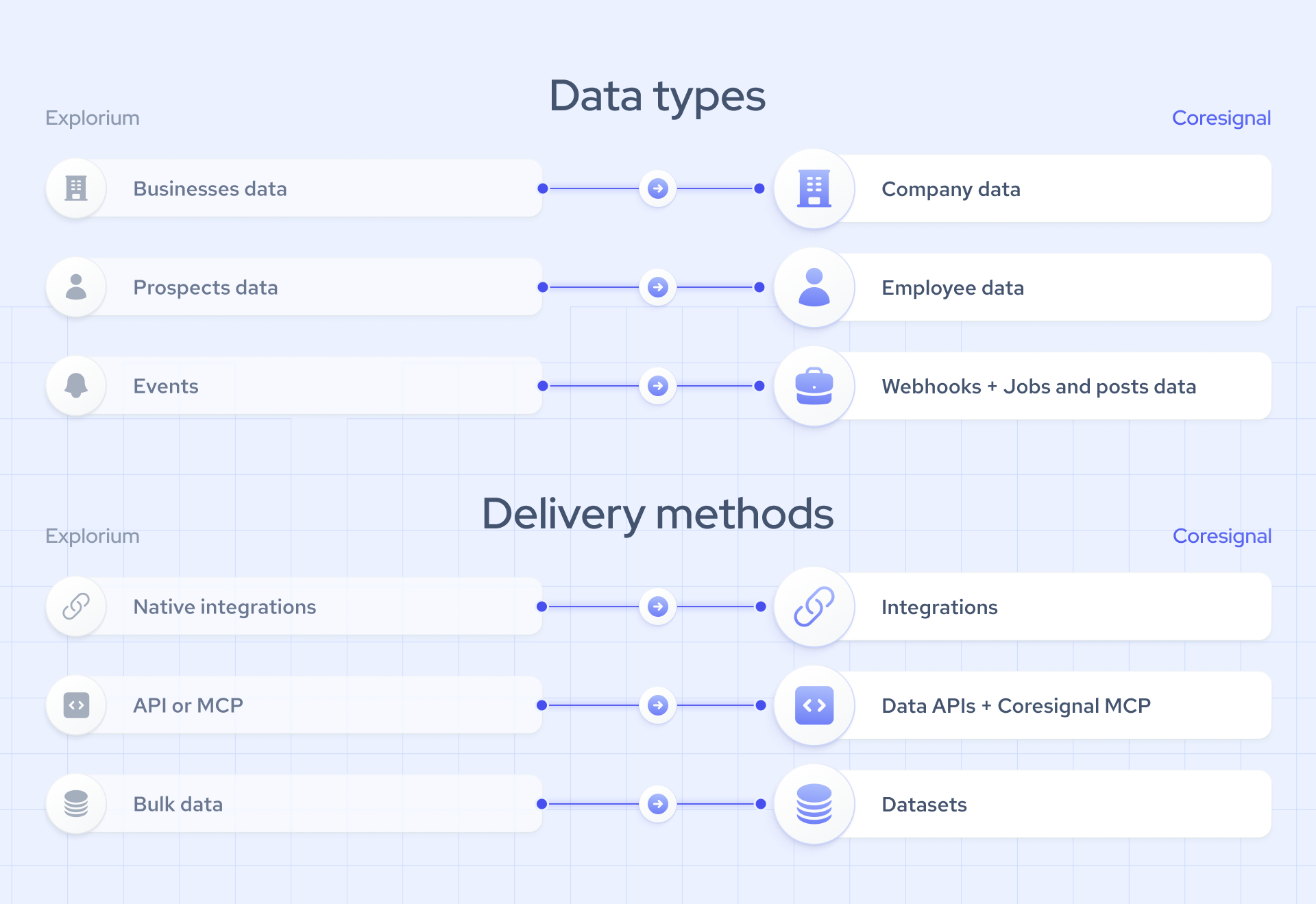
Explorium covered three types of data, with three ways to access them.
The main data types that were provided by Explorium:
- Businesses data: company firmographics, industry, revenue, and growth trends.
- Prospects data: professional profiles with employment history, education, emails, and phone numbers. Also, with Explorium’s AI-powered Vibe Prospecting tool, users can build lead lists, research companies, and enrich contact data using natural language prompts.
- Events: changes at companies and people, such as job changes, mergers and acquisitions, and office closures.
The delivery methods offered by Explorium:
- Native integrations: connectors and templates for sales and marketing tools.
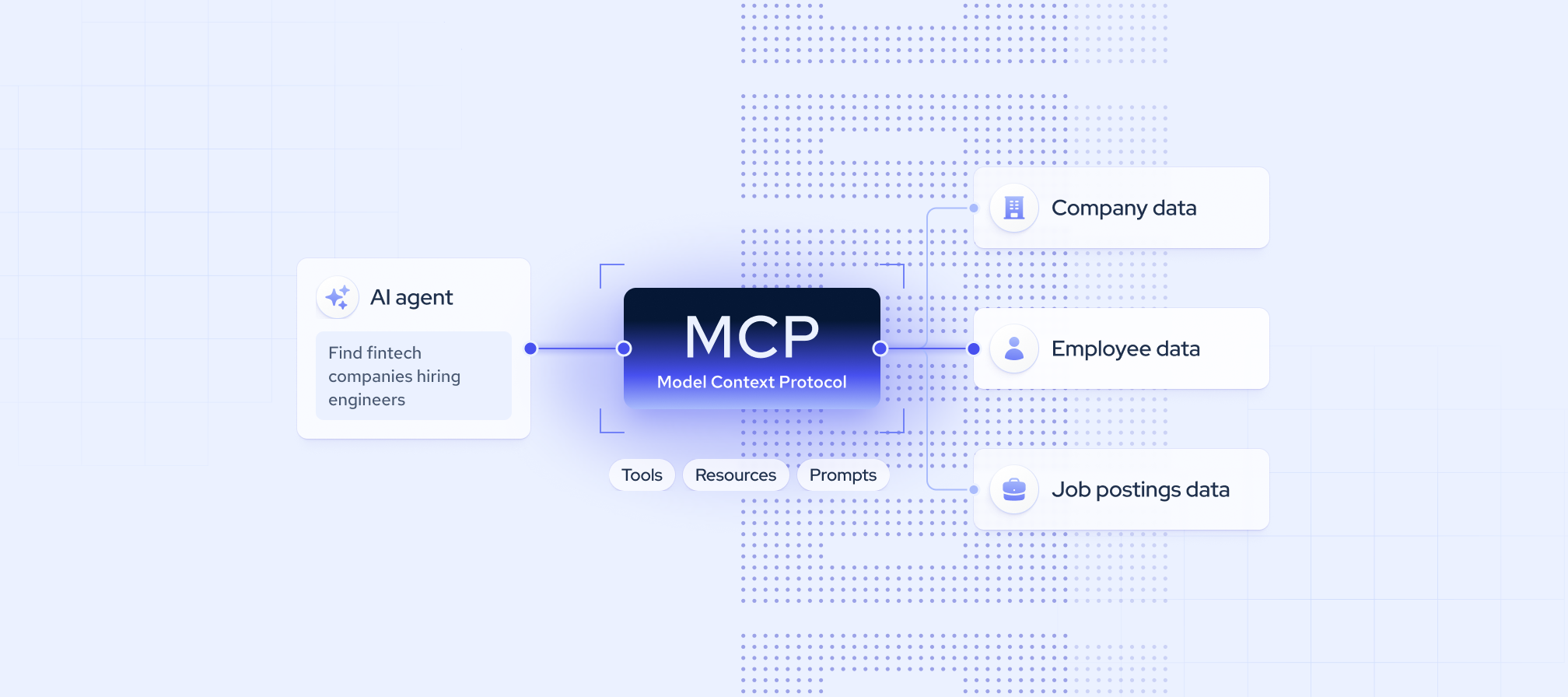
- API or MCP: on-demand access for apps and AI agents.
- Bulk data: structured data files delivered to your team.
Most providers do not offer every data type and delivery method in a single solution. Start by identifying the specific data types and delivery methods your team relies on. Next, use the comparison below to align each requirement with the most suitable provider.
Top Explorium alternatives
Here’s how five Explorium alternatives compare across the data types and delivery methods Explorium offered. Use the table for a quick overview, then read each provider’s profile to see who it fits and who it doesn’t.
Coresignal
Coresignal provides cleaned and structured company, employee, and jobs data matched across multiple sources into single records. You can access it through data APIs, datasets, or the Coresignal MCP server, which connects to Claude, Cursor, and other AI tools with an OAuth sign-in rather than a pasted API key.
It’s the closest match to Explorium’s mix of company and people data in one account. Work email enrichment covers outreach contacts, jobs data adds hiring signals, and Monitors flag changes in the companies and people you track.
Good fit: you used Explorium for company and people data, need historical data such as headcount trends, or run AI agent workflows.
Not a fit: you need a built-in outreach tool.
PredictLeads
PredictLeads focuses on company data, including news events, job openings, technographics, and similar companies. It offers an API, webhooks, flat files, and a hosted MCP server.
Good fit: you mainly used Explorium for account signals and trigger events.
Not a fit: you need employees or contact data. You’d need a second provider for that.
People Data Labs
People Data Labs is known for its employee dataset, making it a strong choice for people data enrichment. PDL has an API that matches person and company records from identifiers such as emails, profile URLs, or website domains. It also offers job postings data, but it's still in beta.
Good fit: you used Explorium mainly for person and company enrichment.
Not a fit: you need an Explorium API alternative with top quality jobs data API.
Crustdata
Crustdata provides real-time B2B data API for AI agents with people and companies to power sales, recruiting, and investment workflows. It is known for live endpoints that pull a fresh profile from the web when you request it.
Good fit: you need on-demand profile refreshes.
Not a fit: you need every record kept fresh at high volume, since live lookups cost more than a database.
Apollo.io
Apollo is a sales platform rather than a data provider. It combines a B2B contact database with prospecting, enrichment, and email sequencing in one tool.
Good fit: you used Explorium to build lead lists for outbound and want outreach in the same place.
Not a fit: you build products or AI agents on top of the data and need API access at scale.
Which Explorium alternative should you choose?
After reviewing best qualities of these 5 alternatives for Explorium, you can choose the right replacement depending on what you used Explorium for:
- Company and people data together, with history, agent access, and flat files – Coresignal.
- Account signals only – PredictLeads.
- Lead lists and outreach in one tool – Apollo.
- Real-time enrichment with phone numbers – Crustdata.
- B2B person data - People Data Labs.
How Coresignal covers each part of Explorium
For most Explorium API and AgentSource customers, Coresignal is the closest match. With Coresignal, you will get:
- Company data: Multi-Source Company data combines business websites, professional networks, funding databases, and review platforms into one profile per company. It covers firmographics, workforce trends, funding, financials, web traffic, and technographics.
- Employee data: Multi-Source Employee data includes work history, education, skills, location, and salary projections. Records come deduplicated and normalized, with full career history.
- Business contact enrichment API: a separate API endpoint which retrieves publicly available, current business contact information.
- Hiring signals: Multi-Source Jobs data is a deduplicated feed of postings from multiple job boards. Use it for hiring intent, expansion signals, and salary benchmarks.
- AI agent access: Coresignal MCP v2 directly replaces the AgentSource MCP:
- Endpoint: https://mcp.coresignal.com/mcp/v2.
- OAuth sign-in removes API keys from your setup, cutting security risk.
- Works with Claude, Cursor, and other MCP-compatible tools.
For Explorium’s Vibe Prospecting users
If you build lead lists by describing your ideal customer in plain language, you can keep working that way. Coresignal is a suitable vibe prospecting alternative and has two options for you:
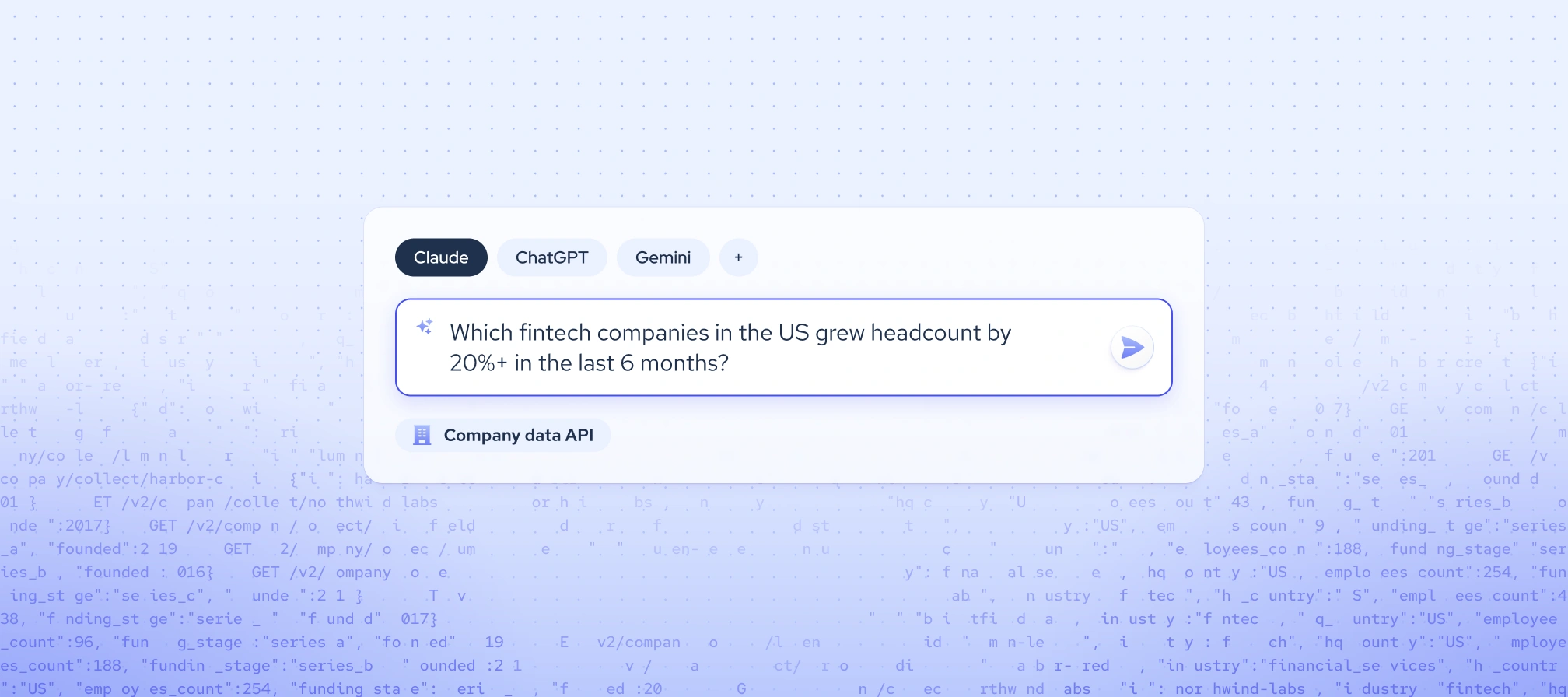
MCP. Connect Coresignal’s MCP to Claude or other LLM-powered applications and describe the list you need. Claude turns the request into a query and shows a preview of matching records. Before a large pull, it checks the record count and estimated credit cost with you.
claude mcp add coresignal --transport http https://mcp.coresignal.com/mcp/v2codex mcp add coresignal --url https://mcp.coresignal.com/mcp/v2{ "mcpServers": { "coresignal": { "url": "https://mcp.coresignal.com/mcp/v2"
}
}
}opencode mcp add coresignal --url https://mcp.coresignal.com/mcp/v2Data Search. AI Data Search is a no-code tool in the self-service platform that works the same way. When you enter a plain English prompt, our AI data assistant generates an API query and returns lists that you can export, enrich or start monitoring.
Where Coresignal goes further than Explorium
Coresignal covers most of what Explorium offered, and goes further in a few areas that matter for teams building AI products in HR tech, sales tech, and talent analytics.
- Fresher data. The API gives real-time access to data from multiple public sources so your models, lead lists, and AI agents work with current records, not stale snapshots.
- Entity resolution: Coresignal resolves company names, job titles, industries, and locations from multiple sources into one record. You get one clean record per company and per person, without building your own matching logic.
- Global coverage. With global coverage you can expand into new markets without adding a provider for each region.
For teams moving from Explorium, these differences mean less work to keep data current, connected, and ready for products, pipelines, or AI agents. For a side-by-side view, see the full Coresignal vs Explorium comparison.
Migration map: Explorium to Coresignal
If you’re moving to Coresignal, most Explorium use cases have a direct replacement. Use this map to find which Coresignal product covers each workflow, so you know what to set up first.
A two-week migration plan
With December 2 approaching, the safest way to migrate from Explorium is to export first, then test and switch in stages. Two weeks is enough if you start now:
- Days 1-2: export everything from Explorium using the checklist above.
- Days 3-4: start the free trial and run your top 100 accounts through the Company and Employee APIs. Compare the results with your Explorium exports.
- Days 5-8: map fields, update pipeline code, and point agent workflows to MCP v2.
- Days 9-12: run both providers side by side and compare match rates and freshness. The free trial lasts 7 days, so move to a paid plan before this step.
- By December 1: switch over fully and remove the Explorium integration.
Running both providers side by side before you switch shows gaps early, while you still have access to Explorium. If you have less time, do the export first. You can test and migrate after December 2, but you can’t get your Explorium data back.
When Coresignal isn’t the right fit
Coresignal is built for teams that use data in their own products, pipelines, and AI agents. It may not suit your team if:
- You want sequencing and outreach in one tool. Coresignal is a data provider, not a sales engagement platform. However, you can send its data to the outreach tool you already use through the API or integrations.
- You need data that isn’t publicly available. Coresignal is a public data provider. It collects only publicly available, business-related data on companies and professionals. If you need private contact data, website visitor tracking, or private buyer intent data, you’ll need a provider built for those.