Modern companies collect customer and prospect data on a set schedule every day. But data may change more often than these searches run. Miss the changes, and you can end up with outdated or incomplete data, affecting your forecasting, lead routing, workflows, and CRM performance.
That’s why B2B data monitoring has become integral to making informed business decisions. This guide shows how tracking relevant signals across your market and existing accounts with Coresignal Monitors and webhooks can help teams spot new opportunities and keep their workflows up to date.
What is B2B data monitoring?
B2B data monitoring is the process of tracking, examining, and validating information such as company profiles, contact details, new hires, technographics, and intent signals.
Why monitor B2B data?
There are a few reasons why business data monitoring matters for revenue teams:
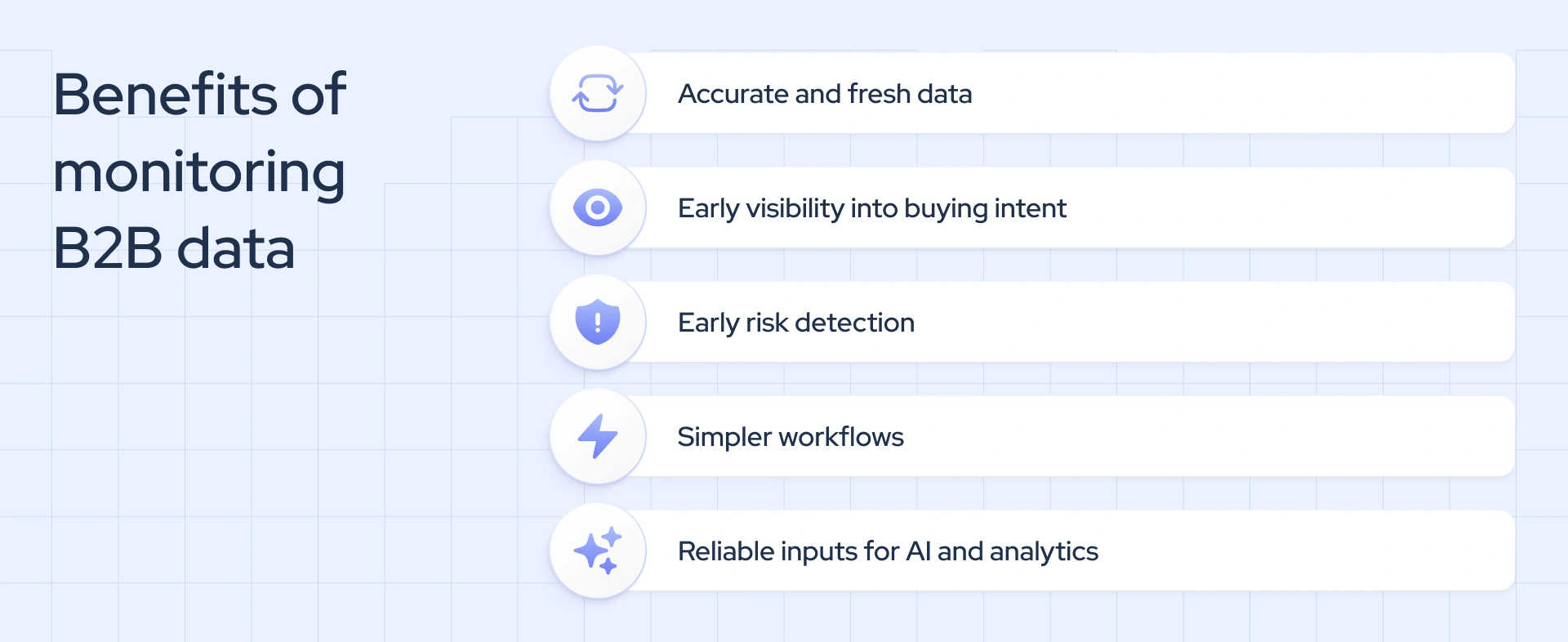
- Accuracy and freshness: It prevents B2B data decay in firmographics, which can result in incorrect customer segmentation, inaccurate lead scores, and misrouted leads.
- B2B intent signals: Real-time monitoring can catch a company’s intent to buy, expand, or switch providers, and turn it into a stream of actionable signals. They can help you reach accounts before competitors even notice the changes.
- Risk prevention: It can capture declining headcount, leadership departures, or hiring freezes that signal financial or operational trouble early on, helping teams identify accounts at risk of churn or portfolio companies that may need attention.
- Simplified workflow: B2B monitoring eliminates the need to search for updates repeatedly or rebuild entire company lists manually. It keeps the insights complete and fresh automatically.
- Up-to-date AI and analytics inputs: It ensures that models, agents, and dashboards are built on accurate, reliable data and generate insights and recommendations you can base serious business decisions on.
What B2B signals can you monitor?
B2B signals are changes or events in B2B data that suggest something meaningful is happening in a prospect company.
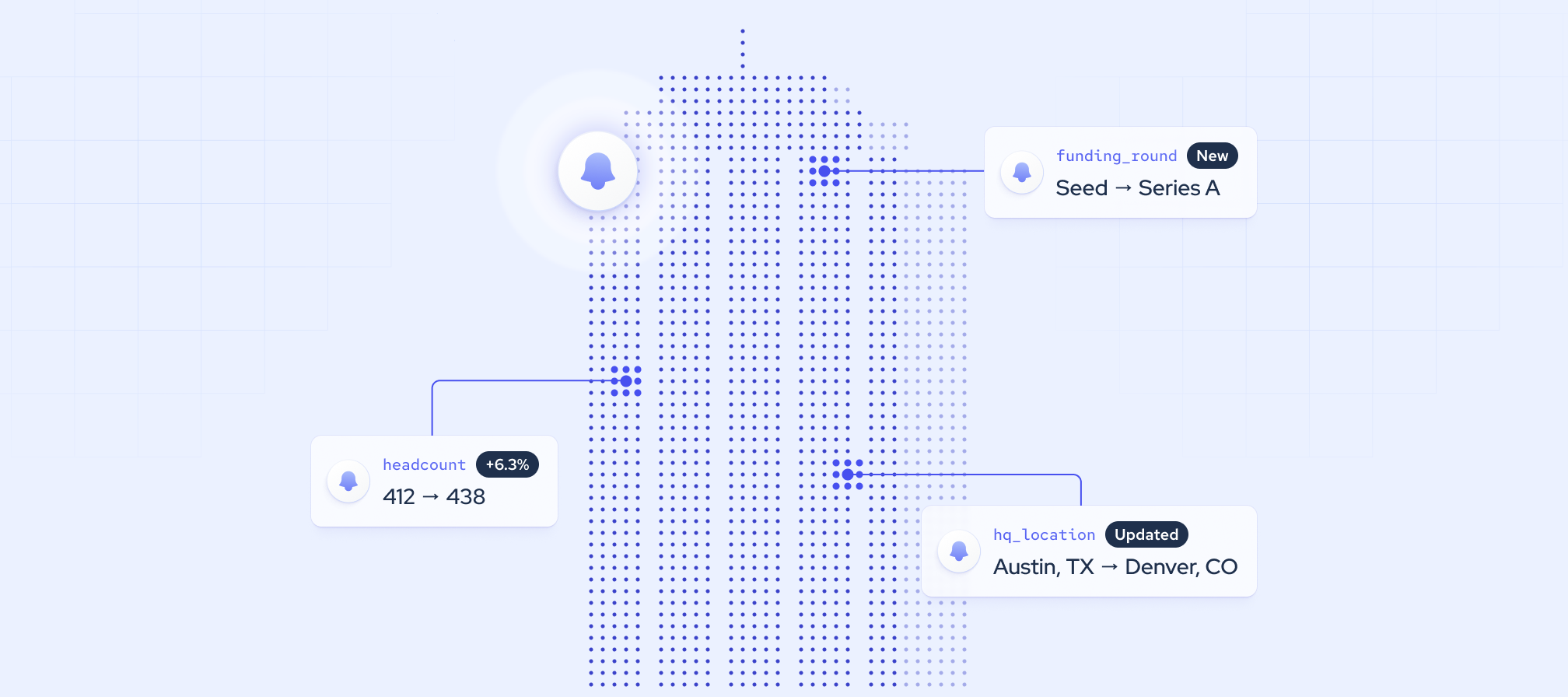
For instance, company-data signals, like headcount growth, funding rounds, leadership changes, new locations, and other company changes, reveal shifts in a business’s size, priorities, and buying needs.
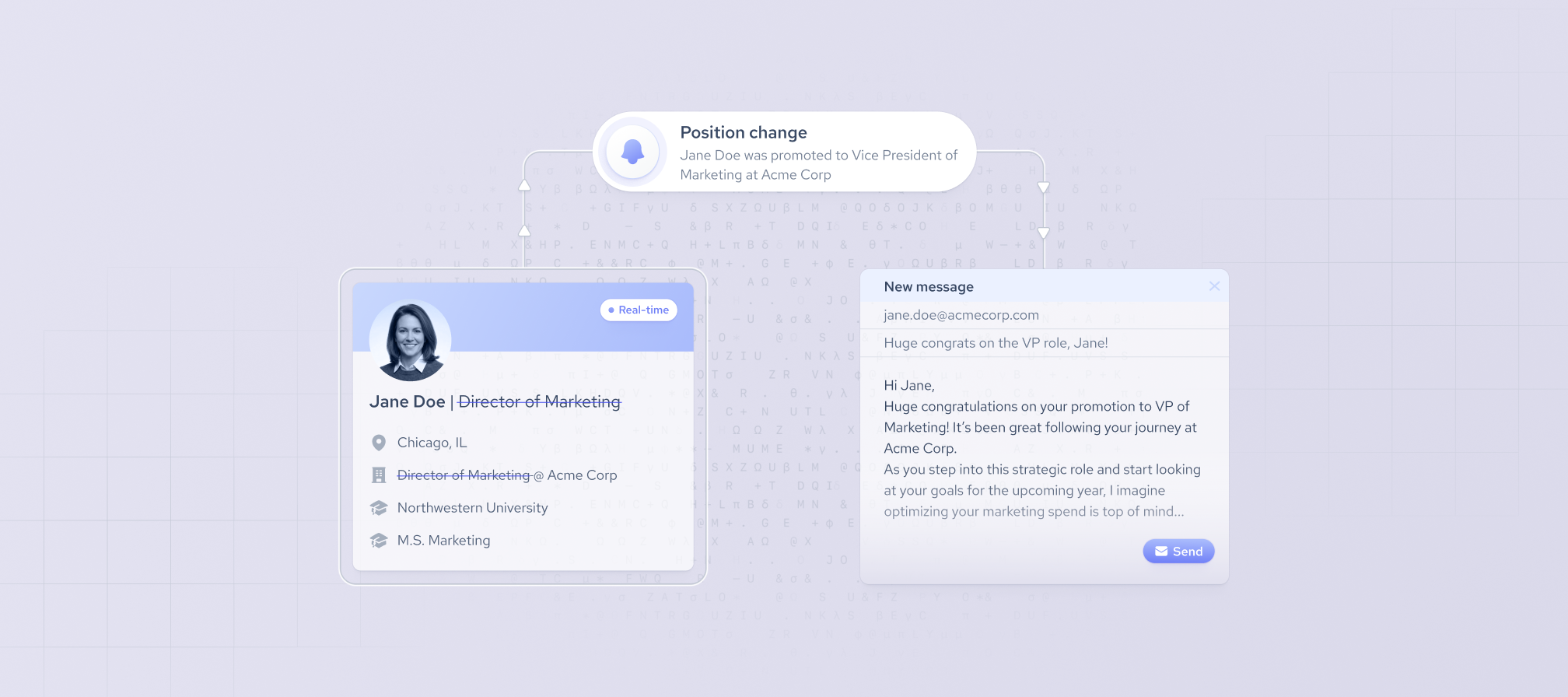
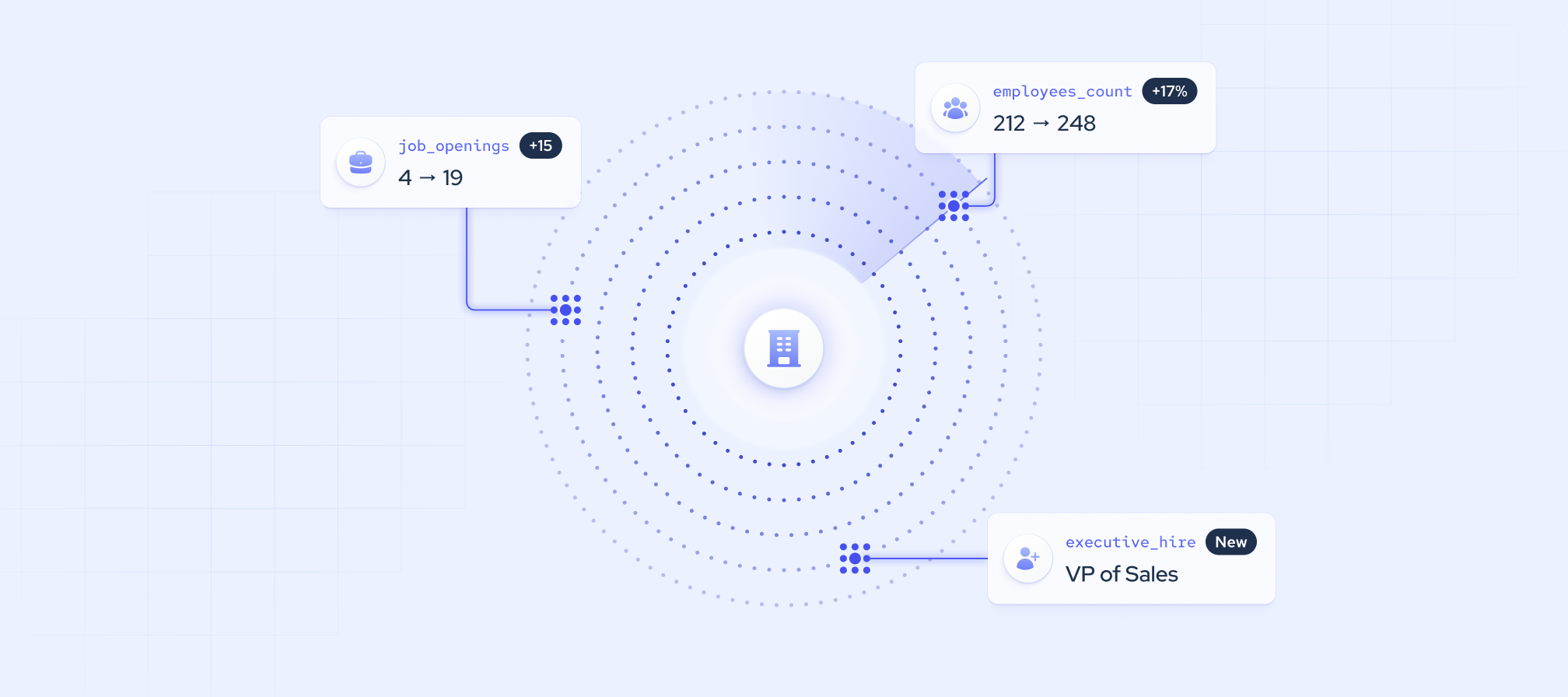
Employee-data signals, such as job changes, promotions, new hires, skill adoption, and departures, help identify new decision-makers and create opportunities to engage relevant contacts. Hiring activity, like job postings, team expansions, and hiring freezes, on the other hand, points to business growth, resource changes, and potential operational challenges.
Which signals matter more depends on the team and monitoring use case. For instance, a sales team may focus on job changes and hiring activity to identify buying opportunities, while a customer relations team might focus more on headcount and departures to spot potential churn risks.
Here’s a table with the main signal categories Coresignal tracks and what they reveal:
How to monitor changes in your market
Market monitoring is the process of continuously tracking external market signals, competitor movements, and industry data. Instead of relying on a fixed list that will inevitably become obsolete, define a segment by company criteria (industry, size, location, growth rate, or technology) or professional criteria (job title, seniority, function, or skills).
As criteria change over time (companies grow or shrink, and professionals change roles), your monitoring will too. Criteria monitoring in Coresignal tracks when companies or professionals start or stop matching your defined criteria, keeping the data relevant without requiring you to rerun the same search manually.
Tracking companies entering or leaving your ICP
Tracking companies entering or leaving your ideal customer profile (ICP) helps keep your total addressable market (TAM) and target segments updated. It supports new lead discovery, territory planning, and segment updates, while helping teams remove companies that no longer fit from active campaigns.
Monitoring competitors
When monitoring competitors, track signals such as departmental headcount growth, hiring in new regions, leadership changes, pricing and go-to-market updates, technology adoption, review scores, and website traffic trends. Along with competitive analysis, it helps you gauge their positioning and momentum and discover new companies entering the field.
Tracking investment targets and portfolio companies
For insight into existing investment performance and potential investments, market monitoring can help with:
- Deal sourcing, which involves finding potential investment targets by tracking companies that newly match criteria such as sector, funding stage, or growth rate.
- Portfolio monitoring, which focuses on companies already in the portfolio, tracking headcount changes, executive departures, new funding, and revenue updates to identify growth opportunities or early warning signs.
How to monitor changes in your accounts
Account monitoring tracks a defined list of companies, like CRM accounts, customers, target accounts, and pipeline prospects. Unlike market monitoring, the list stays fixed while each company’s data keeps changing. How you carry out monitoring depends on the tools and approach you choose, but some steps remain universal.
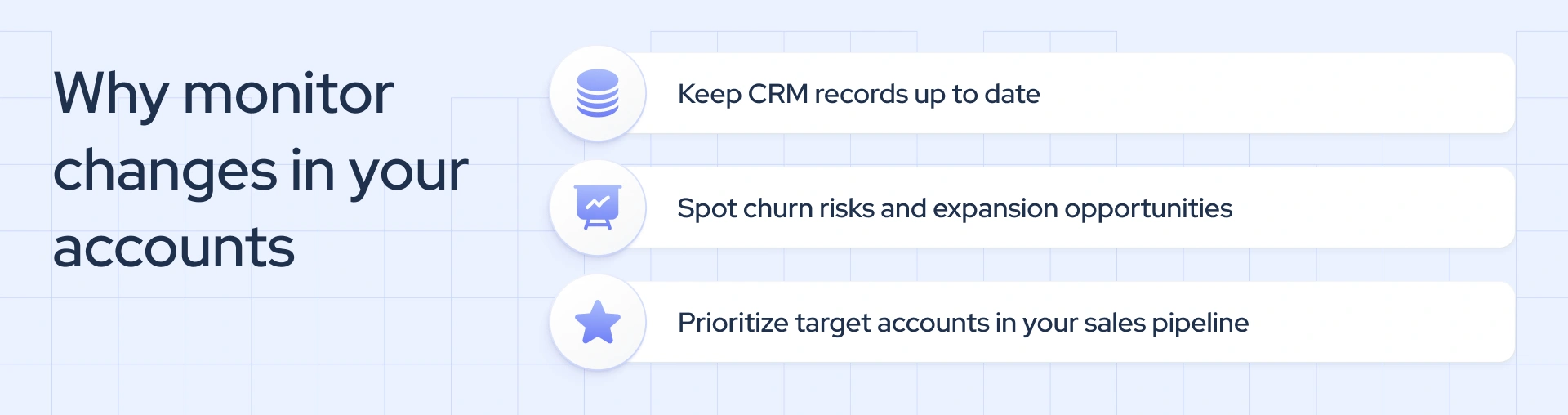
Keeping CRM records up to date
CRM records become outdated as companies change their headcount, industry, ownership, location, and operating status. CRM monitoring prevents incorrect segmentation, territory assignments, and lead scores, as well as duplicate or orphaned records.
Spotting churn risk and expansion opportunities
Account signals like declining headcount, rising employee departures, executive exits, fewer job postings, or an acquisition can indicate churn risk. In contrast, headcount growth in teams using your product, new locations, fresh funding, hiring in relevant departments, and relevant technology adoption open doors to new sales opportunities within the existing account. All they need is consistent monitoring.
Prioritizing target accounts in your sales pipeline
Account monitoring also helps teams prioritize target accounts and open opportunities that may signal buying intent. In addition, it can help them re-engage stalled or closed-lost deals when changing circumstances have made a purchase more likely. Examples of relevant signals here include new funding, new buying executives, or removal of competing technology.
How to automate B2B data monitoring
Webhooks let you automate B2B data monitoring by sending change notifications directly to your systems in real time. You can set them up in two ways, depending on whether your team wants to manage the integration itself, how many records you track, and how much control you need over the workflow: webhooks or no-code monitors, both available at Coresignal.
Webhooks
Coresignal’s Data API helps you identify records you want to monitor. The Company Data API searches and retrieves company profiles, and the Employee Data API searches and retrieves professional profiles.
With Coresignal’s B2B webhooks, you can track specific company IDs for account monitoring or subscribe to a query for market monitoring. Query-based subscriptions notify you when companies start or stop matching your criteria.
Instead of API pooling, where you repeatedly query for updates, webhooks in B2B notify you when a tracked record changes.
Field-level filtering helps you refine your monitoring. The tracked_fields parameter limits your webhook notifications to fields that matter to your workflow, and changed_fields tells you which fields changed in a notification.
Since webhook notifications don't contain the updated data values, your system can then call the relevant Collect API to retrieve a single updated profile or Bulk Collect to refresh multiple profiles. This setup reduces unnecessary requests and helps you use API credits more efficiently.
No-code Monitors
Coresignal Monitors let you avoid the technical implementation that comes with standard webhook integration. With this no-code feature, you define monitoring criteria in a self-service interface, and Coresignal handles the webhook setup.
Monitors also notify you when the records match or stop matching your criteria or when tracked profiles change. Instead of direct webhook alerts, you receive notifications via email and dashboard reports.
When to choose no-code Monitors vs. API webhooks
Both Coresignal Monitors and webhooks track B2B data changes, but they are set up differently and offer different levels of control.
Monitors are a good choice if:
- You’ve a team without developer resources. Monitors use Coresignal’s self-service platform, where users enter natural-language prompts and add their own webhook URL to receive updates.
- You need a faster way to monitor focused lists, like target accounts and defined market segments. Coresignal’s Monitors handle data discovery and list maintenance automatically.
- Your 5 Monitors and up to 10,000 profiles per Monitor suit your team’s monitoring needs. It’s enough to track several focused lists without the large-scale setup prices.
- You don’t mind the lack of control over the monitoring setup. Monitors lack the flexibility of API-based configuration for direct subscription management and require manual renewal after 90 days.
API webhooks are a better fit when:
- Your team needs more control over what is tracked and how it’s processed. You can track company and employee profiles by their IDs or detailed search queries at scale.
- You want to reduce noise in B2B data monitoring. Field-level filtering lets you control which data fields enter your system and how they map to your existing CRM or database architecture.
- Your business requires large-scale monitoring. Coresignal’s webhook API monitoring supports up to 500 subscriptions, each with up to 300,000 IDs, to cover large account lists and multiple market segments.
- You have the technical skills to handle the webhooks’ programmatic management. Your code automates the entire tracking process, adding and removing tracked IDs and renewing subscriptions.
Many teams start with beginner-friendly Monitors and move onto API webhooks as they scale and their needs grow, but you can also use them in parallel.
How to turn B2B data changes into action
Below you’ll find a few tips to help you make the most of B2B data changes:
- Combine signals for stronger context: A single data change, like headcount growth, may not mean anything. But paired with new funding, executive hires, and increased ad spend, it paints a clearer picture. Cross-reference signals to identify sales trigger events.
- Prioritize what matters: Rank signals based on relevancy to your use case and put more attention into recent changes. Focus on accounts that already fit your ICP or are in your pipeline to capitalize on opportunities most likely to convert.
- Route signals to the right people and tools: Assign account changes to account owners so they can respond timely, churn risks to customer success teams for investigation, and new ICP matches to SDRs or analysts for contacting. Workflow tools like n8n integration can help you do so without custom code.
- Reduce noise: Filter out routine updates and keep alerts useful by tracking only relevant fields, setting thresholds (e.g., a minimum percentage for headcount or new funding), deduplicating repeated alerts, and regularly adjusting monitoring criteria.
Final Thoughts
Business data monitoring helps you spot changes in your market and target accounts, from new hires to technology adoption, automatically. The key is knowing which signals match your goals and routing them to the right teams before they lose relevance.
Coresingal Monitors let you track changes without coding, and webhooks support API-driven monitoring for larger-scale workflows. Choosing between them depends on your team’s technical skills, monitoring needs, and scale. Make the right decision, and you’ll turn fresh data into timely sales outreach, account prioritization, and market intelligence.