

Would you rather run the same query on your target company lists on a schedule and compare new records with old ones to find what changed, or get a daily list of the fields that changed, delivered automatically? Starting today, our Multi-Source Company Data Webhooks give you the second option.
What is company change monitoring
Company change monitoring means tracking targeted companies, receiving notifications when specific fields change, and reacting automatically to those changes.
Let’s say, a target company raises a new funding round, another one grows past a hiring threshold, or a competitor opens an office in a new region. Each of these is a signal, but only if your team hears about it in time.
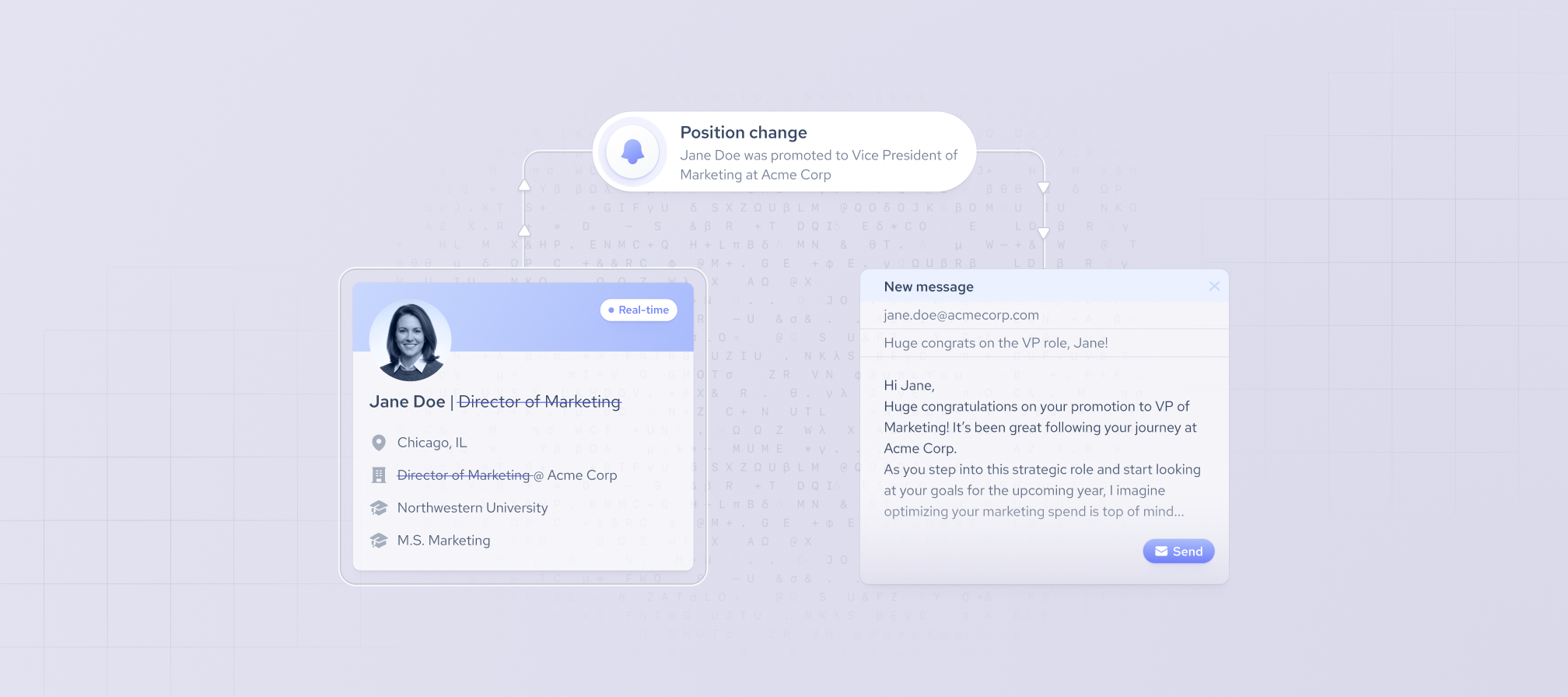
With Coresignal's company webhooks, you can track company updates as they happen. Rather than polling for changes, you receive a direct notification to a dedicated email address or Coresignal’s Self-Service dashboard, whenever a tracked company updates. From there, your workflow can update CRM records, alert account owners, or integrate the change into your product.
Built on Multi-Source Company Data
Our company monitoring API runs on Multi-source Company Data: the records are combined from multiple public sources, then deduplicated and cleaned. Each company has one record and one company_id, so every alert points to a single company you can match to your own systems, with no duplicates to sort out.
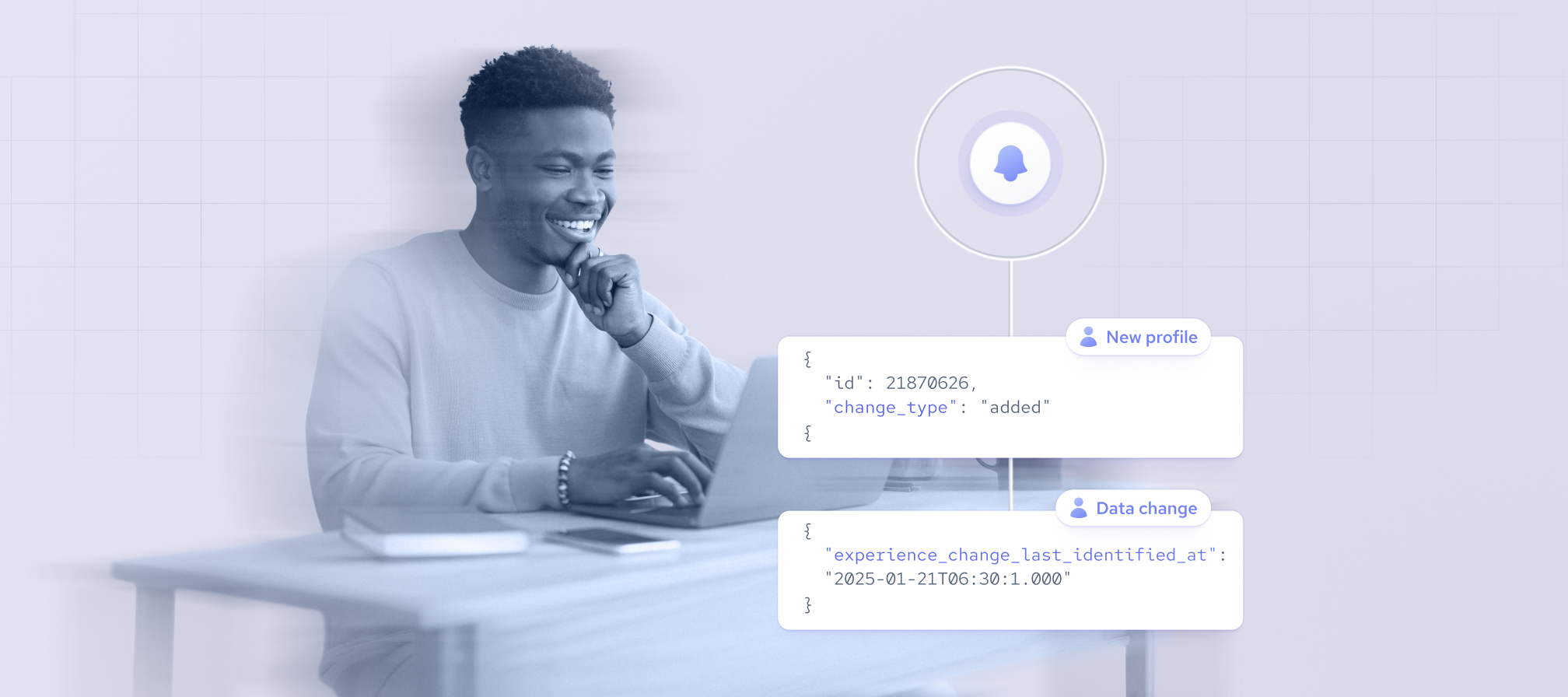
Company webhooks also use the same framework as our employee and experience webhooks. Teams already tracking people can add companies with no new integration work and have one framework without new integration work.
How to track company changes
To set up the company webhooks choose which companies to track and which fields to watch.
- Subscribe. Choose the method that works best for you:
- By company IDs: add a list of up to 300K company IDs per subscription.
- By criteria: use an Elasticsearch DSL query, such as "SaaS companies in Germany with 50-200 employees.
- Pick your fields (optional). Use tracked_fields to limit notifications to the fields that matter for your use case, for example, headcount, funding, and HQ location.
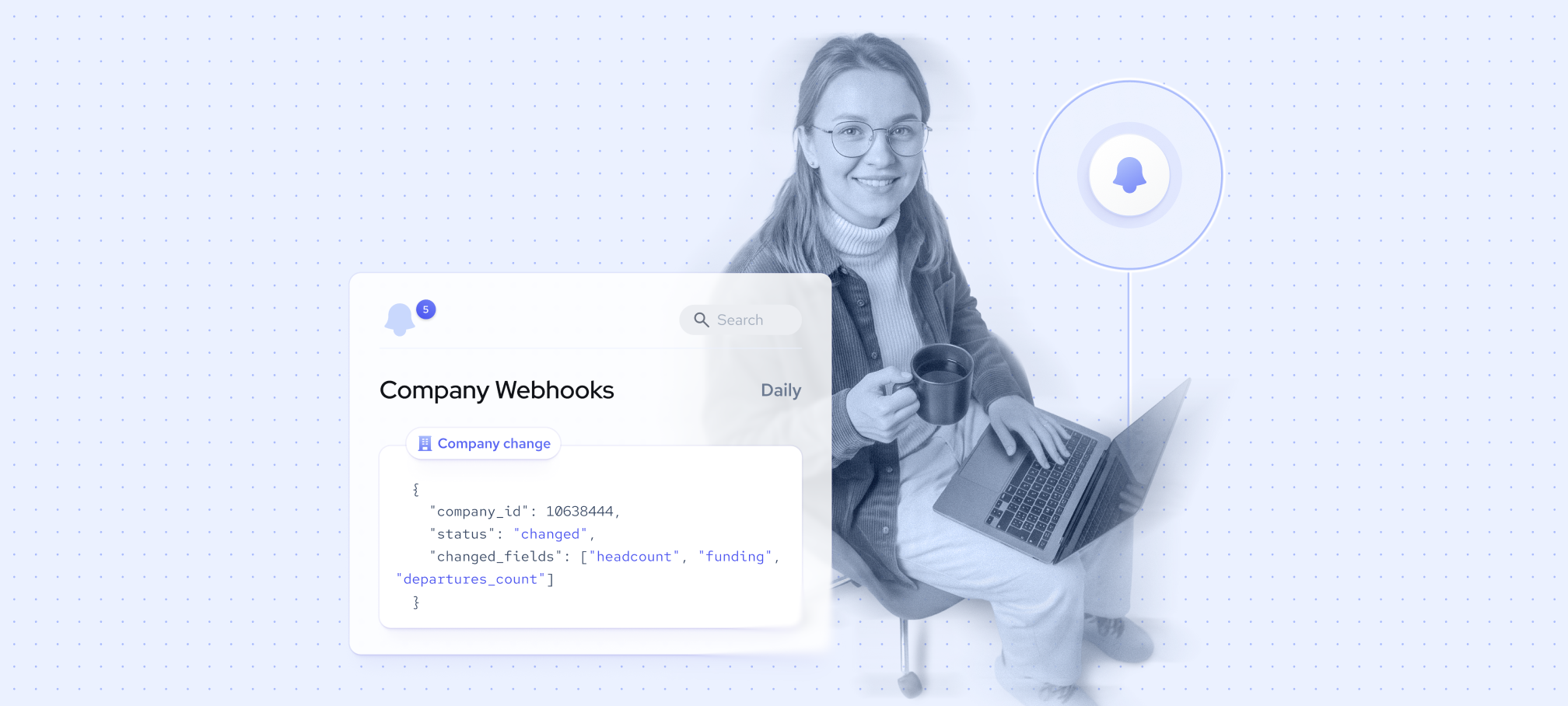
- Get notified daily. The payload lists each changed company by
company_idwith a statuschangedwithchanged_fields,started_matching_query, orstopped_matching_query statuses.
Once your subscription is live, you only collect the records that changed, instead of re-collecting your full company list to find them.
API polling vs. company change webhooks
Without webhooks, staying current means polling: re-querying and re-collecting your company list on a schedule, then comparing new records with old ones to find what changed. Every unchanged record still costs credits and processing time.
Turn company change alerts into signals your team acts on
With company webhooks, you decide which fields count as a signal for your use case, so your company change alerts only cover what your team will act on. Here's how that changes daily workflows for different teams:
Get started with company monitoring
Company webhooks are available now for Multi-source Company Data. Set up your first subscription and you'll get:
- Precise signals. See which companies changed and which fields moved, so you can decide what to act on before spending any credit.
- No extra credit cost. Default exclusions and tracked_fields filter out changes you don't need. Notifications to a dedicated email address or Coresignal’s Self-Service dashboard come at no extra credit cost, so you pay only for the records you collect.
- Coverage beyond a fixed list. Track up to 300K company IDs per subscription, or a segment defined by criteria, and get notified when companies enter or leave it.
- Resolved company records. Every alert is tied to one deduplicated Multi-source Company record, so you can match changes to your systems by company_id.
- One integration for companies and people. Company webhooks use the same framework as employee and experience webhooks, so teams already using them can add companies with no new integration work.
Find the setup steps and the full list of default exclusions in the company webhooks documentation, or contact Coresignal's team to see how company change signals fit into your data pipeline.