

Many teams track companies by re-collecting the same records on a schedule and comparing them with the previous version. Most records don’t change between runs, but you still pay to collect each one. A scheduled job also catches changes only as often as it runs, so a funding round or leadership change can go unnoticed for weeks.
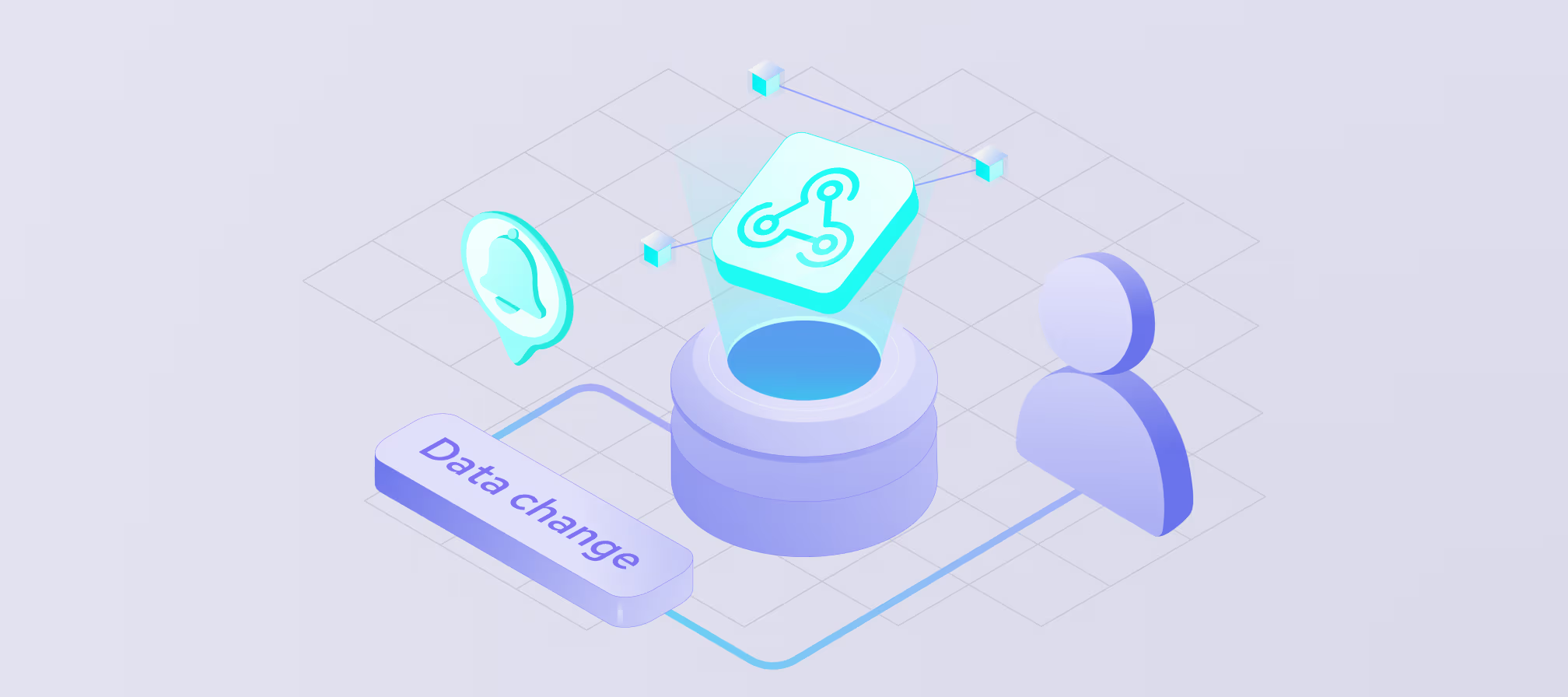
Company monitoring reverses the process. Instead of pulling data to look for differences, you get webhook notifications when a tracked company changes. In this guide, we explain how company monitoring works, which changes are worth tracking, and how to automate alerts with no-code Coresignal Monitors or company webhooks via API.
What is company monitoring?
Company monitoring is the ongoing tracking of selected companies for changes in their data, such as headcount, industry, location, or funding. You choose which companies to watch, and the monitoring system alerts you when their records update. You don’t need to check each company manually.
That makes it different from one-time enrichment. Enrichment adds data to a record at a single point in time, and the record starts aging as soon as it’s saved. A static list has the same limit, since it shows only the companies that matched your criteria on the day you built it.
Company monitoring keeps that information current. It combines data change detection, which spots that a record has changed, with data change tracking, which shows what changed. Instead of working from a snapshot, your team works from records that stay up to date.
Why track company changes?
Company data doesn’t stay accurate for long. Tracking changes helps your team act on current information instead of outdated records. There are 3 main reasons for it:
- Company records go stale. Companies grow, shrink, relocate, rebrand, and shift industries. A record that was accurate last quarter may now point your team to the wrong segment, size range, or market.
- Timing affects results. Reaching out soon after a company raises funding or expands a team gives sales, recruiting, and investment teams an early advantage. Finding the same change weeks later often means acting after competitors have.
- Changes signal opportunity or risk. A hiring surge or a new office can point to buying intent. Falling headcount or an industry change can flag risk for a client, portfolio company, or supplier.
With company monitoring, these signals reach you as they appear, not on your next scheduled data pull.
Which company changes are worth tracking?
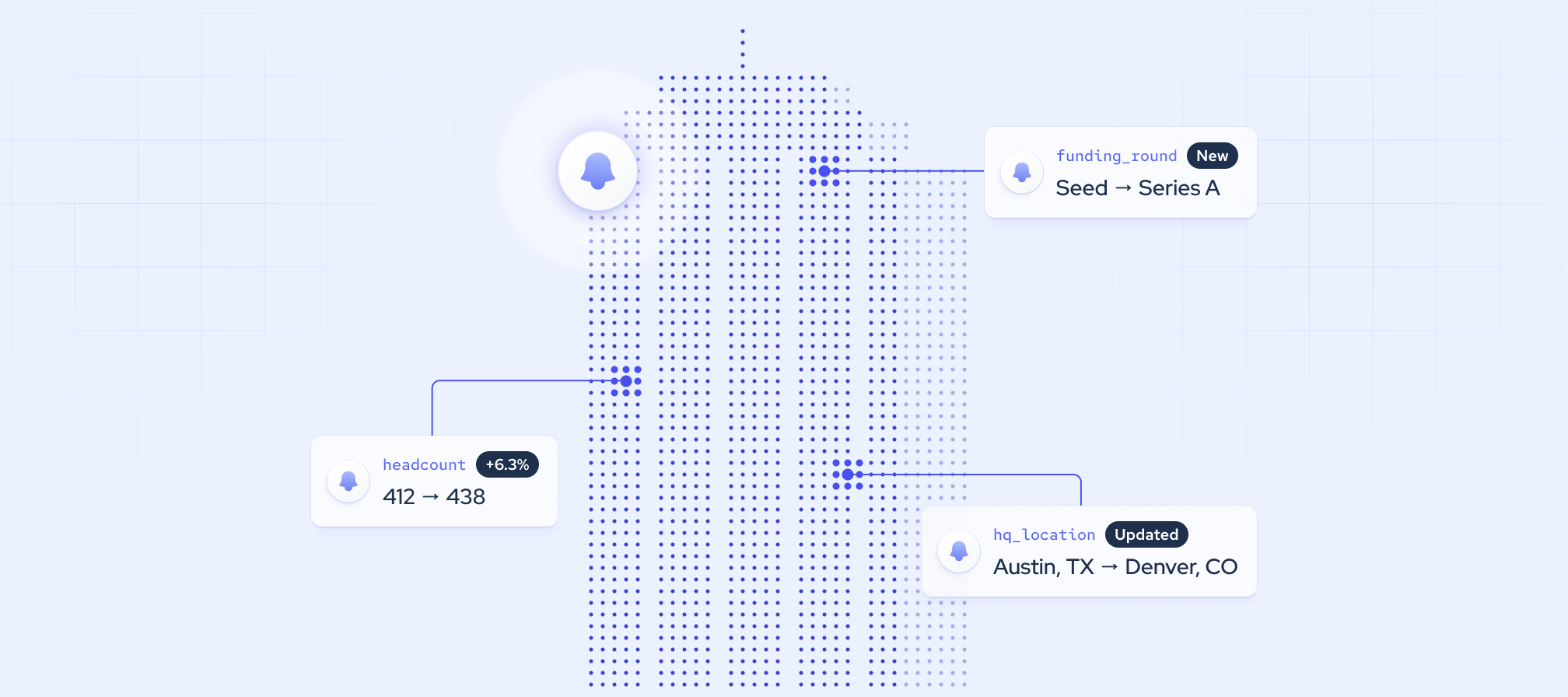
A company profile changes all the time, but only some of those changes tell you something about the business. A refreshed description or a new logo rarely matters. A jump in headcount, a new funding round, or a headquarters move often does.
Keep in mind that a single change is a clue, not a conclusion. A headcount drop could mean layoffs, a restructuring, or simply a data update. It’s the pattern of changes over time that gives you a clear picture.
Once you know which fields matter, company webhooks can watch those fields and send an alert when they change, so your team doesn’t have to check each record.
Below are examples of trackable changes based on Coresignal’s data.
Company monitoring use cases
Different teams often watch the same company changes for different reasons. A funding round can be a sales opening for one team, a deal signal for another, and a competitive warning for a third.
Sales and GTM: act on account changes at the right time
Sales and go-to-market (GTM) teams use company monitoring to track target accounts and existing customers. Instead of reaching out on a fixed schedule, reps can contact an account when something actually changes. Key signals include:
- New funding. A fresh round often means a new budget and plans to grow.
- Headcount growth. A growing team can signal demand for new tools and services.
- Leadership changes. New executives often review current vendors and bring in new priorities.
- New companies that match your ideal customer profile (ICP). When a company’s data changes so it fits your criteria, it can enter your pipeline automatically.
Paired with fresh B2B sales data, these alerts help reps focus on the accounts most likely to respond.
Investment: deal sourcing and portfolio monitoring
Investment teams use company monitoring on both sides of the deal cycle. For sourcing, they track companies that newly meet the fund’s criteria, such as a target industry, size range, or growth rate. For portfolio monitoring, they watch existing investments and watchlist companies for changes that affect performance or risk. Key signals include:
- Headcount trends. Steady growth can point to traction, while a decline can be an early warning.
- Funding rounds. New rounds show investor interest and help track valuations across a market.
- Leadership changes. Executive arrivals or departures can signal a shift in strategy or stability.
- Acquisitions. An acquisition can close a sourcing opportunity or reshape a competitive landscape.
Combined with broader investment intelligence, these signals help teams spot opportunities sooner and react to risks faster.
Market research and competitive intelligence
Market research and competitive intelligence teams use company monitoring to follow competitors and entire market segments. Tracking changes over time helps them spot shifts in strategy early, often before they’re publicly announced. Key signals include:
- Industry or description changes. A company that updates how it describes itself may be repositioning or entering a new market.
- New locations. New offices can reveal expansion into new regions.
- New technologies. Changes in a company’s tech stack can hint at new products or capabilities.
- Job postings in new areas. Hiring for unfamiliar roles often points to a new team or product line.
- Acquisitions. Buying another company can quickly change a competitor’s offering or market share.
Over time, these signals add depth to competitive analysis and help teams respond with evidence instead of guesswork.
Product, data, and AI teams: keep company data current
Product, data, and AI teams that build on company data have a different goal: keeping their own records accurate. Sales tech tools, investment platforms, and AI applications all depend on company records that can go out of date without warning. If a customer sees an old headcount or a former headquarters, trust in the product drops.
Company monitoring helps these teams refresh only the records that changed, instead of re-collecting their entire database on a schedule. Webhooks show which companies and fields changed, so teams can update their systems with less processing and fewer wasted credits. For teams working with data for AI, this keeps models, search tools, and agents working from current information.
How to track company changes with alerts and webhooks
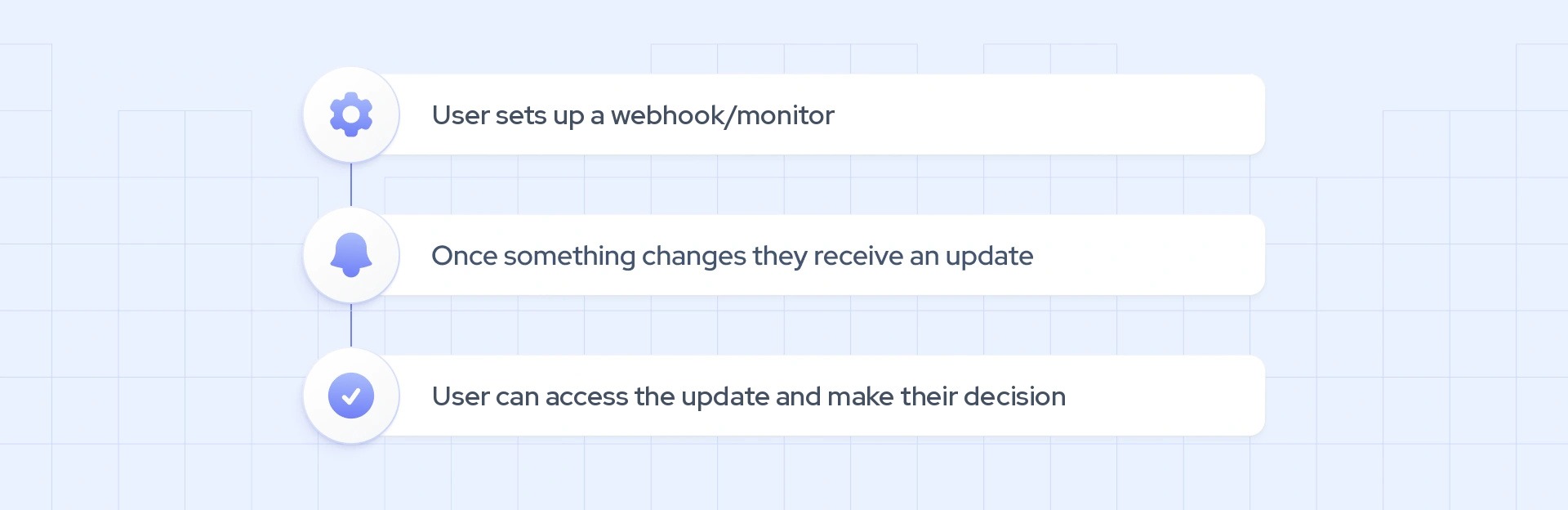
Alerts work better than manual checks or scheduled re-collection for three reasons:
- You only hear about what changed. Each alert points to the companies and fields that were updated, so there’s no need to compare old and new records.
- You don’t re-collect unchanged records. You spend credits only on the records you choose to collect after an alert.
- You don’t miss changes between checks. Updates reach you when they’re detected, not when your next scheduled job runs.
We offer two ways to set up webhook alerts. Coresignal Monitors is a no-code option for business teams that want alerts without technical setup. Company webhooks are API-based and built for developers who want to send change data straight into their own systems.
No-code alerts with Coresignal Monitors
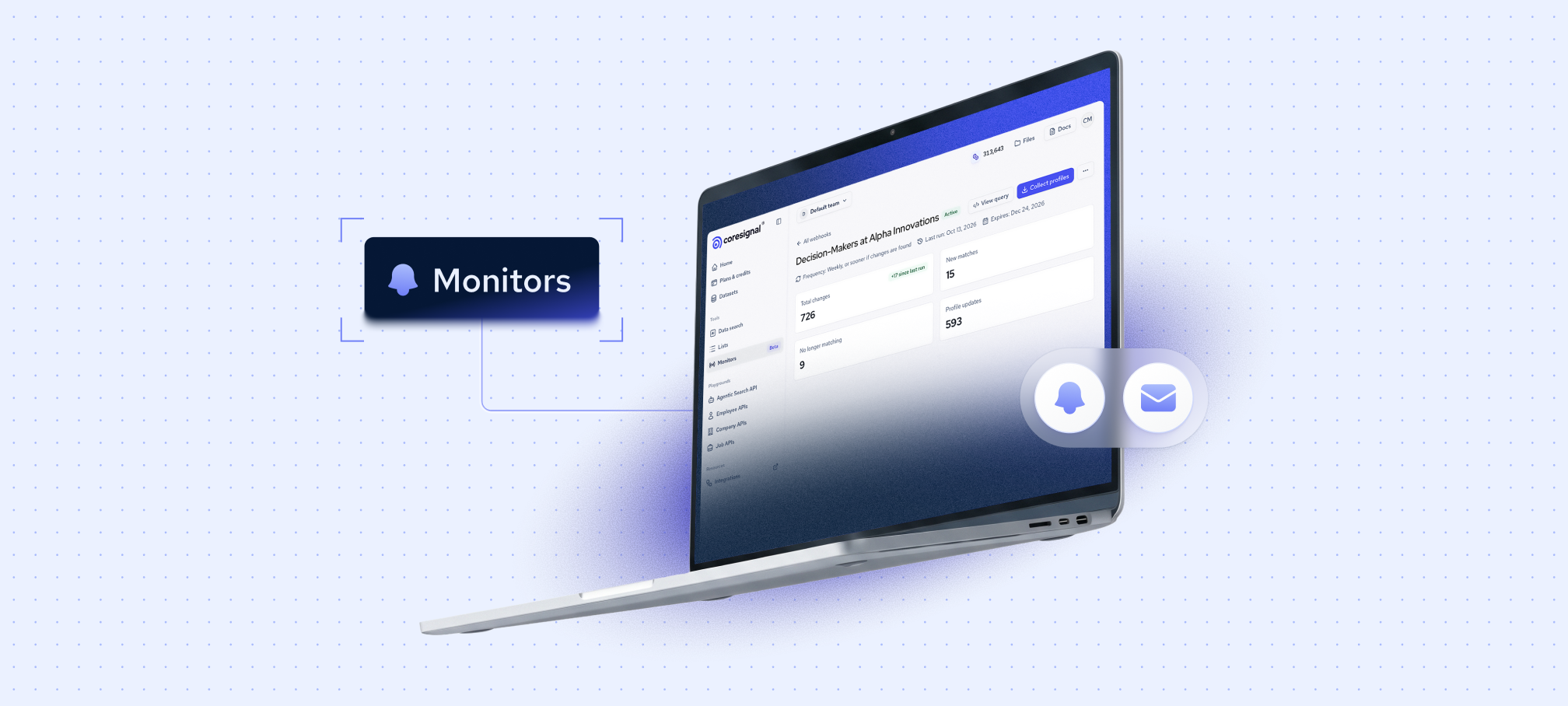
With Coresignal Monitors, you can turn an AI Data Search prompt into a company list that updates itself. Monitors work with both company and employee data, and each monitor runs as a webhook subscription that you create in our self-service platform, without code. It’s the simplest way to start company monitoring if your team doesn’t have developer support.
Here’s how it works:
- Describe the companies you want to track. In AI Data Search, write your criteria in plain language, such as “SaaS companies in Denver with 50-200 employees.”
- Start monitoring. Review your criteria and results first, since a monitor’s search can’t be edited after you create it. Then, select “Start monitoring.”
- Choose what to track and how to get alerts. Track all changes or only the fields that matter to you. Then, turn on email notifications, add your own webhook URL to send changes to your CRM or other tools, or do both.
- Review what changed. The Monitors report page shows new matches, companies that no longer match, and record updates.
- Collect only the changed records. Download just the updated data records instead of re-collecting your entire list.
Company webhooks
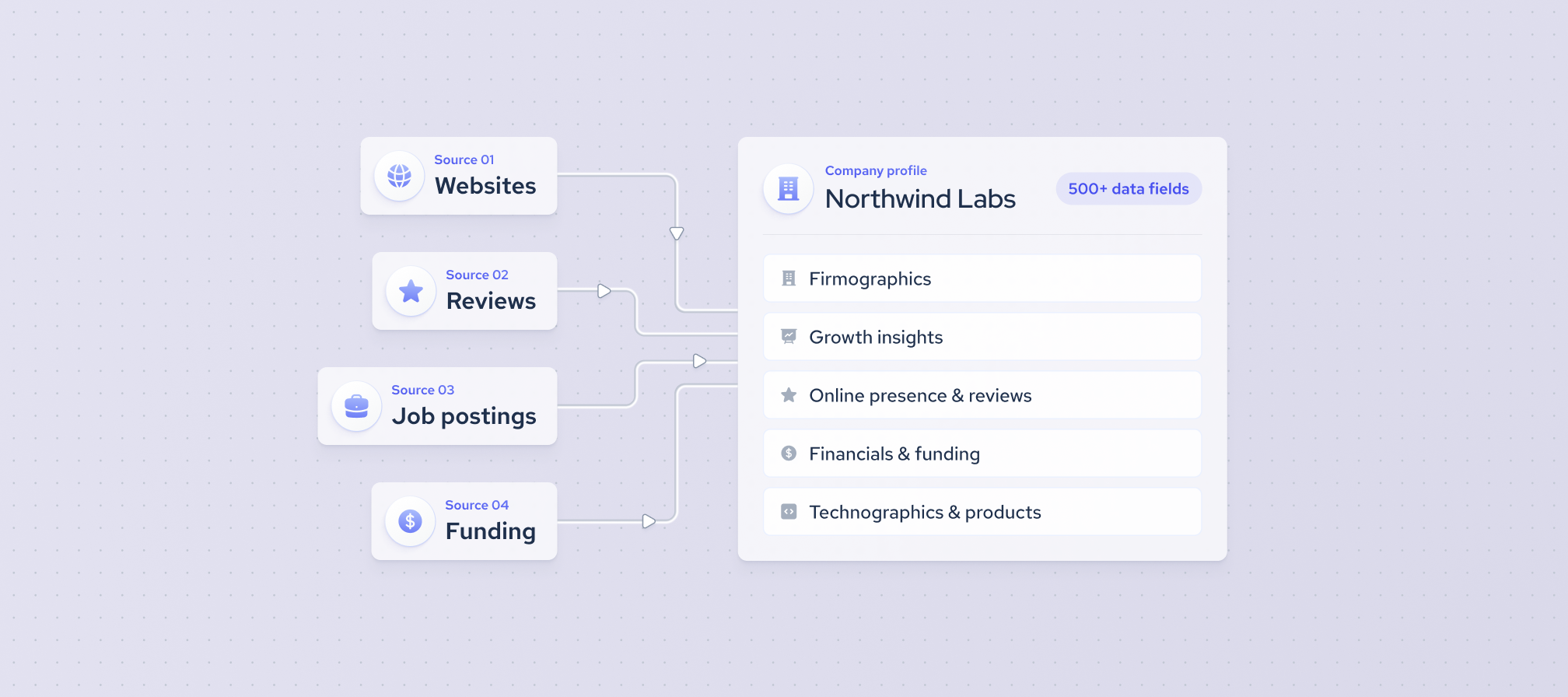
Company webhooks are part of our Company Data API and run on multi-source company data. They work as a company monitoring API: you track companies by ID list or search query, and we send your system a daily notification when any of them change.
Each notification says which company changed, what type of change it was, and which fields changed. It includes IDs and field names, not new values, so use the Collect endpoint for one company or Bulk Collect for many to get the updated data. You’ll find the setup steps in our company webhooks documentation.
Here’s a short example of a notification:
[
  {
    "company_id": 125,
    "status": "changed",
    "changed_fields": ["employees_count", "last_funding_round"]
  }
]
To summarize
Company monitoring helps teams act on what just changed instead of working from snapshots that age every day. We offer two ways to get started: Coresignal Monitors for business teams that want alerts without code, and company webhooks for developers who want changes sent straight into their systems. Both run on multi-source company data from our 5B+ data records, and webhooks are included in every plan, including the 7-day free trial. Start with a few accounts you care about and let the alerts show you what’s worth acting on.