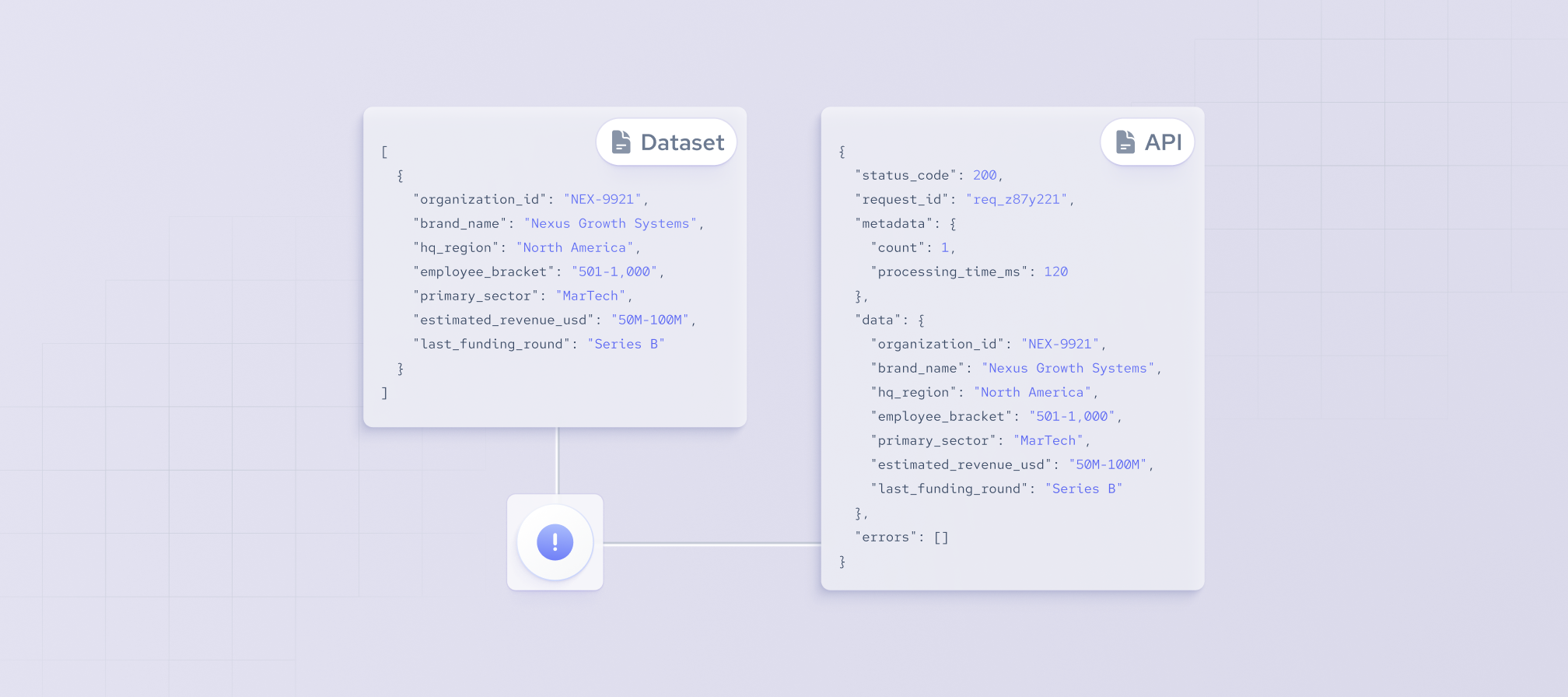



Businesses increasingly rely on fresh, structured professional data to power HR technology, sales intelligence, workforce analytics, and AI-driven applications. However, collecting and maintaining professional information from multiple public sources is time-consuming and often leads to fragmented or outdated records.
A professional data API solves this challenge by allowing applications to search, retrieve, and integrate structured professional data programmatically. In this article, we'll explain what a professional data API is, how it works, the data it provides, and the business use cases it supports.
What is a professional data API?
A professional data API is an application programming interface (API) that enables software applications to access structured information about professionals and their career backgrounds programmatically. Instead of collecting and processing professional information manually, developers can retrieve standardized data through API requests.
Professional data typically includes employment history, education, skills, job titles, companies, and other career-related information rather than only personal or contact details. Delivered in a structured, machine-readable format, the data can be processed automatically, making it easier to power search, analytics, enrichment, and AI applications.
For organizations looking to integrate workforce information into their products or workflows, an Employee Data API provides a scalable way to access structured professional data.
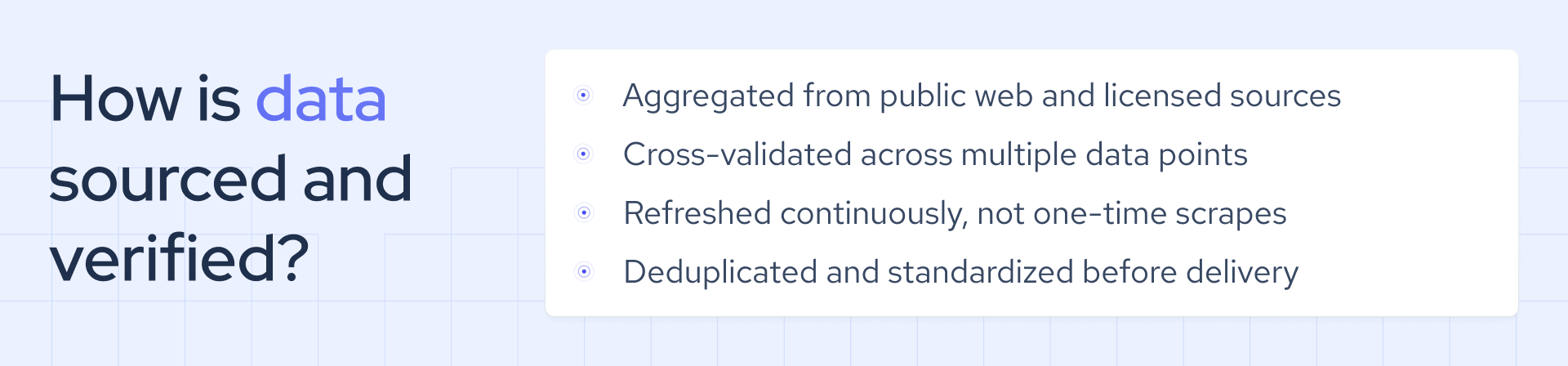
What data fields can a professional data API provide?
The data fields available through a professional API vary by provider, product, and the scope of its data coverage. While the exact fields differ, most APIs provide structured information about an individual's professional background, including:
- Current employment
- Career history
- Education
- Qualifications and skills
- Languages
- Career-related signals
Together, these fields provide a structured view of a person's professional background and career development, enabling businesses to analyze talent, enrich records, and build data-driven products and workflows. Below is a table explaining more data fields and their examples.
How does a professional data API work?
A professional API typically follows a request-and-response model. An application sends a request to a specific API endpoint, and the API returns matching professional data in a structured, machine-readable format that the application can process automatically.
The process generally works as follows:
- Authenticate the request. The application connects to the API using an API key or another supported authentication method.
- Submit a query. The request includes search filters (such as company, job title, or location) or a known profile identifier.
- Retrieve matching data. The API searches its dataset and identifies records that match the request or retrieves the specified professional profile.
- Receive the response. The API returns the results – typically in JSON format – along with relevant response information, such as metadata or status details.
Some professional data APIs return complete profile records in a single response, while others first return matching profile IDs or profile previews that can be used to retrieve full records in a subsequent request. This approach gives developers greater flexibility when working with large datasets or building multi-step data retrieval workflows.
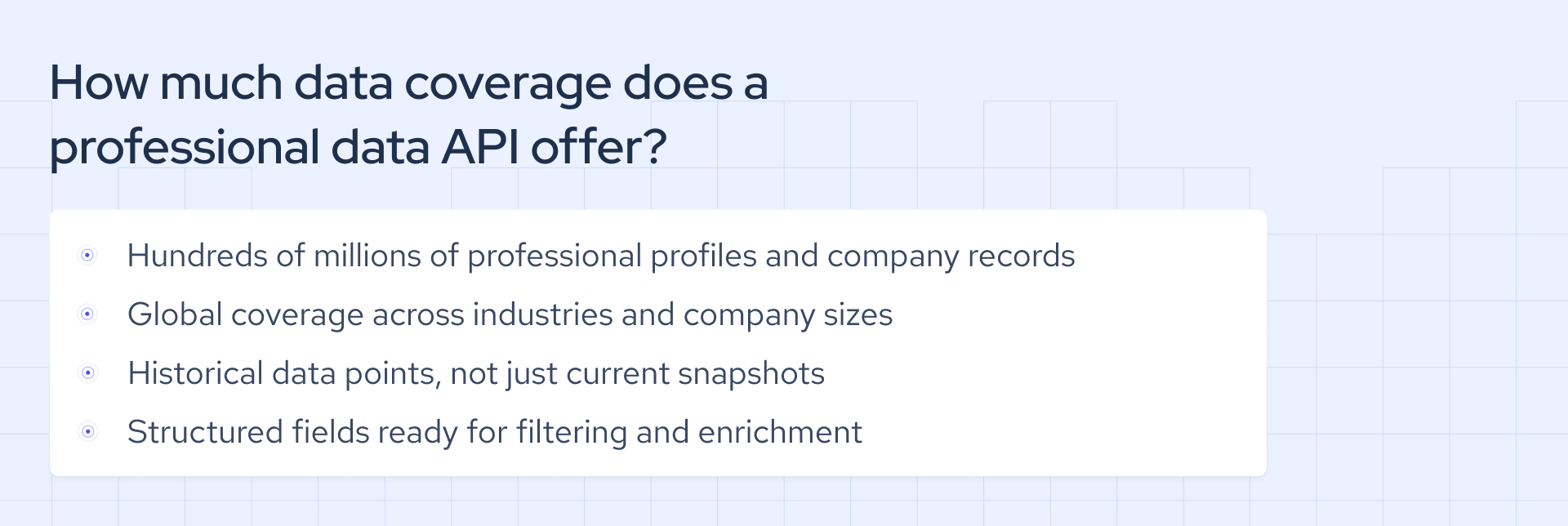
How can a professional data API be integrated into a product or data pipeline?
Professional data is constantly evolving as people change jobs, receive promotions, relocate, gain new skills, or update their education. To keep products and workflows accurate, businesses need access to data that reflects these changes.
Professional data APIs make it easier to keep records current in several ways:
- Retrieve the latest profile data on demand. Applications can request the most recent version of a professional profile whenever it's needed.
- Access real-time data. Some providers offer real-time access, allowing applications to work with the latest available professional data.
- Track profile changes with webhooks. Rather than checking for updates continuously, applications can receive webhook notifications when selected profiles or employment records change.
For example, Coresignal enables businesses to keep professional data up to date through continuously refreshed Employee API records, real-time data access, and signals that notify applications about profile and employment changes. This helps reduce manual monitoring while ensuring products, workflows, and AI applications operate on current professional data.
When should you use a professional data API, and when is a dataset a better fit?
A professional data API and a professional dataset often provide access to similar types of professional data, but they're designed for different data volumes, access patterns, and workflows. In general, an API is best for retrieving data on demand, while a dataset is better suited for large-scale analysis and processing.
Organizations often use both approaches together. An employee data API is well suited for retrieving and enriching professional records as they're needed, while employee datasets provide the scale required for bulk analysis, historical research, and building large data repositories.
What are the main use cases for a professional data API?
A professional API is typically used when applications, internal systems, or AI tools need access to structured, up-to-date professional data as part of an automated workflow. While specific implementations vary, the following are some of the most common business use cases.
How to choose a professional data API?
The right professional API depends on your use case, the data fields you need, expected request volume, and how important data freshness is for your application. Before comparing technical features, evaluate the quality of the underlying professional data.
Look for factors such as data coverage, record completeness, available fields, update frequency, and historical depth. Once you're confident the data meets your requirements, consider the following:
- Search and enrichment capabilities that align with your workflow.
- API documentation that is clear, comprehensive, and easy to implement.
- Scalability to support your expected request volume and future growth.
- Pricing model that matches your usage patterns and budget.
- Technical support and implementation resources.
- Data licensing and usage requirements to ensure compliance with your intended use case.
Finally, review sample records or test the API before making a decision. This is the best way to verify that the data quality, available fields, and API functionality meet your requirements. Comparing multiple data providers can also help you identify the solution that best fits your product, workflow, or AI application.
Can a professional data API support AI agents and natural-language search?
A professional data API can provide AI agents with structured professional data for tasks such as professional search, matching, data enrichment, and automated research. However, most APIs don't accept natural-language requests directly. Instead, they require predefined filters, profile identifiers, or another structured query format. To support natural-language search, an additional layer is needed to interpret the user's request and translate it into a query the API can execute.
One example is Coresignal's Agentic Search API. Instead of manually constructing API queries, AI agents can describe the company, employee, or job data they need in plain language. The API interprets the request, queries the underlying datasets, and returns structured, machine-readable results that can be used for automation, AI workflows, and application development.
Final thoughts
A professional data API enables businesses to access, integrate, and maintain structured professional data without relying on manual collection or outdated records. Whether powering HR platforms, sales intelligence, workforce analytics, or AI applications, it provides a scalable way to retrieve the data needed for automated products and workflows.
Choosing the right solution comes down to your use case, the quality and coverage of the data, and how well the API fits your technical requirements. By evaluating both the data and the API's capabilities, organizations can build more reliable, data-driven applications with confidence.