




In 2026, static databases no longer meet the needs of B2B teams that require real-time data flow into a CRM, data warehouse, AI agent, or custom product. But switching to an enrichment API does not automatically solve the problem because the real challenge is finding the one built for your specific workflow.
That is exactly what this article addresses. It is not a general guide to data enrichment. It is a workflow-based comparison of eight B2B data enrichment APIs, designed to help you identify which provider best fits your use case, data requirements, and technical environment.
What is a data enrichment API?
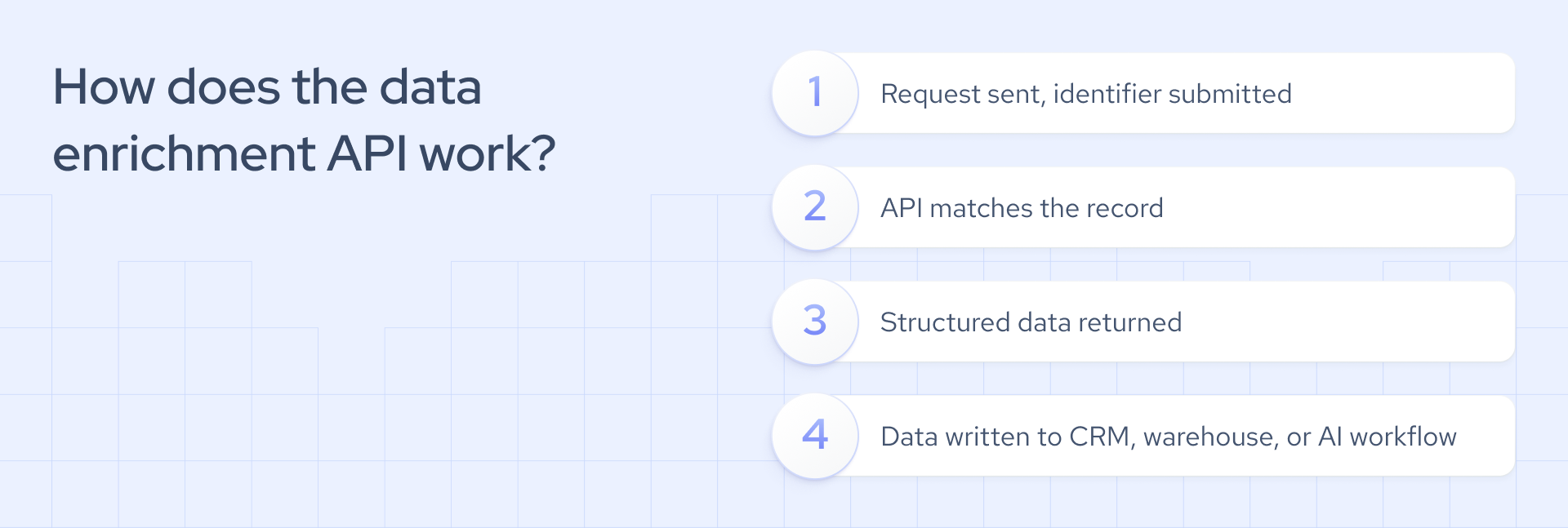
A B2B data enrichment API acts as a pipeline that adds new fields to your existing records using identifiers you already have, such as a company domain, company name, LinkedIn URL, or email address. When your system sends a request, the API returns structured data within milliseconds. For example, Coresignal’s API has an average response time of 176 ms.
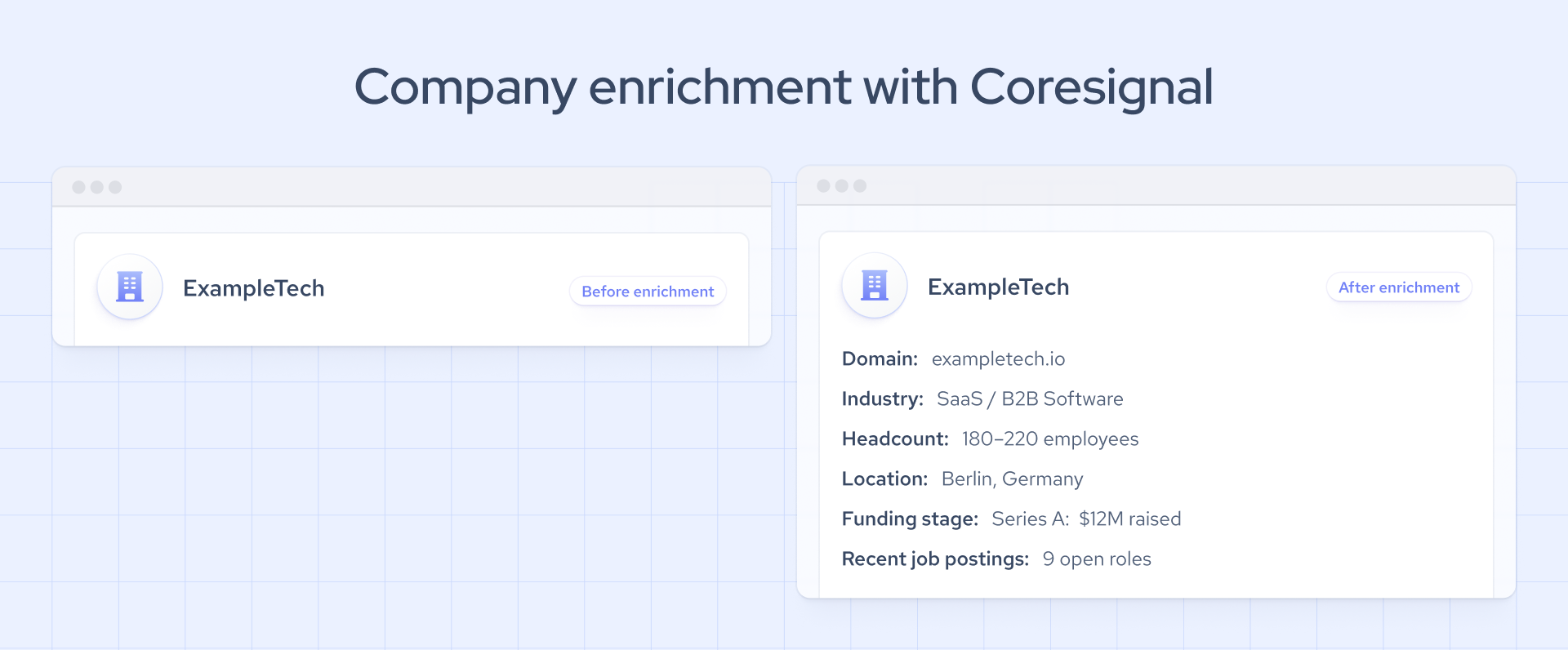
In practice, you send a company domain to an API endpoint. The API returns a JSON response with fields such as headcount, industry, funding stage, or recent job postings. You can integrate this data directly into your CRM, analytics tool, data warehouse, AI workflow, or internal platform, without any manual work or exports.
As a result, your records become more detailed, easier to use, and simpler to organize. You can do all this quickly, in real time, and right inside your current system. For a broader overview of how enrichment works, see our guide: Data Enrichment Explained.
Data enrichment API vs data enrichment tool: what’s the difference?
The main difference between a B2B data enrichment API and a data enrichment tool lies in how they deliver information. API integrates structured data directly into your systems. In contrast, a tool delivers this data through an interface built for business users. Both options automate research tasks that would otherwise require manual work.
Data enrichment tools are designed for sales and marketing teams. These tools offer user interfaces, CRM integrations, extensions, list-building features, no-code workflows, and outbound functions. Non-technical users can act on enriched data without writing code.
The data enrichment API is built for developers and data teams. These APIs do not have a user interface. Instead, they provide endpoints, JSON responses, rate limits, matching logic, and consistent schemas. APIs serve as a technical data layer for CRM pipelines, AI agents, data warehouses, internal products, and custom workflows.
As a practical rule, choose a data enrichment tool if non-technical team members need daily access. Choose an API if enriched data needs to flow into systems, products, or machine learning models. For a more detailed review, check our blog post on B2B data enrichment tools and best practices.
How we evaluated the best B2B data enrichment APIs
Enrichment APIs do not always fail in ways you can spot immediately. Sometimes, the issues are subtle: incomplete records, lower match rates as your usage grows, or schema inconsistencies that only appear in real production environments.
To help you avoid these problems, we evaluated the 8 best B2B data enrichment APIs against six key criteria:
- Data coverage. Does the API offer more than just basic contact details, such as company firmographics, employee information, job postings, technographics, funding signals, and web presence?
- Data freshness. How often is the data updated? Does the provider offer real-time data enrichment API updates or webhooks?
- Ease of integration. Is the documentation clear? Are response formats consistent, is error handling dependable, and is there a sandbox or free trial?
- Workflow fit. What use cases does the API support, such as CRM enrichment, lead scoring, AI agents, market intelligence, talent intelligence, or investment research?
- Compliance and transparency. How is the data collected? Is the provider open about sourcing, opt-outs, and governance?
- Scalability and delivery options. Does the provider offer both API access and bulk delivery in formats such as CSV, JSONL, or Parquet?
Compare the best B2B data enrichment APIs for B2B workflows
Below is a structured comparison of the eight best B2B data enrichment API providers. We looked at each one using the same set of criteria: data coverage, freshness, developer experience, workflow fit, compliance, and delivery options. The goal is not to rank them, but to help you identify which one fits your specific use case.
1. Coresignal
Coresignal delivers fresh, reliable public web data to enrich B2B workflows with company, employee, and jobs records. All sourced from publicly available web sources and continuously updated. Unlike contact-focused enrichment tools, Coresignal serves as a foundational data infrastructure. It enables teams to build custom workflows, support AI systems, and run large-scale intelligence pipelines. You can access data on demand through the API or receive tailored datasets for deeper analysis.
- Best for: CRM and account enrichment, lead scoring, market intelligence, talent intelligence, investment research, AI agent enrichment, signal generation.
- Data coverage: 75M+ companies, 890M+ employees, and 460M+ jobs records.
- Freshness: real-time API with an average response time of 176 ms.
- Ease of integration: clear documentation and a 7-day free trial.
- Delivery options: API and datasets (CSV, JSONL, Parquet); Base, Clean, and Multi-Source data formats.
- Compliance: collects only publicly available data, staying in line with privacy guidelines. Certified by the Ethical Web Data Collection Initiative.
2. People Data Labs
People Data Labs specializes in people and company identity data, offering developer-focused solutions with extensive coverage of professional profiles, company records, and contact information. Their raw API access is well-suited for teams looking to build data products, enhance internal enrichment systems, or support identity resolution workflows. Teams that need richer public web signals, job postings, market intelligence, or workforce trends will find Coresignal a stronger fit for those workflows. For a detailed breakdown, compare Coresignal and People Data Labs using 16 criteria.
- Best for: enriching people, companies, contact, or IP data.
- Data coverage: 70MM+ company profiles, 2.4B+ people profiles.
- Freshness: monthly updates.
- Ease of integration: developer-friendly documentation, flexible API endpoints, and a free trial.
- Delivery options: API and datasets.
- Compliance: focuses on publicly available data.
3. HubSpot Breeze (Clearbit)
Clearbit, now part of HubSpot as HubSpot Breeze, is designed for marketing and sales operations teams that need a seamless enrichment API for B2B data within their CRM. With minimal setup, it delivers company and contact enrichment directly into HubSpot workflows. This makes it a fast and accessible solution for non-technical teams looking to enhance their records. However, if your goals include building custom data products, powering AI workflows, or developing large-scale intelligence pipelines that rely on broader public web data, you will need a more robust, infrastructure-focused provider such as Coresignal.
- Best for: CRM enrichment, marketing automation, sales ops workflows within the HubSpot ecosystem.
- Data coverage: 89M company records, 462M contact records, 4.5B mapped IPs.
- Freshness: every 30 days.
- Ease of integration: native HubSpot integration, minimal technical setup required.
- Delivery options: CRM-native; limited standalone API access.
- Compliance: SOC 2 Type 2 certified, aligned with GDPR principles, and CCPA compliant.
4. Apollo
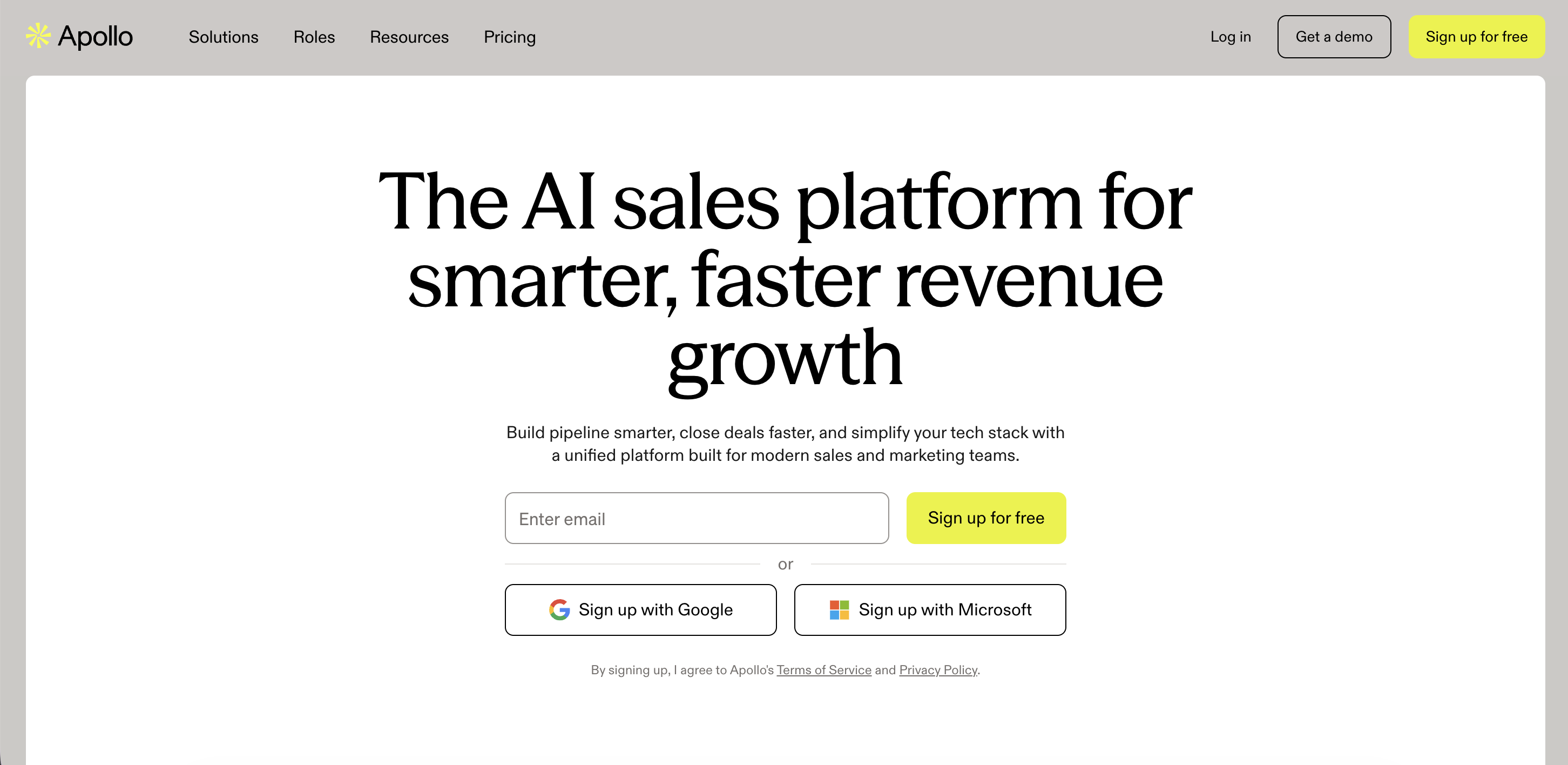
Apollo is a unified sales platform that combines enrichment with prospecting, sequencing, and outbound activities. It is designed for go-to-market teams that want a contact and company enrichment API for B2B data to connect directly into their outreach workflows, without multiple tools. Apollo positions itself primarily as a sales engagement platform, with data enrichment as a secondary feature. If your team needs enrichment as a standalone data layer for custom workflows, AI systems, or public web signals, Coresignal is a stronger choice.
- Best for: sales prospecting, contact enrichment, outbound sequencing, GTM workflows.
- Data coverage: 30M+ companies, 230M+ contacts.
- Freshness: real-time.
- Ease of integration: well-documented API, straightforward setup, free trial available.
- Delivery options: API, platform-native workflows, CSV import and export.
- Compliance: ISO 27001 and SOC 2 certified, GDPR compliant.
5. ZoomInfo
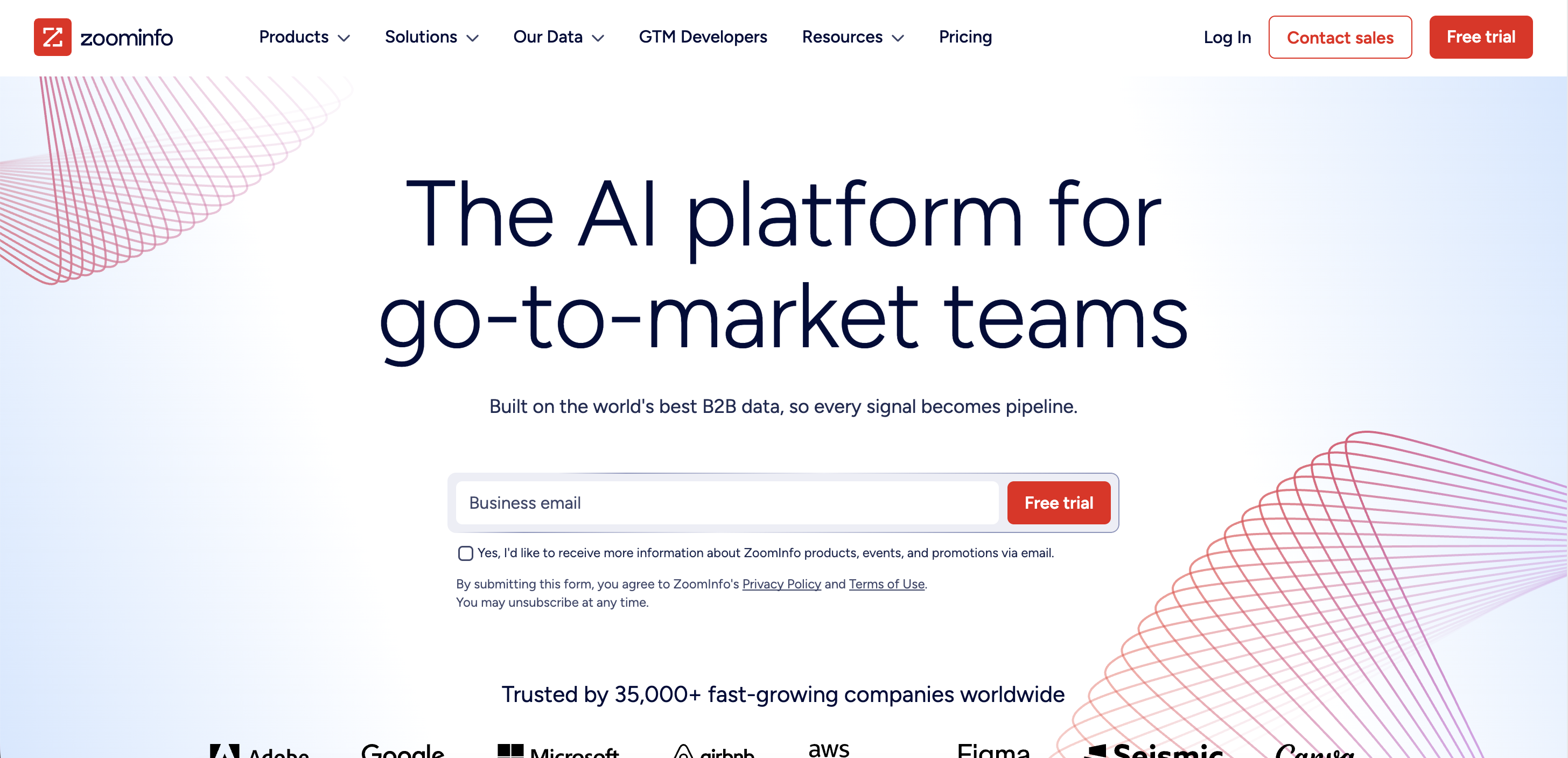
ZoomInfo is a sales intelligence platform recognized for its extensive database of contacts and companies. It serves sales teams seeking CRM enrichment, account insights, and scalable contact data, and also supports go-to-market teams with sales and marketing intelligence. In contrast, Coresignal delivers public web data for teams developing custom workflows, data products, or AI systems. For a full breakdown, you can compare Coresignal and ZoomInfo and choose the one that fits your workflow.
- Best for: CRM enrichment, sales prospecting, automation, lead generation.
- Data coverage: 100M+ company records, 500M+ professional profiles, 300M+ verified emails.
- Freshness: regularly updated, not specified.
- Ease of integration: enterprise-grade API, CRM integrations with Salesforce and HubSpot.
- Delivery options: API, platform-native workflows, CRM integrations.
- Compliance: GDPR and CCPA compliant.
6. Clay
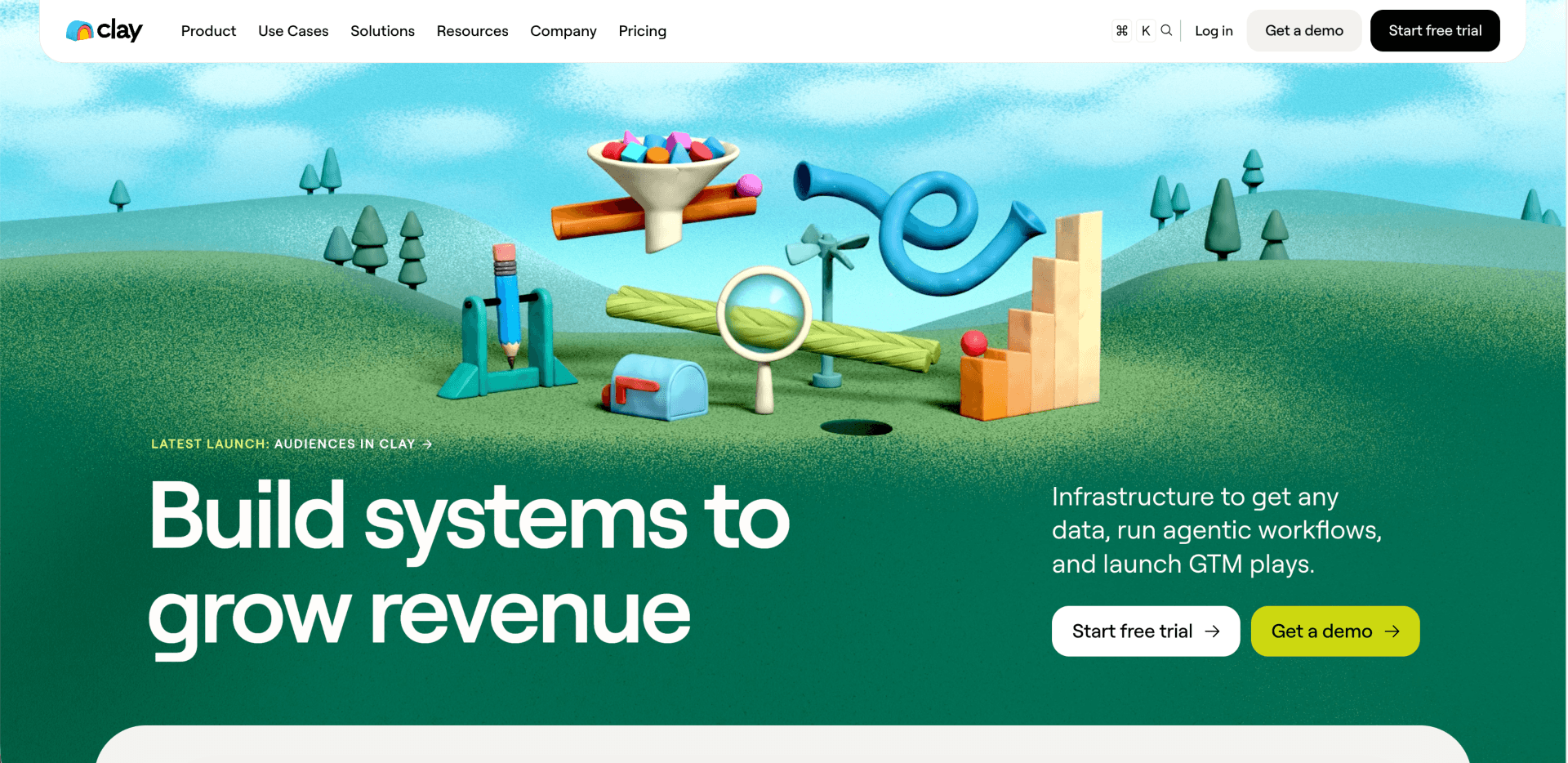
Clay is not a traditional data provider. Instead, it acts as a workflow builder that connects to several data sources at once. It uses a step-by-step enrichment process, checking each source until it fills in the needed information. This approach is well suited for growth and sales operations teams that want to combine data from different enrichment providers without having to write code. By integrating Coresignal into Clay through an API, you can add public web data to your enrichment workflows and expand your data coverage.
- Best for: no-code enrichment workflows and waterfall enrichment.
- Data coverage: depends on connected sources; Clay itself aggregates data from multiple providers.
- Freshness: depends on connected sources.
- Ease of integration: no-code workflow builder, extensive native integrations, API access available.
- Delivery options: platform-native workflows, CRM integrations, CSV export.
- Compliance: GDPR and CCPA compliant.
7. UpLead
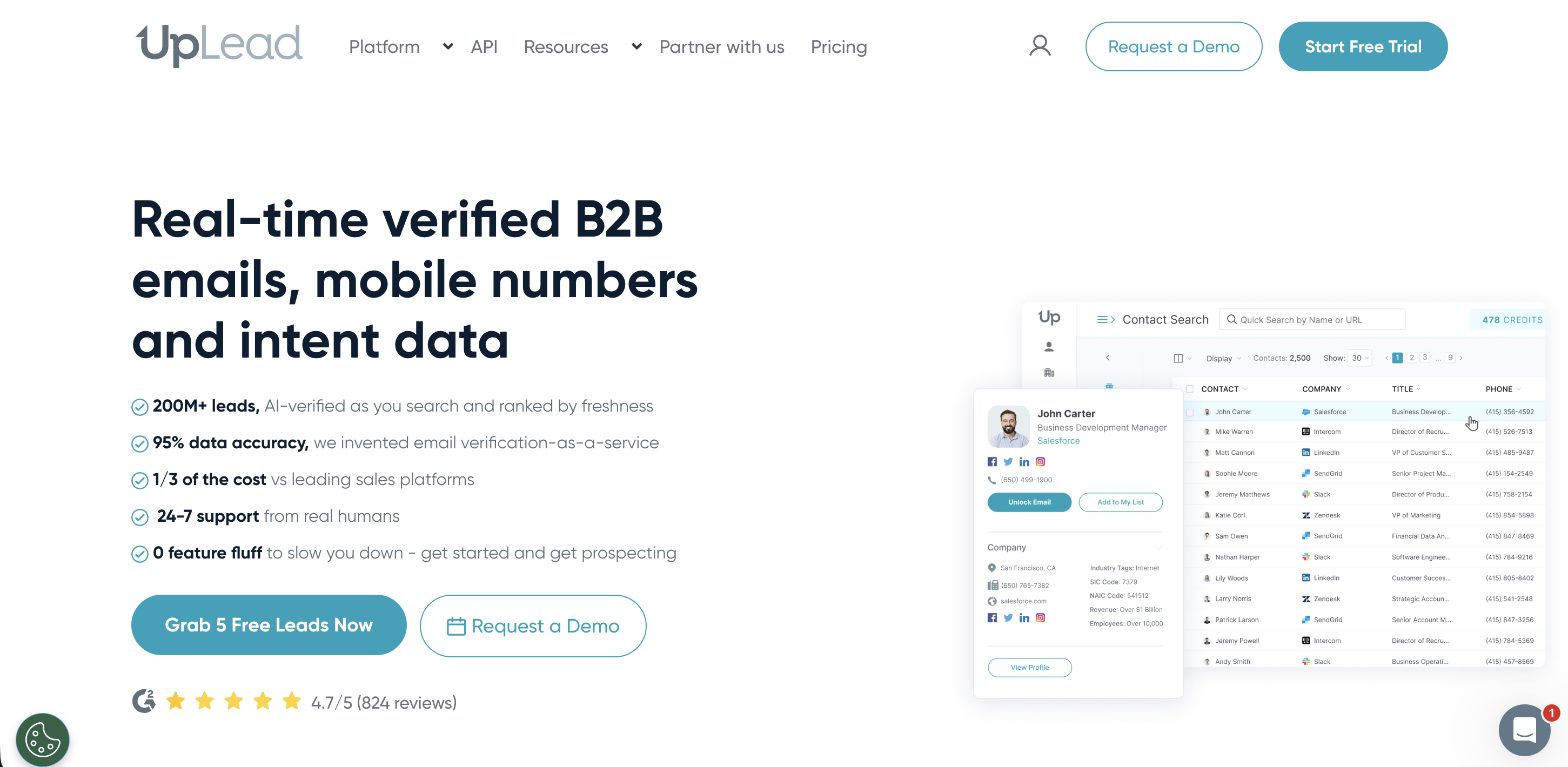
UpLead is a B2B data provider that leads with verified contact information. It is built for teams that need enriched prospect and CRM records they can trust for outbound sales and lead generation, with email verification built into the enrichment process. Unlike purely API-first providers, UpLead also offers a sales-friendly platform, making it a good fit for teams that want both programmatic access and a usable interface. For broader B2B data enrichment beyond contact-level records, workforce data, job signals, or market intelligence, Coresignal is the stronger choice.
- Best for: contact enrichment, CRM enrichment, outbound sales, lead generation.
- Data coverage: +180M B2B contacts with email addresses, +19M global company profiles.
- Freshness: regularly updated (not specified); email verification at point of export.
- Ease of integration: API access available, sales-friendly platform, straightforward setup.
- Delivery options: API, platform-native workflows, CSV export.
- Compliance: compliant with privacy regulations.
8. Crunchbase
Crunchbase is an intelligence platform focused on private companies, combining live company data, AI, and market activity signals. It is built for investors, dealmakers, and analysts who need to track funding rounds, acquisitions, emerging companies, and private market movements. For investment research, market mapping, and competitive intelligence workflows, it is a strong fit. Where Crunchbase excels in funding and startup intelligence, it is more limited on workforce signals, job postings, and employee-level enrichment, areas where Coresignal provides significantly broader coverage. Depending on the intended use case, other Crunchbase alternatives may be better suited for sales prospecting, investment research, or company data infrastructure and signal-based discovery.
- Best for: investment research, funding intelligence, startup tracking, market intelligence, private company analysis.
- Data coverage: company financials, funding activity, leadership information, firmographics, acquisitions, IPOs, and AI-powered predictive signals.
- Freshness: 30M+ updates per year; frequency of updates depends on how the data is being sourced and processed.
- Ease of integration: well-documented API, straightforward setup.
- Delivery options: API and data exports.
- Compliance: SOC 2 Type 2 certified; GDPR and CCPA compliant.
Which data enrichment API is best for each B2B workflow?
Different workflows require different types of data. For example, a CRM enrichment pipeline needs different information than an AI agent or an investment research tool. The table below matches B2B workflows with the relevant B2B data enrichment API types and providers.
How to choose the right data enrichment API
There is no single best B2B data enrichment API. The right choice depends on your workflow, your data requirements, and your technical setup. As IBM points out, even accurate and complete data loses value if it does not support the outcome you need, which is exactly why fit matters more than features. Here is how to find the right one for your business:
1. Start with your workflow, not the vendor list
Are you enriching a CRM, powering an AI agent, building a market intelligence dashboard, or supporting a prospecting tool? Your workflow shapes every other decision, including which data types you need, how fresh the data must be, and the best delivery method.
2. Define your required identifiers
What identifiers does your system already use, like domain, email, company name, LinkedIn URL, or internal ID? Choose a provider whose matching logic works with the identifiers you depend on.
3. Check data freshness requirements
If you’re doing historical analysis, monthly updates might be enough. For CRM enrichment, AI agents, or sales intelligence, you’ll probably need real-time or near-real-time updates. Always check how often a provider updates its data before you decide.
4. Compare data depth vs. match rate
Some workflows need broad coverage across company, employee, and job data. Others need the highest match rate for certain fields. Most providers are better at one than the other, so focus on what matters most for your use case.
5. Evaluate API usability
Look at the documentation, sample responses, error handling, rate limits, and how consistent the schema is. Even if a provider has great features, a tricky API can mean more work for your engineers.
6. Plan compliance and governance
No matter your workflow, data compliance is essential. Whether you’re enriching a CRM, training an AI model, or building an internal product, your provider must collect data responsibly, handle opt-outs clearly, and meet recognized governance standards.
7. Decide between an API and a dataset
Use an API for on-demand enrichment and real-time workflows. For large-scale analytics, machine learning, or loading data into a warehouse, a dataset is often the better choice. Some providers, such as Coresignal, offer both options.
When should you use an API instead of a dataset?
The answer depends on whether your workflow needs data on demand or in bulk.
An API works best when your system needs to get or update individual records in real time. It is ideal for on-demand enrichment, CRM and app integrations, single-record lookups, AI agent queries, and product features that show enriched data to users.
A dataset is better when you need millions of records at once for analysis, modeling, or building data-driven products. It is best for large-scale analytics, machine learning, market mapping, historical analysis, and loading data into a warehouse.
Most production workflows end up needing both options. For example, a sales intelligence platform might use a real-time data enrichment API to enrich new accounts and run a monthly dataset refresh to keep its database up to date. Coresignal offers both delivery models: API access for on-demand enrichment and datasets in CSV, JSONL, and Parquet formats for large-scale needs. This way, teams can start with one and move to the other without changing providers.
Common mistakes when choosing a data enrichment API
Even experienced teams can fall into common traps when evaluating data enrichment providers. Understanding these pitfalls can help you make a more informed decision.
- Relying solely on database size when choosing a provider. While a large database might seem impressive, it does not guarantee better results for your specific workflow. What matters most is field-level completeness and the match rate for your actual identifiers, not just the total number of records.
- Skipping the step of testing sample data before making a commitment. A provider may appear strong on paper, but their data could be sparse or inconsistent for your industry, geography, or company size. Always validate with real sample data to ensure it meets your needs before signing any agreement.
- Overlooking the importance of consistent API responses. Inconsistent schemas, unpredictable field names, or silent failures can disrupt your data pipelines and compromise downstream data quality. Test the provider’s error handling and schema stability in real-world scenarios before integrating.
- Failing to define identifier matching rules ahead of time. For example, if your system sends company names but the API matches best on domains, your match rate will suffer. Make sure your available identifiers align with the provider’s matching logic before you begin integration.
- Overlooking compliance and data sourcing standards. Regardless of your workflow, reviewing a provider's data collection practices and governance standards is not optional.
- Neglecting to set up fallback enrichment logic. No provider can guarantee a 100% match rate. Without a waterfall or fallback strategy, any gaps in one provider’s coverage will remain as permanent gaps in your data.
Choosing the right data enrichment API starts with your data requirements
No single enrichment API is best for everyone. The right choice depends on your workflow, your data, and the systems you use.
The providers discussed in this article are also designed to meet different needs. Some are built for sales teams and outbound workflows, while others are made for developers and data engineers building custom pipelines. Choosing the wrong one can quietly create problems for everything that relies on it.
To choose the best provider for your use case, begin by mapping out your workflow, including data types, identifiers, freshness, scale, and delivery format. Some workflows only need one API. Others require an API and a dataset, or a mix of several providers. Focus on your needs instead of just following a vendor's feature list.
Coresignal provides both API access and datasets for company, employee, and job data. This gives teams the flexibility to start with on-demand enrichment and scale up as their needs grow. If your workflow relies on fresh, structured, and publicly sourced B2B data, think about how Coresignal might fit your use case.

.webp)