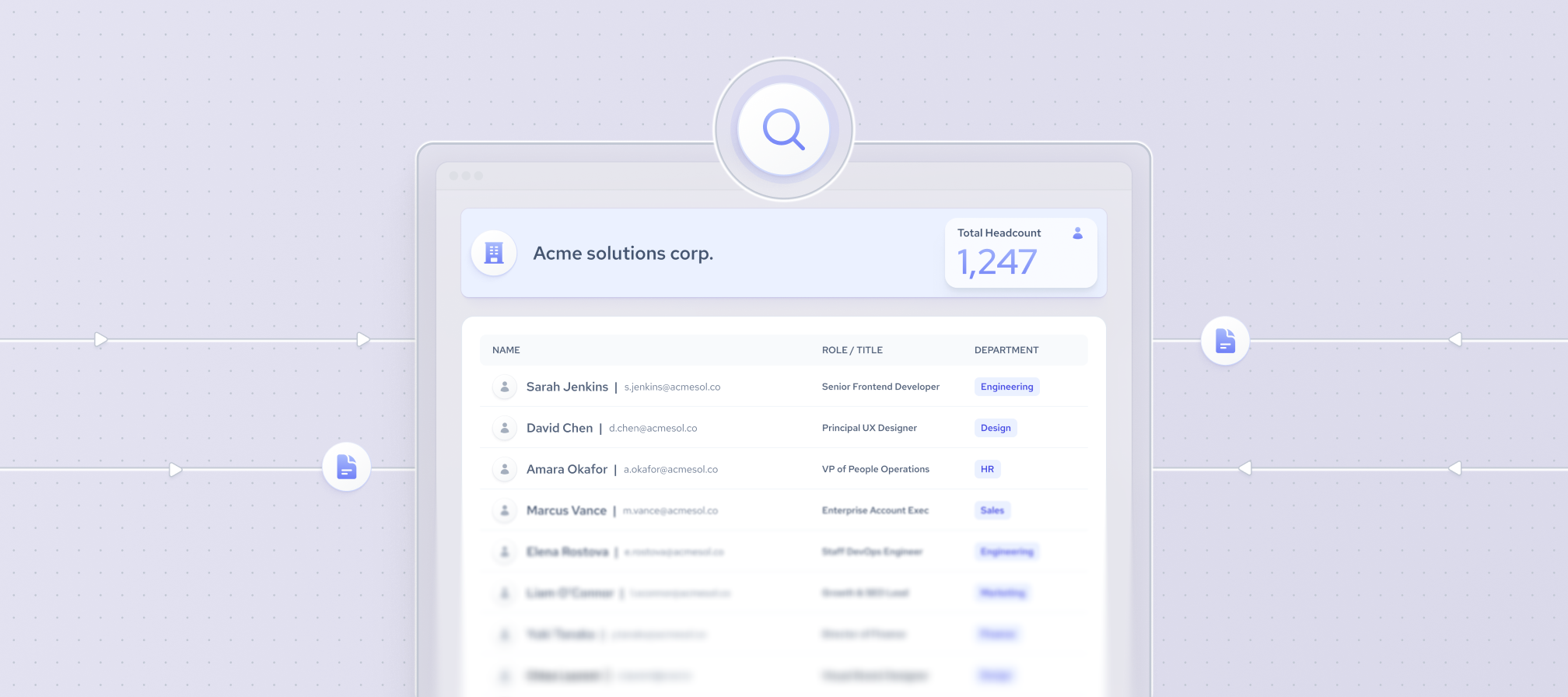


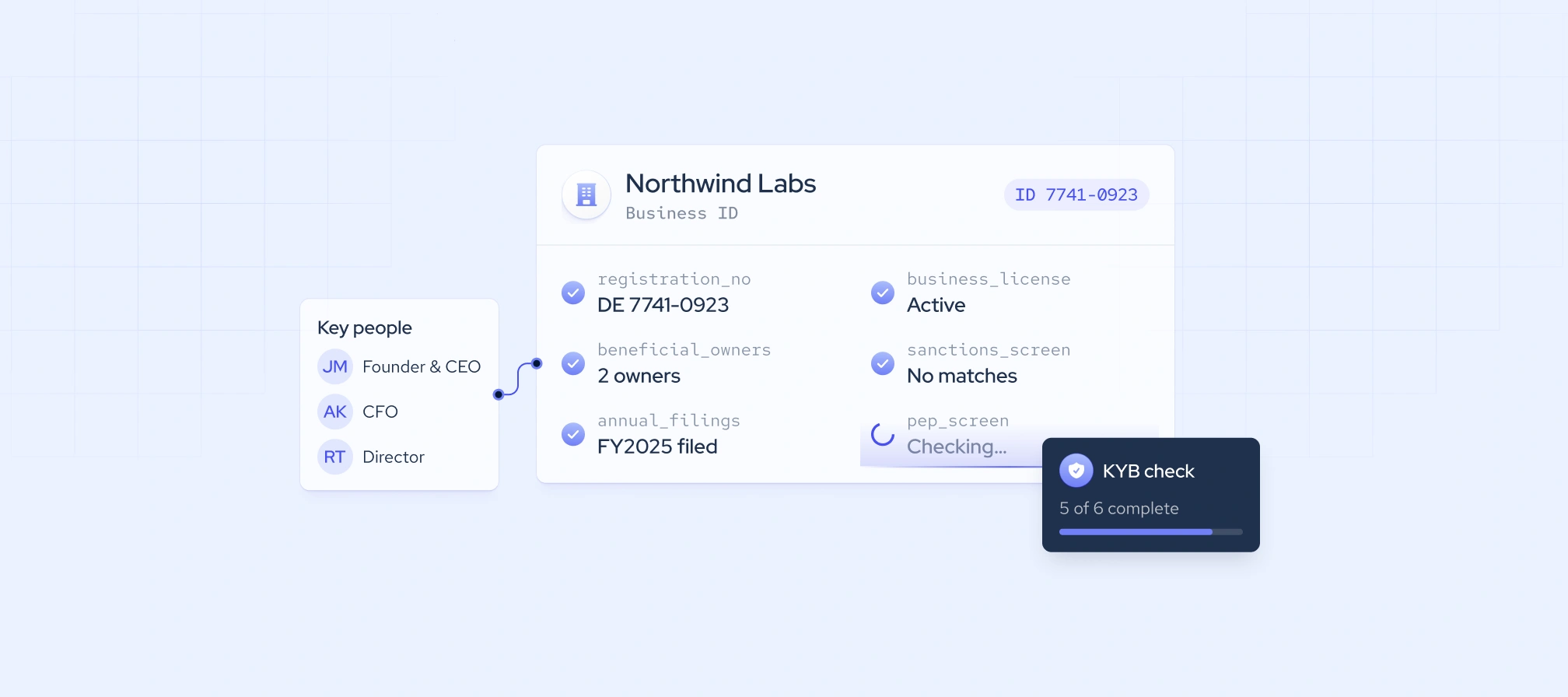
KYB data is the information used to confirm that a business is real, legally registered, and safe to work with. It covers registration details, ownership and ultimate beneficial owners (UBOs), financials, licenses, and sanctions and adverse media checks. Most of it comes from government registries, sanctions lists, and financial databases, with public web data adding operational context.
This guide covers the main types of KYB data, the fields that matter most for business verification, and how to choose a KYB data provider.
What is KYB data?
KYB data is the documented record a company keeps on each business customer, partner, or supplier. It shows who the business is, who owns and controls it, and how much financial crime risk it carries. Because ownership and risk change, KYB data needs regular updates.
For regulated firms, collecting KYB data is a legal requirement. In the U.S., the Financial Crimes Enforcement Network (FinCEN) Customer Due Diligence (CDD) Rule requires banks, broker-dealers, and other covered financial institutions to verify the beneficial owners of legal entity customers.
Globally, the Financial Action Task Force (FATF) Recommendations 10 and 24 require financial institutions to understand each customer’s ownership and control structure and countries to keep beneficial ownership data available to authorities. In the EU, the Anti-Money Laundering Regulation (AMLR) applies from July 10th, 2027, with the new Anti-Money Laundering Authority (AMLA) overseeing supervision.
KYB vs KYC: what’s the difference?
KYB verifies a business, while KYC (Know Your Customer) verifies an individual. Both aim to prevent fraud and money laundering, but they rely on different data. The two also overlap: KYB data includes ownership details, so firms often run KYC checks on a company’s beneficial owners as part of the same process.
Types of KYB data and where to source each
No single source covers every type of KYB data. Most compliance teams combine official records, screening lists, and public web data.
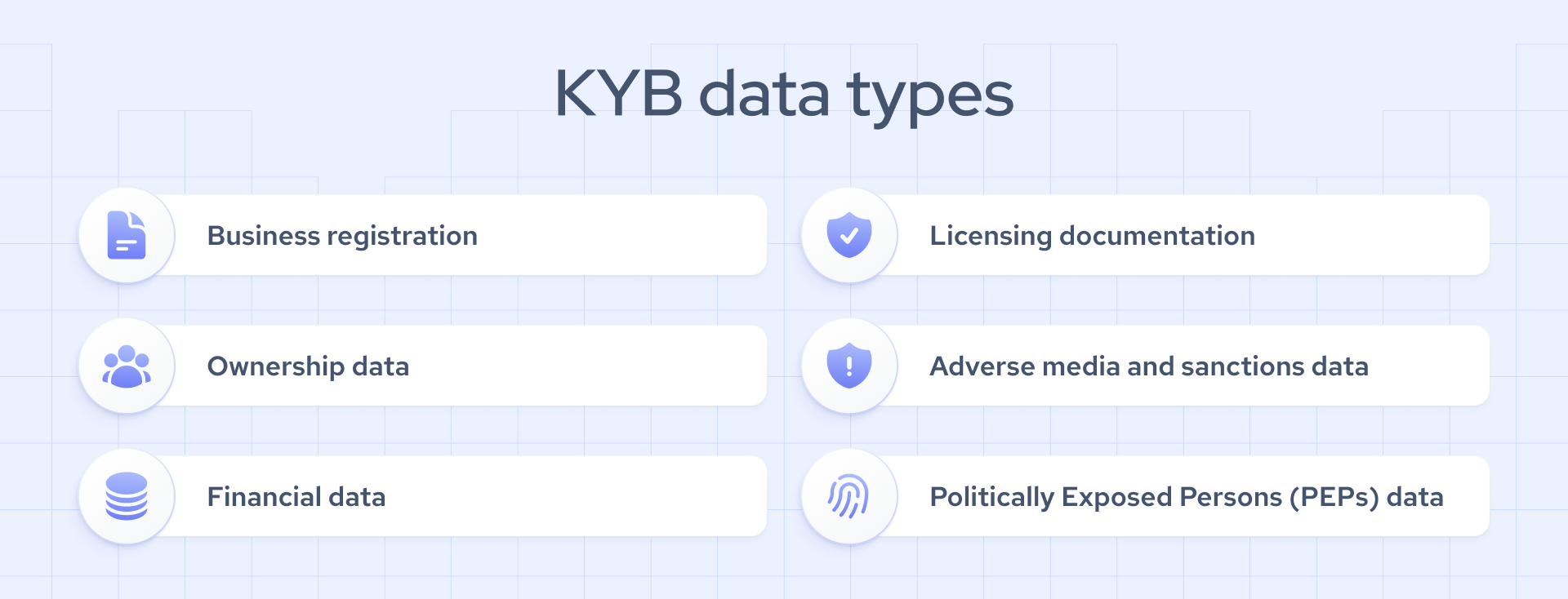
1. Business registration
Registration data confirms that a company legally exists and is in good standing. Key fields include legal name, registration number, incorporation date, registered address, and status.
2. Ownership and beneficial owners
Ownership data identifies the ultimate beneficial owners (UBOs), the people who ultimately own or control a company. It’s often the hardest KYB data to collect, especially in the U.S., where, according to the American Bar Association, domestic companies no longer report ownership to FinCEN.
3. Financial data
Balance sheets, income statements, and cash flow reports show whether a company is stable and whether its size matches its activity. Private companies rarely publish financials, so firms often request them directly.
4. Licenses and regulatory status
Banks, money transmitters, and other regulated businesses need licenses to operate. The issuing regulator’s public register is the most reliable place to confirm them.
5. Sanctions and adverse media screening
Sanctions screening checks the business and its owners against official lists, such as the U.S. OFAC Sanctions List Search. Adverse media screening searches news coverage for links to fraud, corruption, or other financial crime.
6. Politically exposed persons (PEPs)
PEPs hold prominent public roles, such as senior officials or judges. A PEP connection doesn’t disqualify a business, but it calls for extra due diligence.
7. Operational footprint
Operational footprint data shows whether a business actually operates as it claims, through signals like headcount, hiring activity, and web presence. We provide this type of KYB data as structured company, employee, and job posting data from public web sources.
Where KYB data comes from: 4 source categories
Most KYB data providers fall into one of four categories. Each one covers part of the picture, so compliance teams usually combine at least two.
Official registries
Government business registries, such as U.S. Secretary of State offices or the UK’s Companies House, hold the legal record of a company’s existence. Their strength is authority, since this is the primary source other providers draw from. The limitation is fragmentation: each jurisdiction uses its own formats, fields, and access rules, which makes checks across countries slow.
Registry aggregators
Aggregators such as OpenCorporates and Moody’s Orbis collect records from many official registries into one standardized database. Their strength is reach, as one search can cover many jurisdictions with consistent fields. The limitation is that they inherit gaps in the original registries and can lag behind recent filings.
Screening databases
Screening databases, such as LSEG World-Check, compile sanctions lists, PEP data, and adverse media into one searchable source. Their strength is broad watchlist coverage for ongoing monitoring. The limitation is that name-based matching produces false positives that need manual review.
Alternative and web data
Public web data and other alternative data show how a company actually operates through signals like headcount, hiring activity, and web presence. Their strength is freshness, which helps teams spot shell companies or sudden changes after onboarding. The limitation is that they don’t prove legal registration or ownership, so they work best alongside registry data. We provide 5B+ company, employee, and job posting records from public web sources for this purpose.
How to run a KYB check: a step by step guide
A KYB check follows the same basic order in most organizations. Here’s how to move from first contact to an approved business relationship:
- Collect company details. Ask the business for its legal name, registration number, registered address, and ownership information.
- Verify registration. Match the details against the official business registry and confirm the company is active.
- Identify beneficial owners. Map the ownership structure down to the individuals who own or control the company, then run KYC checks on each of them.
- Screen for risk. Check the company, its owners, and its executives against sanctions lists, PEP databases, and adverse media.
- Confirm real activity. Compare the company’s claims with its operational footprint, such as headcount, hiring activity, and web presence.
- Assign a risk rating. Combine your findings into a risk score and apply enhanced due diligence to high-risk businesses.
- Document and monitor. Store your KYB data and evidence, then repeat checks when ownership, leadership, or risk signals change.
Red flags that expose shell companies
Shell companies often look legitimate on paper but leave little trace of real activity. These signals in your KYB data deserve a closer look:
- No public employee footprint. The company has no employees with public professional profiles linked to it.
- No hiring history. The company has never posted a job opening, even years after registration.
- Untraceable executives. Directors or senior leaders have no verifiable career history before joining the company.
- Industry mismatch. The industry code in the registry conflicts with the roles the company actually employs, such as a “software developer” with no engineers.
- Scale that doesn’t add up. A recently founded company claims large revenue, global operations, or a big client base.
- Shared formation address. The registered address belongs to a formation agent and is shared with many unrelated companies.
One signal alone rarely proves anything. Several together are a strong reason to apply enhanced due diligence.

How web data strengthens KYB
Registry records, beneficial ownership data, and screening results tell you who a company is on paper. Web data shows whether that company actually operates the way its documents suggest. It doesn’t replace any of those sources. It adds context that helps you spot inconsistencies and changes after onboarding.
These are the web data fields most useful for KYB checks:
- Employee count and trend. Current headcount and how it has changed over time show whether a business is active, growing, or shrinking.
- Job postings history. Past and current job openings show whether the company hires, which roles it needs, and where it operates.
- Founding date. A founding date from public sources can be compared with the incorporation date in the registry.
- Headquarters location. The publicly listed headquarters can be compared with the registered address.
- Executive work histories. Career histories of senior leaders help confirm they have real, relevant experience.
We provide these fields through our company, jobs, and employee data, with company records dating back to 2016 and job postings to 2020. Coresignal is certified by the Ethical Web Data Collection Initiative and collects only publicly available, business-related data.
How to choose a KYB data provider
The right KYB data provider depends on where your customers are and how you run checks. Start with accuracy and freshness. Records should come from reliable sources, show when they were last updated, and refresh often enough to catch changes after onboarding.
Next, check coverage. The provider should cover every country and entity type you work with, including private companies, which are often harder to verify than public ones.
Integration matters just as much as the data itself. Look for APIs and delivery formats that fit your existing systems, so checks can run inside your onboarding workflow instead of alongside it. A responsive support team is part of this, since complex verifications and technical issues will come up.
Ask every provider where its data comes from and how it’s collected. A trustworthy provider explains its sources clearly and collects data in line with data privacy laws.
Finally, think about fit. No single provider covers every type of KYB data, so check how a new source combines with your registry, ownership, and screening data. The best setup is usually a mix of providers that fill each other’s gaps.
Bottom line
Strong KYB data comes from several sources working together. Registries confirm a company exists, ownership data shows who controls it, and screening databases flag sanctions, PEP, and adverse media risks. Each source answers a different question, and gaps in any one of them leave room for shell companies and hidden owners.
That’s where Coresignal fits in. We don’t provide registry filings, beneficial ownership records, or screening lists. Our role is the part those sources can’t show: whether a business actually operates as it claims. With 5B+ company, employee, and job posting records collected from public web sources, our data helps compliance teams check headcount, hiring activity, and leadership history alongside the official record.
If you’re building or reviewing a KYB process, start by mapping which questions your current sources answer. Then add the data that closes the gaps, whether that’s a registry aggregator, a screening database, or public web data.

Contact us to learn more
Access to millions of company profiles