


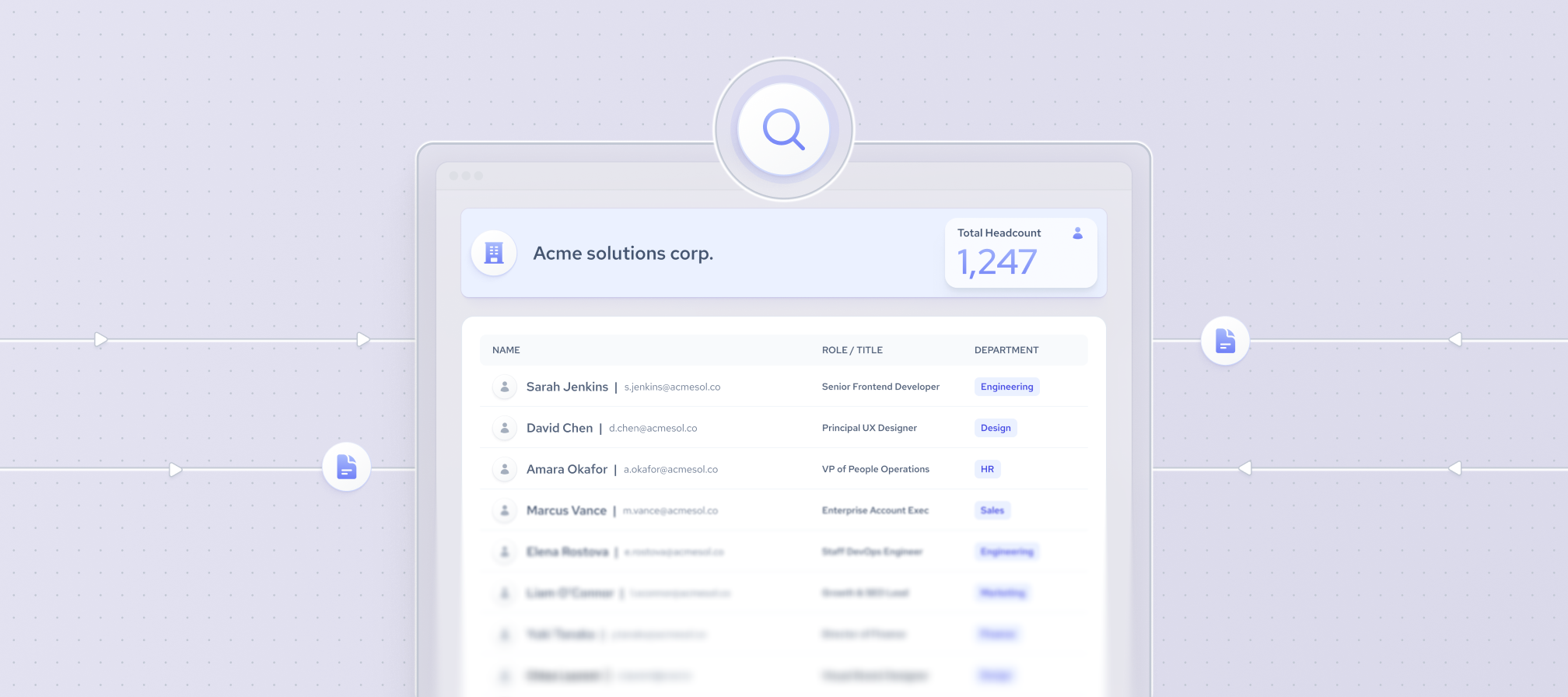
Knowing how many employees a company has helps evaluate its size, growth, market position, and operational capacity. However, finding an exact employee count is not always straightforward. While public companies often disclose official headcount figures, private companies typically do not. In those cases, employee counts are usually estimated using publicly available company and professional data.
This article explains where to find company employees data, how different employee count sources compare, and how to estimate the number of employees for individual companies or at scale.
Official employee count vs. estimated headcount
The term "employee count" can refer to different metrics depending on the data source. Understanding the difference helps you choose the right figure for your use case.
- Official company-reported employee count – a headcount disclosed by the company itself, typically in annual reports, regulatory filings, or on its website. This is the most authoritative figure but is not always available, especially for private companies.
- Public professional profiles – the number of publicly available employee profiles associated with a company on professional networking platforms. This reflects only individuals with public profiles and should not be treated as the company's total workforce.
- Estimated headcount – an estimate generated by a data provider using public company and professional information. These estimates help fill gaps when official figures are unavailable and can provide consistent company employee counts across large datasets.
Best sources for company employee count data
If you're trying to determine how many employees a company has, no single source is always sufficient. The most reliable approach depends on whether you need an official employee count, an estimate, or workforce data for many companies at once.
Company websites
A company's website is often the best starting point. Many organizations publish workforce information on their About, Careers, or News pages, especially when highlighting growth milestones or company achievements.
While some businesses share an official headcount, others only provide general descriptions of their team or operations. As a result, company websites can offer useful context but may not always include an up-to-date company employees number.
LinkedIn can help estimate a company's workforce by showing the number of LinkedIn members who list that company as their employer. It also allows you to explore employees by location, role, department, and other professional attributes.
However, this figure represents LinkedIn members associated with the company, not its complete official workforce. Employee counts may differ from the company's actual headcount because not every employee has a LinkedIn profile or keeps it up to date.
Annual reports and regulatory filings
For public companies, annual reports and regulatory filings are among the most authoritative sources of employee data. Many companies disclose their official employee count in annual reports, SEC filings, or equivalent regulatory documents in other jurisdictions.
These reports often include historical figures, making them useful for tracking workforce growth over time and verifying official headcount disclosures.
Company databases and data providers
Company databases aggregate information from multiple public sources to provide workforce insights at scale. Depending on the provider, the company employees count may combine official disclosures with estimates derived from publicly available company and professional data.
Many providers rely on website data collection to continuously update company records, making these platforms useful when you need employee counts for large numbers of companies instead of researching each one individually.
How to find a company’s employee count?
The best way to find out how many employees a company has depends on your use case. If you're researching a single company, you can often verify the employee count manually using public sources. However, if you need company employees data for dozens, hundreds, or thousands of businesses, a standardized and scalable approach is far more efficient.
How to find the employee count of one company?
If you need to find out how many employees a company has, start with official sources and then use additional data to validate or supplement the information. The process below helps you identify the most accurate employee count available.
- Check official company sources. Visit the company's website, especially the About, Careers, News, or Investor Relations pages. Public companies often disclose their employee count in annual reports or regulatory filings, making these the most authoritative sources.
- Check LinkedIn or another professional network. Professional networking platforms can help estimate a company's workforce by showing how many members list the company as their employer. Again, keep in mind that this reflects platform members rather than the company's complete workforce.
- Check a company database or data provider. If official figures are unavailable or you want to compare multiple sources, company databases can provide standardized employee counts or headcount estimates compiled from public information. The quality of the results depends on the provider's methodology and commitment to maintaining reliable data.
- Compare the figures and reporting dates. Employee counts change over time, and different sources may use different reporting periods or methodologies. When you find conflicting numbers, prioritize the most recent official disclosure or compare multiple sources to understand why the figures differ.
How to find employee counts for multiple companies?
When you need employee counts for dozens or thousands of companies, manually checking each business quickly becomes impractical. A structured workflow helps you collect consistent, comparable data while reducing manual effort.
- Prepare your company list. Define which companies you want to analyze and gather identifiers such as company names, websites, or domains. Starting with a clean list makes it easier to match records across different data sources.
- Choose a scalable data source. Company databases and business intelligence platforms provide standardized employee counts or headcount estimates for large numbers of companies. This approach is well suited for conducting market research, competitive analysis, lead generation, and investment research.
- Use manual or technical alternatives when appropriate. Professional networking platforms can be useful for researching smaller, targeted company lists, while data scraping can automate data collection from selected public sources when a custom technical solution is required. Both approaches have trade-offs in terms of coverage, maintenance, and data consistency.
- Standardize and verify the results. Employee counts may come from different reporting dates or estimation methods. Before comparing companies, verify reporting periods, remove inconsistencies, and ensure the data is standardized across your dataset.
Why are changes in a company's employee count important?
A company's employee count is a snapshot of its workforce at a specific point in time. Tracking how that number changes often provides more meaningful insights than looking at a single headcount because it can reveal hiring trends, organizational changes, and business performance over time.
Common use cases include:
- Competitive analysis. Comparing workforce growth across competitors can reveal expansion into new markets, increased hiring for specific business functions, or cost-cutting measures. While employee count alone doesn't explain why changes occur, it provides an early indicator worth investigating further.
- Investment research. Changes in headcount can complement financial metrics when evaluating a company's growth trajectory. Consistent hiring may reflect business expansion, while prolonged workforce reductions could signal restructuring or changing business priorities. Employee count data should always be considered alongside revenue, profitability, and other financial indicators.
- Market and industry analysis. Tracking employee counts across multiple companies helps identify broader labor market trends. For example, widespread hiring may indicate industry growth, while workforce reductions across many companies can point to changing market conditions or economic pressures.
How to track company employee count changes over time
Tracking employee count means monitoring how a company's workforce changes over weeks, months, or years rather than relying on a single snapshot. To identify real hiring or workforce reductions, compare employee counts using the same data source, the same employee definition (official headcount vs. estimated headcount), and consistent reporting intervals. Otherwise, differences in methodology can be mistaken for actual workforce changes.
Organizations that analyze long-term hiring trends often combine current data with records from a historical data provider. Coresignal's Company data API supports this by returning company records that include both employee count and workforce change fields. Multi-Source company data, for example, contains the current employee count alongside analytical fields for monthly and quarterly headcount change – so the direction and pace of hiring is already calculated rather than something you derive from repeated snapshots. For teams that need a longer view, Coresignal's Historical Headcount API covers historical company headcount and growth rates over time.
You can track workforce changes using several approaches:
- Set up Google Alerts. Create alerts for companies you monitor to receive notifications about press releases, funding announcements, acquisitions, office expansions, layoffs, and other news that may explain changes in employee count.
- Follow industry reports. Industry publications and labor market reports often provide context for hiring trends, making it easier to understand whether workforce changes are company-specific or part of a broader market pattern.
- Use LinkedIn Insights. Professional networking platforms can show changes in the number of members associated with a company over time. While these figures are not official headcounts, they can serve as an early indicator of hiring or workforce shifts.
- Leverage business intelligence tools. Company intelligence platforms consolidate workforce information from multiple public sources, making it easier to monitor employee count across many companies using a consistent methodology.
- Use webhooks to track workforce changes. Coresignal’s multi-source Employee API supports webhook subscriptions that notify you when selected employee profiles or experience records change. These alerts can help surface workforce movements, such as job changes, without repeatedly checking records manually. Use these signals alongside company headcount data when you need to understand broader workforce changes over time.
Find out how many employees a company has with Coresignal
If you want to get the number of employees in a particular company, you can use Coresignal's self-service platform.
- Free 7-day trial
- No credit card required
- Get 2000 API credits for free
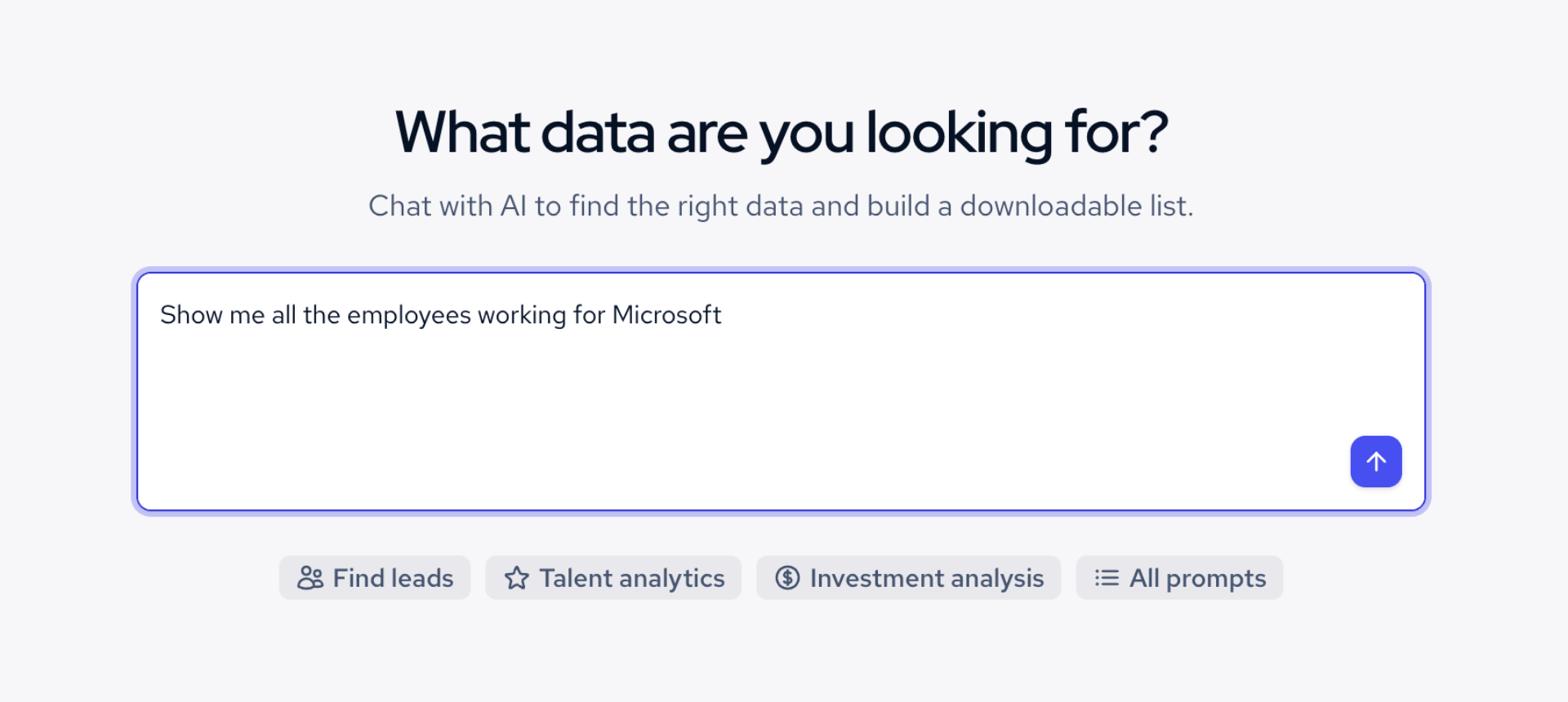
The easiest way to find employee count is to use Coresignal’s AI Data Search, available through the self-service platform.
1. Write down what you’re looking for
Enter your prompt. For example, “show me all the employees working for Microsoft."
2. Get the preliminary results
You will get a shortlist of Microsoft employees. Results are capped at 100, but that's enough to preview the data before requesting the full dataset.
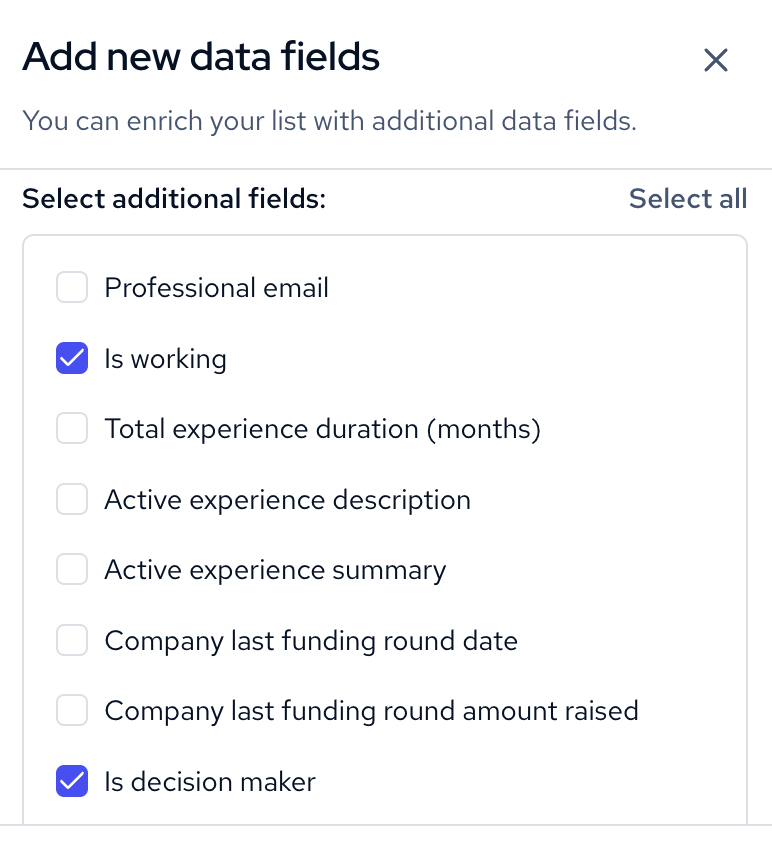
3. Enrich the results
You can use the Enrichment feature to add more data points.
4. Download the dataset
You can download the existing shorter data, or get in touch with Coresignal’s team to get the full enriched dataset.
Explore company data beyond employee count
Employee count is only one part of a company's profile. Combining it with other business attributes provides more context for analysis and helps build richer company records.
After identifying how many employees a company has, you can enrich those records with additional information from external datasets, such as industry, location, company size, founding year, technologies used, hiring activity, and other firmographic data. This additional context makes it easier to compare companies, segment markets, and support more informed business decisions.

Bottom line
Finding out how many employees a company has is straightforward when you know which sources to use and how to interpret the results. Official company disclosures provide the most authoritative employee counts, while professional networks and company data providers help fill the gaps when official figures are unavailable.
Manual research is often sufficient for a single company, but analyzing employee counts across many businesses requires standardized, scalable data to ensure consistency and comparability.
Remember that employee count is most valuable when viewed in context. Tracking changes over time and combining headcount with other company data can reveal growth patterns, support competitive analysis, and improve business and investment decisions.


