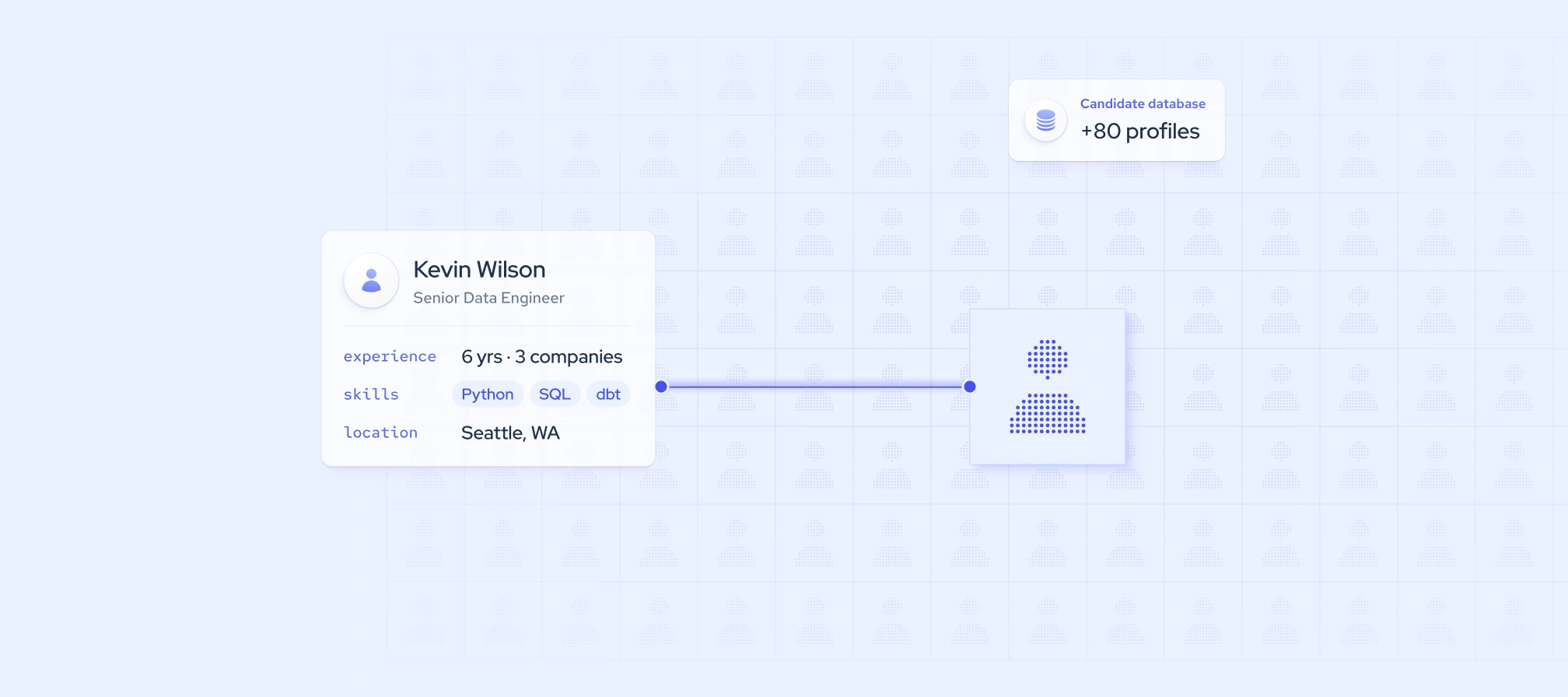
Sourcing often stalls before the first search begins. Sometimes the hiring team hasn’t agreed on who it’s looking for, so recruiters end up chasing a moving target. Other times, the team writes a solid candidate profile, but it never becomes an actual candidate list.
Both problems cost time and slow down hiring. A clear candidate profile gives everyone the same picture of the ideal candidate. A candidate list turns that picture into real professionals you can review and contact.
In this guide, we’ll explain what a candidate profile is and how to create one. Then, we’ll show you step by step how to turn it into a searchable candidate list using multi-source employee data.
What is a candidate profile?
A candidate profile, also called a candidate persona, is a description of the ideal candidate for a specific role. It outlines the skills, experience, background, and traits that the person most likely to succeed in the role would have. An ideal candidate profile gives recruiters and hiring managers a shared reference point for sourcing, screening, and interviewing.
A candidate profile is not the same as a job description. The job description describes the role, while the candidate profile describes the person who would succeed in it.
What to include in an ideal candidate profile
A useful candidate profile separates what you can search for from what you can only judge in conversation:
- Searchable attributes. Job titles and adjacent titles, seniority, hard skills, years of experience, industry, company type or size, location, education, and certifications. These become the filters for your candidate list.
- Attributes assessed later. Soft skills, motivation, work style, and culture add. These are best judged during screening and interviews.
How to create an ideal candidate profile
A good candidate profile starts with input from the people who know the role best and evidence from the market. These four steps help you build one the whole hiring team can agree on:
- Define what success looks like in the role. List the results the new hire should deliver in their first 6 to 12 months, then work backward to the skills and experience they need.
- Benchmark against top performers and the market. Look at the backgrounds of people who already excel in the role and at similar professionals at other companies to see which attributes they share.
- Align priorities with the hiring manager. Agree on which requirements are must-haves and which are nice-to-haves before sourcing begins.
- Document the profile using a candidate profile template. Record the agreed attributes in one consistent format so recruiters can turn them into search filters and reuse the profile for similar roles.

How to build a candidate list from your candidate profile
A candidate profile only becomes useful for sourcing once you translate it into a searchable candidate list. That means turning each searchable attribute into a filter, running the search, and refining the results until they match your ideal candidate.
Below, we show this process step by step using Coresignal’s multi-source employee data. It combines publicly available professional data from multiple sources, so you can search by title, skills, experience, location, and other attributes from your profile in one place.
1. Translate profile attributes into search criteria
Start by turning each searchable attribute in your candidate profile into a filter or search condition. In our multi-source employee data, most attributes map directly to a specific data field.
Because each record combines data from multiple sources, a single candidate can match more of your profile criteria at once. Our employee data includes 300+ data fields, including derived fields that map directly to common profile criteria, such as inferred skills, normalized experience duration, and seniority based on job title.
If you’re not technical, you don’t need to know any of these field names. In AI Data Search, you describe your ideal candidate in a plain-language prompt, and the tool maps it to the right data fields for you.
2. Run the search and build the first list
With your criteria ready, you can run the search. The quickest way is AI Data Search in our self-service platform, where you describe your ideal candidate in plain language instead of writing a query.
Based on the candidate profile in the table above, a prompt could look like this:
“Find senior data engineers, analytics engineers, and big data engineers in Engineering and Technical with Python, SQL, and Spark skills, at least 60 months of total experience, at least 48 months in Engineering and Technical, and an AWS or Databricks certification.”
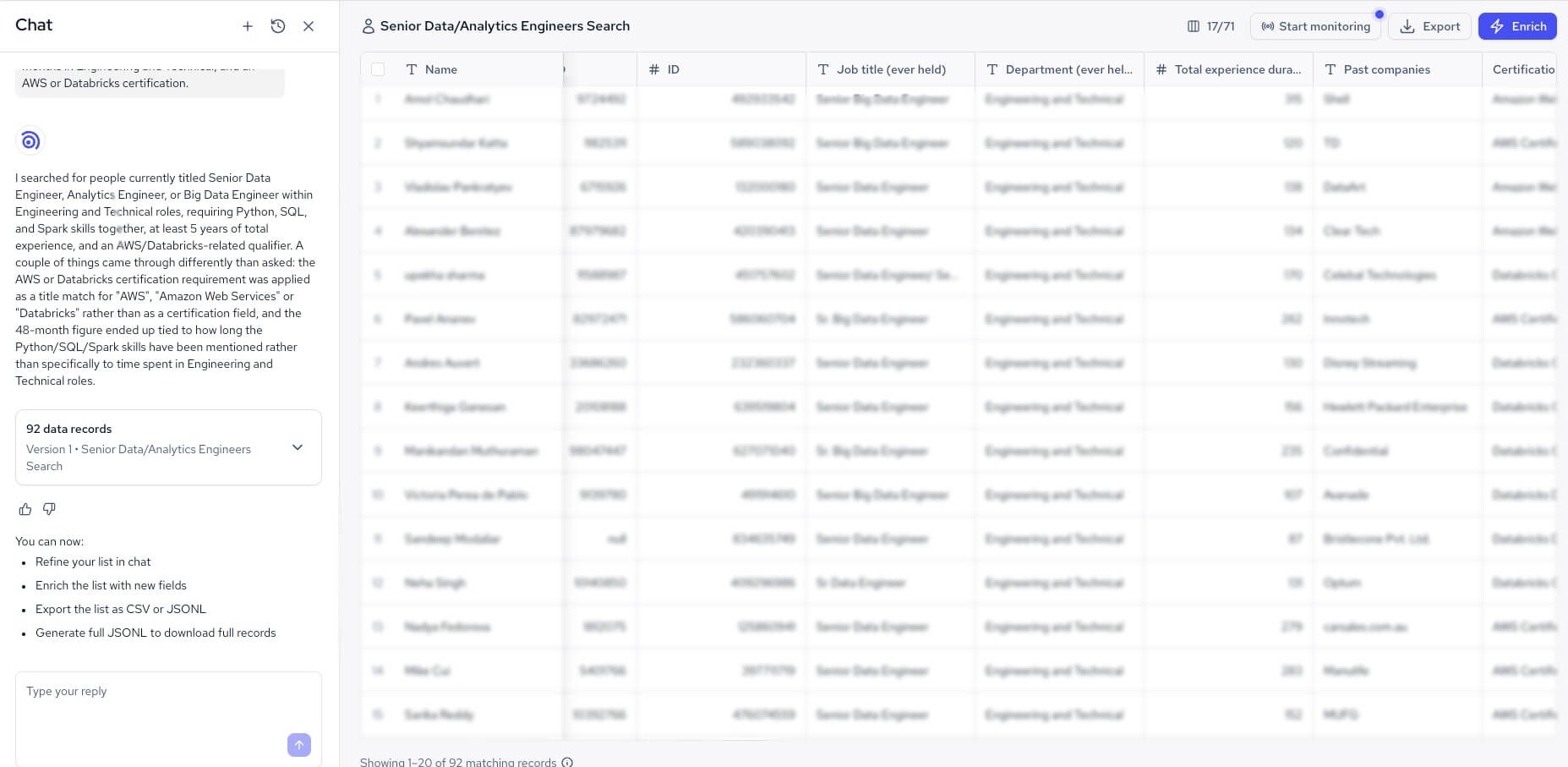
Here’s what happens next:
- Generate the list. AI Data Search turns your prompt into a search query and returns matching employee records.
- Check the results against your profile. Each record shows the data fields tied to your criteria, such as title, skills, and experience, so you can confirm the candidate list is on target.
- Refine the prompt. If the results are too broad or too narrow, adjust the prompt in chat and run it again. The same prompt returns the same list every time, so you can compare versions and share prompts with your team.
You only spend data API credits when you enrich records, so reviewing and refining the first list costs nothing. For more sourcing methods beyond a single search, see our guide on how to find candidates.
Technical teams can run the same search from their own tools with our Employee Data API or an MCP server. All access methods draw from the same regularly refreshed database, so a list built in AI Data Search and one built through the API come from the same data.
3. Check list size and adjust the profile
List size is a reality check on your candidate profile. If the search returns too few results, relax a nice-to-have, add adjacent titles, or widen the location. If it returns too many, promote a nice-to-have to a must-have.
To see how competitive the profile is, check our job postings data for how many companies are hiring for the same role. A small candidate list paired with high hiring demand is a sign to broaden your criteria or move quickly.
4. Enrich, prioritize, and export the list
Once the candidate list looks right, enrich the records to add the full set of data fields you need for review. Each enriched employee record costs 20 data API credits.
Next, rank candidates by how many must-haves they meet, then by nice-to-haves. Recruiters should then review the top candidates manually against the soft skills and other attributes in the candidate profile that data can’t capture.
When you’re ready, export the list as a CSV or JSONL file with up to 10,000 enriched records. You can then import it into your applicant tracking system (ATS) or a spreadsheet.
To keep the list current, set up webhook monitoring. It flags profiles that start matching your search, stop matching, or get updated, and it works well alongside job change alerts for tracking candidates over time.
Common mistakes when building a candidate profile and list
Even a well-planned search can go off track. These are the most common mistakes to avoid when you turn a candidate profile into a candidate list:
- Copying the job description into the profile: a job description lists duties, while a candidate profile should describe the person who would succeed in the role.
- Treating data fields as proof: fields like inferred skills show signals, not confirmed proficiency, so verify them during screening.
- Not saving the search criteria: without a saved prompt or query, you can’t rerun, compare, or share the search later.
- Reusing an old list for a new role: candidates change jobs and gain new skills, so build a fresh candidate list from the current profile.
- Too many must-haves: every extra requirement shrinks the list, so keep must-haves to the few attributes the role truly needs.
Final thoughts
A candidate profile and a candidate list work best as one process, not two separate tasks. The profile gets the hiring team aligned on who the ideal candidate is. The list turns that shared picture into real professionals you can review, rank, and contact.
The key is to split the profile into what you can search for and what you can only judge in conversation. Searchable attributes become filters, list size tells you whether the profile is realistic, and manual review covers the soft skills that data can’t show. Each step feeds the next, so a clear profile leads to a focused list, and a focused list leads to better conversations.
With multi-source employee data, you can move from profile to list in one place, whether you describe your ideal candidate in a plain-language prompt or run the search through an API. You can try it with our 7-day free trial, which includes 2,000 data API credits.