


Compare top lead data providers in 2026
Explore how Coresignal compares to other popular lead data vendors


Top providers for leads data
All providers offer employee and company data, but they differ in delivery methods, the number of available data fields, and data enrichment.

|

|

|

|
|
|---|---|---|---|---|
| Coresignal offers real-time, fresh, multi-source job posting data and workforce analytics for market and hiring insights | People Data Labs focuses on people and company data for HR tech, sales, marketing, and investment research | Clearbit provides fresh, reliable public B2B data for leads, contacts, accounts, and go-to-market | Adapt is a global B2B account intelligence provider that helps get information on the right leads to grow your business | |
| Employee profiles | 907M+ | 2.4B+ | 462M+ | 250M+ |
| Company profiles | 70M+ | 70M+ | 89M+ | 10M+ |
| Data fields per record | 500+ | 150+ | 100+ | 50+ attributes |
| Multi-source data | Yes | Yes | Yes | Unspecified |
| Data formats |
|
|
|
|
| Delivery methods |
|
|
|
|
| AI-enriched data | Yes | Unspecified | Unspecified | Unspecified |
| In line with GDPR/CCPA | Yes | Yes | Yes | Unspecified |
| Dedicated managers | Yes | Yes | Yes | Yes |
| Documentation | Yes | Yes | Yes | Yes |
API solutions: comparison
Coresignal is the only provider in the comparison that covers all capabilities: employee, company, and jobs data APIs, real-time data, data-change webhooks, and Elasticsearch access. Competitors do not share information about some features.
|
|
|
|
|
|
|---|---|---|---|---|
| Employee data API | Yes | Yes | Yes | Yes |
| Company data API | Yes | Yes | Yes | Yes |
| Jobs data API | Yes | Yes | Unspecified | Unspecified |
| Real-time data | Yes | Unspecified | Unspecified | Unspecified |
| Self-service dashboard | Yes | Yes | Yes | Yes |
| Free trial | Yes | Yes | Yes | Yes |
| Data change webhooks | Yes | Yes | Unspecified | Unspecified |
| Elasticsearch | Yes | Unspecified | Unspecified | Unspecified |
The comparison provided is based on public data available as of September, 2026. All users should verify the current status of products, services, or offerings before relying on any comparative information.
What are common use cases for lead data?
Sales prospecting
Discover relevant companies and decision-makers with accurate workforce and company data.

Lead enrichment
Enhance your CRM with reliable professional and company data to understand every lead in context.
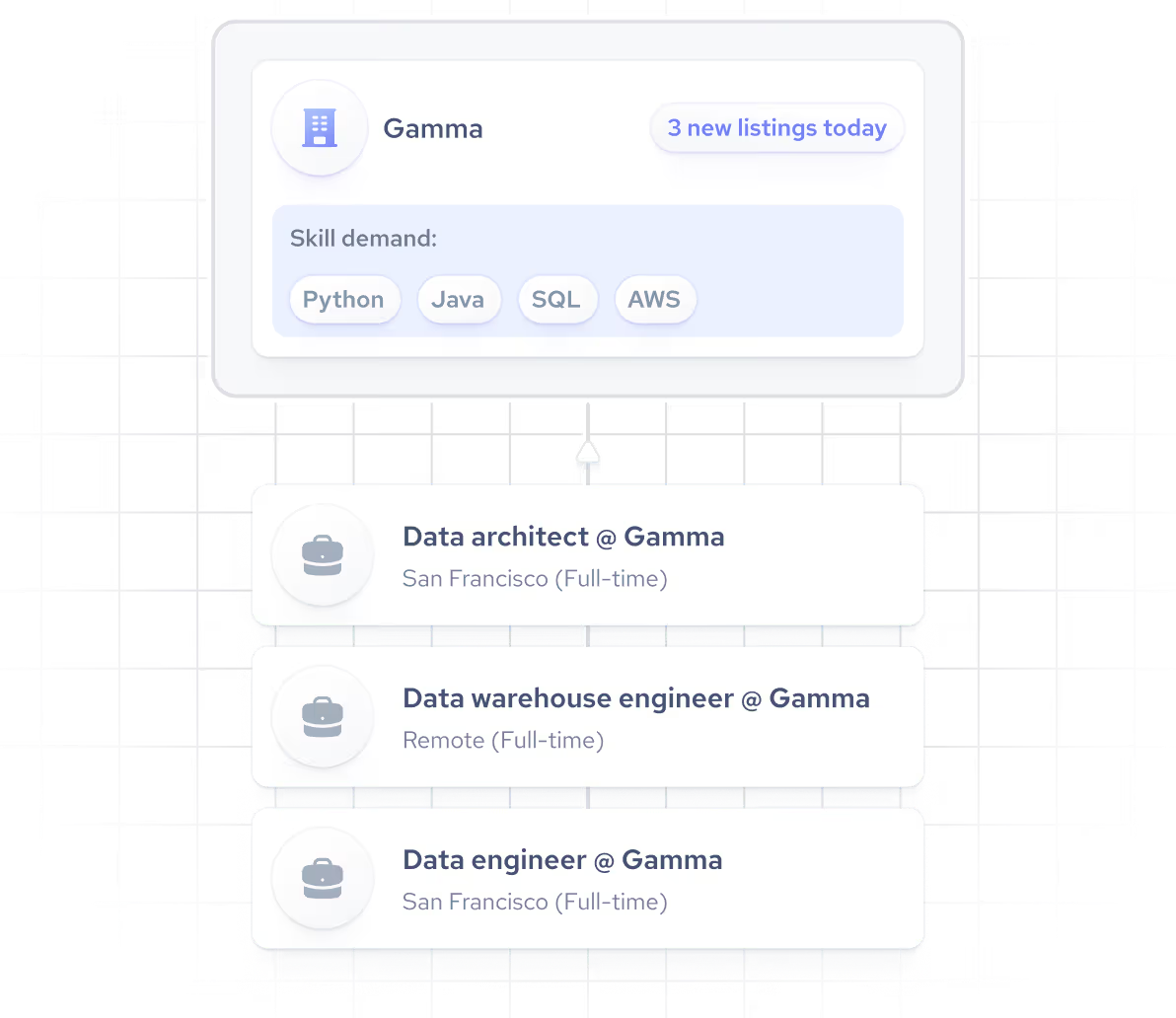
Lead scoring
Strengthen your scoring models with workforce data to surface the best opportunities.
Need leads data for your project?
Let's arrange a time for a quick call and discuss your use case.


Check out our datasets & APIs
Lead database API
You can choose between several choices: direct download via link, Google Cloud Storage, and AWS S3 or integrations.
Find and get data on specific companies


Access millions of employee profiles


Search and retrieve relevant jobs with ease


Comprehensive historical employee data


Lead datasets
Build innovative solutions using comprehensive company, employee or jobs data. Use structured lead database and leverage it for in-depth analysis or unique insights. Request a data sample or explore on your own using the self-service platform.






Get high quality data from leading B2B data providers

Company data providers
Identify new sales prospects or investment opportunities.

Jobs data providers
Choose the right provider for HR tech or recruitment business.

Employee data providers
Boost hiring and ensure workforce planning with professional and skills data.

Lead data providers
Support sales prospecting and growth with B2B lead data.

Alternative data providers
Find the best company, employee, and jobs data providers.

Private market data providers
Access data on private companies, funding activity, and growth signals.

Talent data providers
Match the best candidate with the right position using fresh data.

Recruiting data providers
Improve candidate sourcing and unlock hiring trend analysis.

B2B data providers
Evaluate top B2B data providers by coverage, formats, delivery methods, and quality.

Data providers for AI agents
Compare the leading data providers for AI agents and LLM workflows.
Choosing a trusted leads data provider: key factors to consider
Usually, lead data quality is evaluated based on factors such as broad coverage, accuracy, and completeness. However, in our experience, there are a few other things to check to ensure you're selecting a reliable data vendor:
Lead data freshness
Quality lead data starts with recency. The moment a prospect changes roles, expands their team, or shifts strategy, your data should reflect it. That means real-time updates, historical context, and structured, cleaned, deduplicated records you can act on immediately. Look for providers that surface detailed metadata, like the exact date each record was last updated, so you always know how fresh your data actually is.
Integration
A provider's data quality means little if integrating it requires months of engineering work or breaks every time the schema changes. Prioritize providers that offer structured, consistent data formats, reliable APIs, and stable record IDs that map cleanly to your CRM or existing data infrastructure. Predictable delivery and a well-documented API are just as important as the data itself.
Secure and responsible data collection
Experienced and reliable data providers are committed to ethical collection of public web data and prioritize data security. Before making a decision, evaluate if the data provider is transparent about its data privacy practices, which will help you make an informed decision.
Test first
Request a data sample and verify that the coverage meets your target regions, industries, and use-case requirements. We encourage you to share what your workflow needs, whether that's CRM integration, API access, or dataset delivery, and we'll provide the resources to help you evaluate the fit before purchasing.
About Coresignal
Coresignal is a public web data provider that delivers fresh and real-time data to global companies in investment, sales technology, HR technology, research, and other industries. Founded in 2016, the company now has 1,000+ clients and 80+ employees.
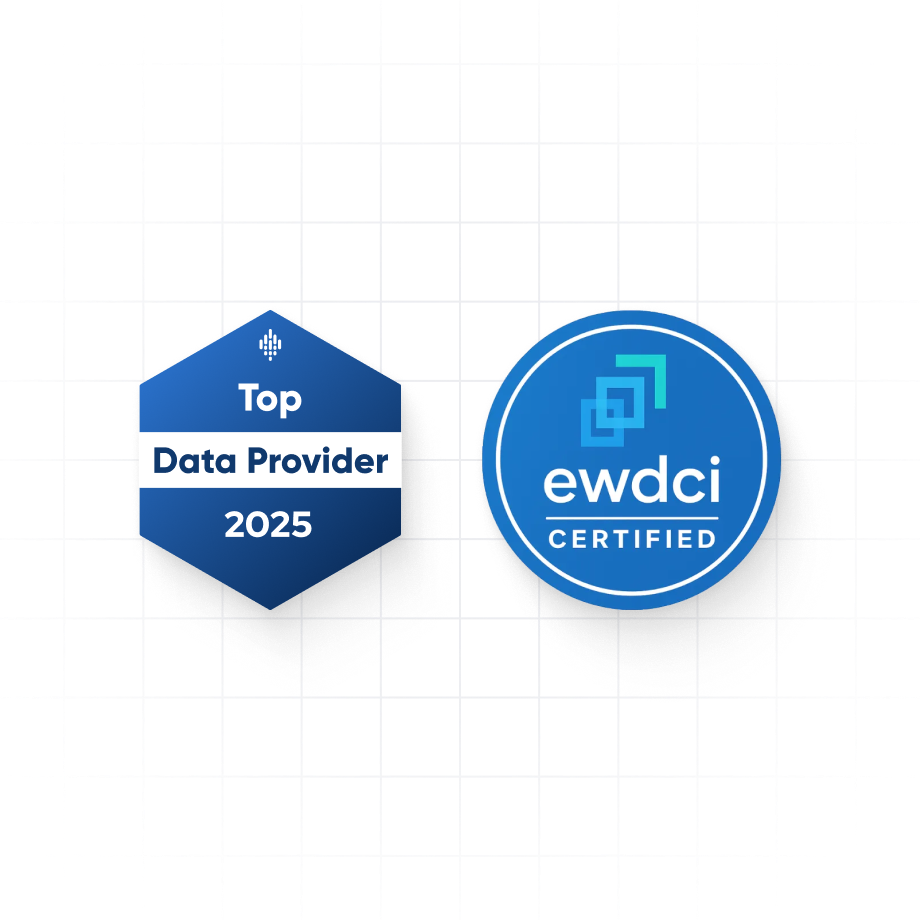
In 2023, Coresignal was named the top data provider by Datarade and became a founding member of the Ethical Web Data Collection Initiative, an organization promoting ethical data collection.
Search, enrich, and download B2B data with a simple prompt
Describe the B2B data you need for lead enrichment, product development, or market research in our self-service platform. Our AI agent generates a structured list you can review, enrich, and download in seconds.
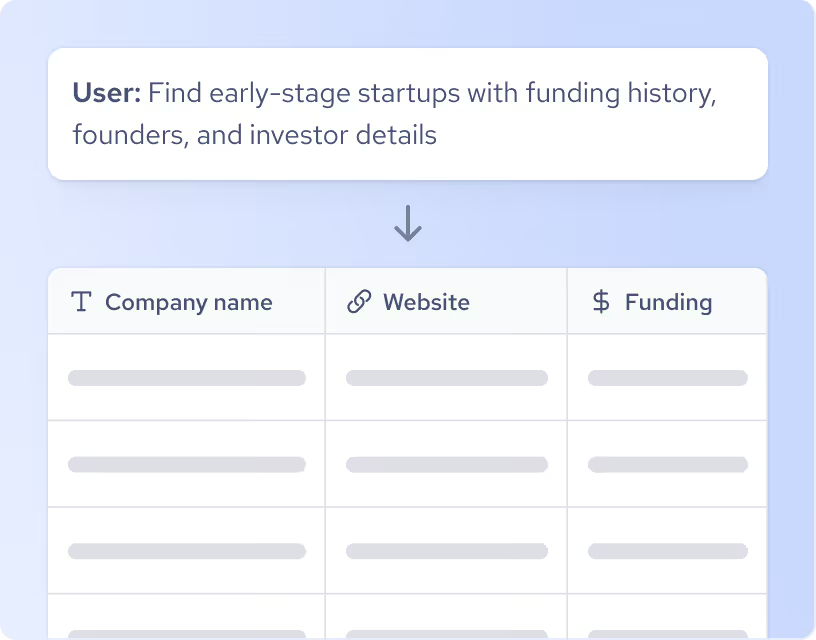
1. Write a prompt and generate a list
Start with a simple prompt, get a list of matching records, and refine your search query in chat.
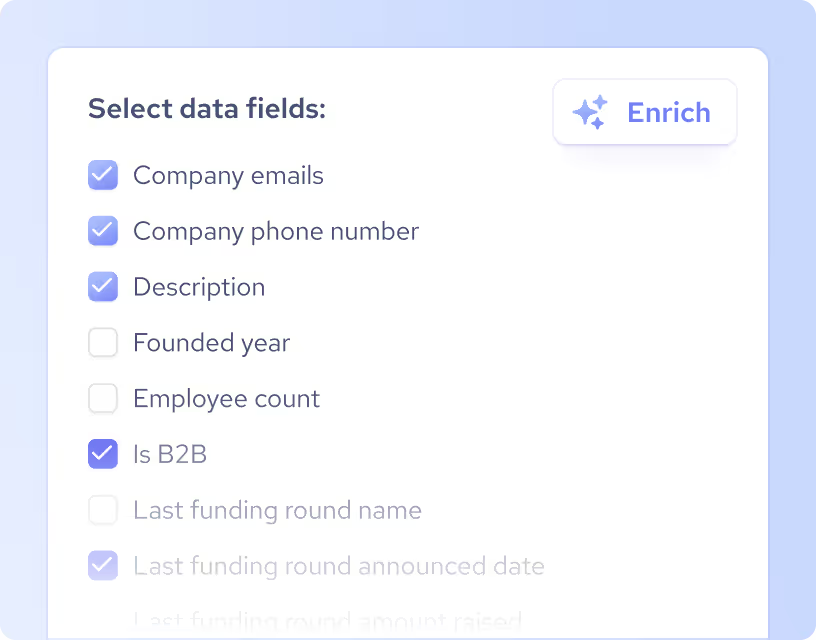
2. Enrich your list
Select additional data fields and populate your list with new information.
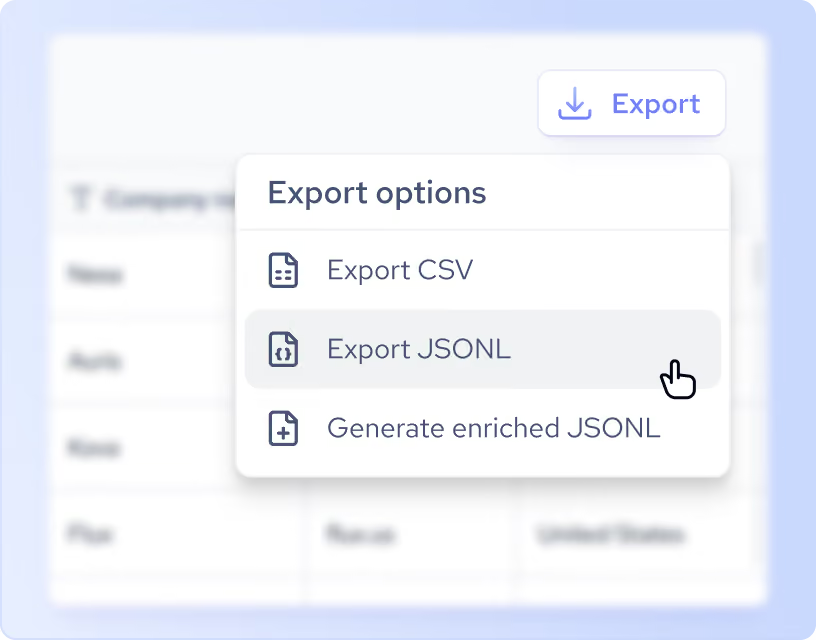
3. Download the data
Preview the list and generate an enriched JSONL or CSV with up to 10,000 multi-source records.