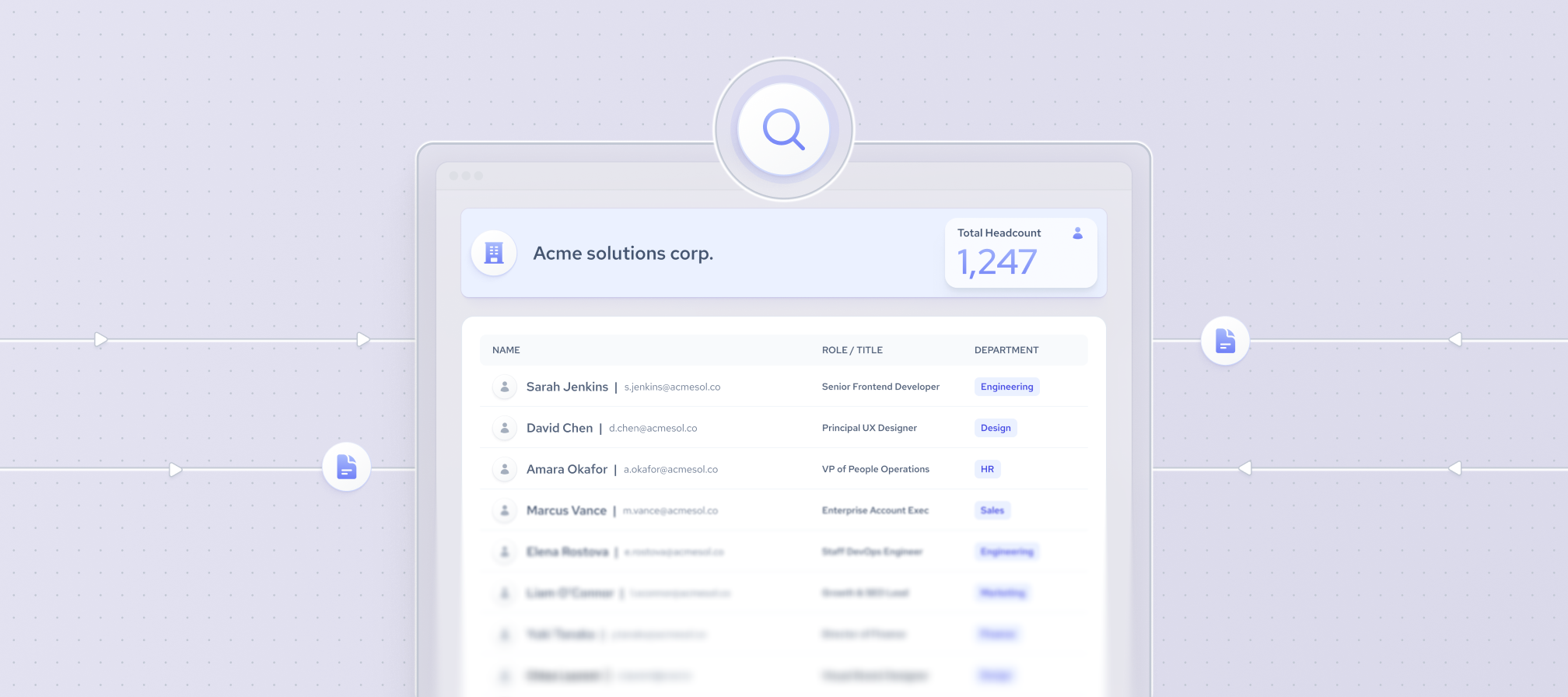



Not every senior title comes with buying power. At a five-person startup, the founder likely signs off on everything. At a 500-person company, that same purchase might route through a VP, a department head, and two influencers who never touch the budget but can still kill the deal.
The more people are involved in decision making, the more you need to personalize your pitch, as sending the same generic pitch to all of them most likely won’t yield results.
Below, we'll break down how to combine signals and context, including job title, company size, role scope, and position on the buying committee, so you can tell decision makers apart from influencers and champions, and reach the right person with the right message.
The best ways to identify decision makers
If your goal is to connect with a decision maker, you will need to be both precise and creative while choosing the right company identifiers.
Here are several signals that can help you identify if a person is a decision maker:
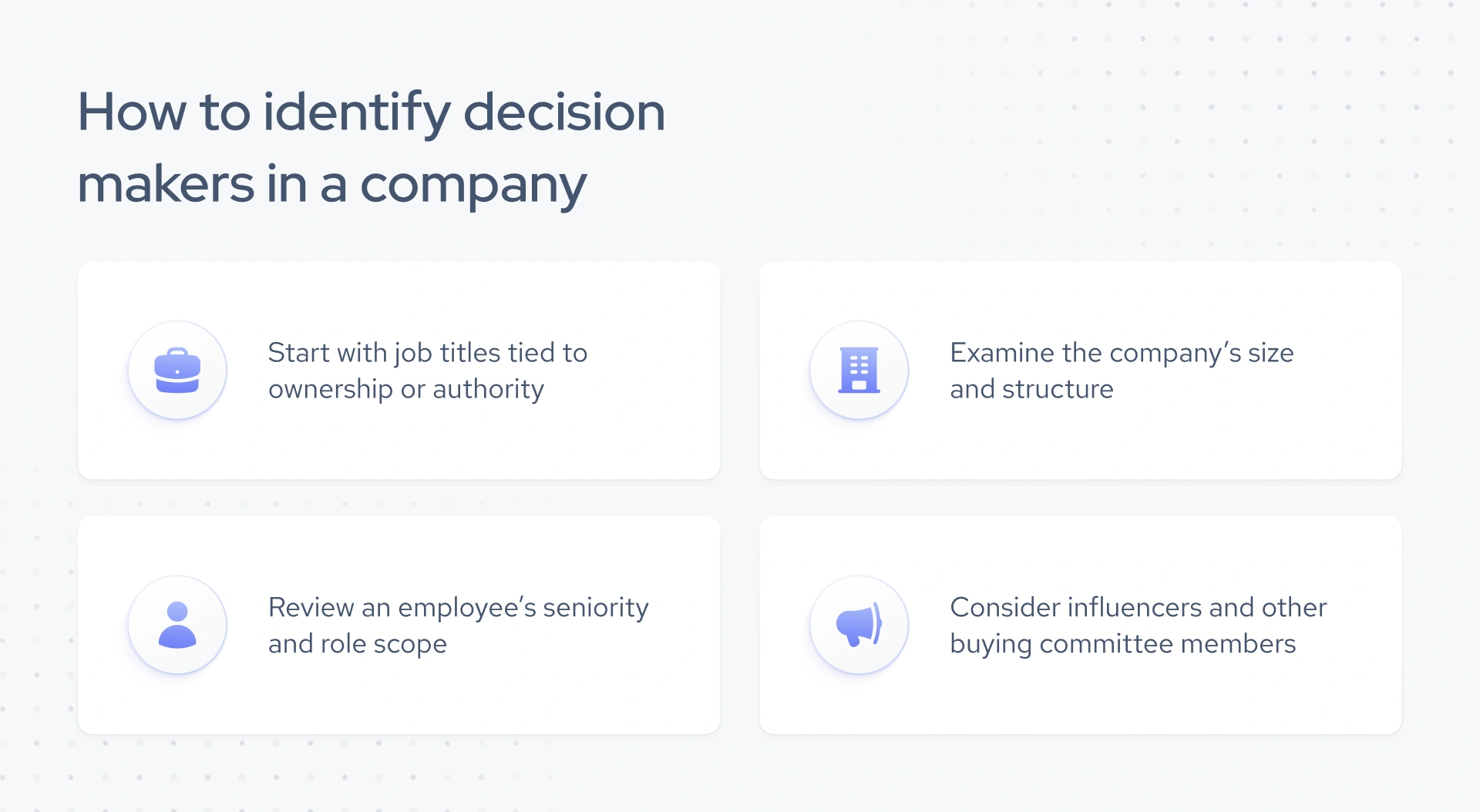
1. Start with job titles tied to ownership or authority
Job titles are often the first and most obvious signal. Look for senior-level roles that are responsible for revenue or cross-functional oversight. These include:
- C-suite roles (CEO, COO, CMO, CTO)
- VP and Director-level positions (e.g., VP of Sales, Director of HR)
- Heads of departments (e.g., Head of Talent Acquisition, Head of Growth)
- Founders or Co-founders, especially in startups and SMBs
For more complex organizations, mid-level managers may hold significant decision-making power, particularly if they lead specific product lines or regional operations.
2. Examine the company’s size and structure
IIn smaller companies, one person (often the CEO or founder) can own three or four functions at once, from sales and marketing to hiring and procurement. At larger companies, a single purchase can route through several people: a budget owner, a technical evaluator, and several stakeholders who weigh in before anyone signs. To adjust your outreach:
- Use employee count filters to estimate company size.
- Look for department-specific leaders in larger organizations.
- At mid-size firms, target VP or Director-level titles, as they often hold buying authority.
3. Review an employee’s seniority and role scope
Beyond titles, a person's role and position within the organization offer useful context. To gain more insights, consider these aspects:
- Seniority and role scope to look for the person that leads relevant department, function, or business unit
- Role connection to the type of decision or purchase being researched
- Previous leadership experience to get context about expertise and responsibility
- How the person relates to other relevant leaders or teams where organizational information is available
4. Consider influencers and other buying committee members
Not everyone who shapes a purchase has the authority to approve it. A deal often moves through several roles, each with a different kind of influence:
- Decision makers, who have the authority to approve or make the final decision.
- Influencers, who shape the evaluation or recommendation but may not have final approval authority. For example, a technical leader evaluating a SaaS solution, whose endorsement can make or break the deal.
- Internal champions, who actively support a solution and help move it through the organization – often a team lead who initiates vendor research before escalating it up the chain.
By understanding the buyer persona for your product, you can map the internal champions who support and shepherd the deal from inside.
Find decision makers with Coresignal
Coresignal’s Multi-Source Employee Data updated in real-time helps to find people who control buying decisions in the company at scale.
It provides a unique perspective on over 907 million employee profiles, helping you pinpoint the most relevant contributors in any organization:
- Filter employees by job title, seniority level, department, or function to narrow down actual decision makers.
- Identify influencers beyond the C-suite, such as department heads and regional managers, who often drive purchasing decisions.
- Cross-check employee career histories to validate expertise and confirm authority within their domain.
- Map organizational structures to see reporting lines and uncover hidden influencers in the decision-making chain.
- Enrich lead and account intelligence by pairing employee data with firmographic and technographic datasets.
Keep in mind that the dataset includes a specific field (is_decision_maker) that indicates whether a person is currently in a position to approve budgets, sign off on partnerships, or greenlight purchases.
Combine this with additional information, such as their previous experience, and get a tailored list of people who will make your time worth it.
Reach out to me for more information:

Ready to explore salary data?
Our multi-source jobs dataset contains enriched employee profiles, making it ideal for finding decision makers. Reach out and I would be glad to help you get fresh, ready-made data.
How to find decision makers in a company? Step-by-step guide
Alternatively, you can register for our free trial and instantly access our data for testing.
That’s especially worth trying if you want to get a smaller decision-maker’s list. Simply create a free account, add some filters, and access complete profiles. It's an excellent opportunity to:
- Explore 4.5B+ public records from trusted sources, including employee, company, and job posting data.
- Validate our data fit before making a commitment, which is perfect for early-stage pilots and vendor comparisons.
- Test all core APIs, including Company, Employee, and Jobs APIs.
Interested? Register to Coresignal self-service tool and get 2,000 API credits for exploring the data.
Once you register, you will need to take several steps:
Step 1: AI Data Search
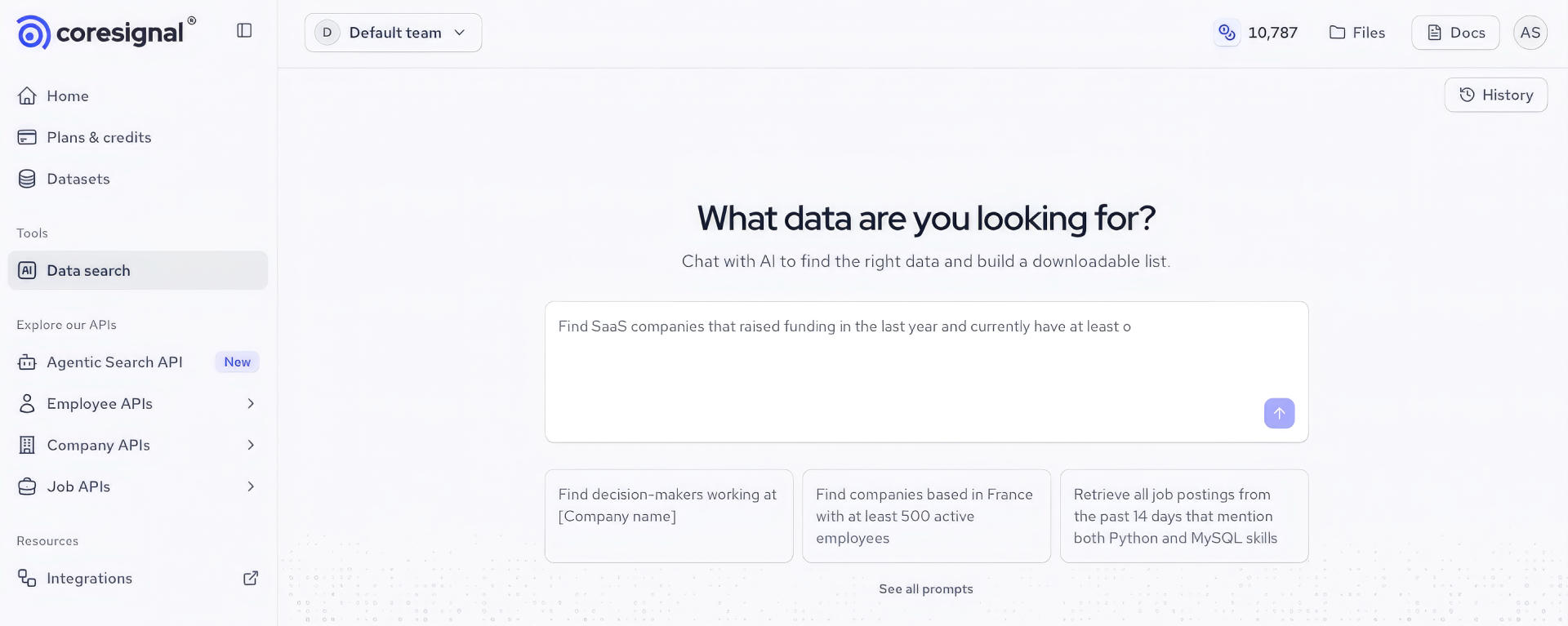
You can find it on the side menu – simply choose the AI Data Search under Tools.
It will open a new window, where you can:
- Write a prompt in a simple language, no technical skills or knowledge required
- Choose from readily available prompt examples
Step 2: Describe the decision makers you want to find
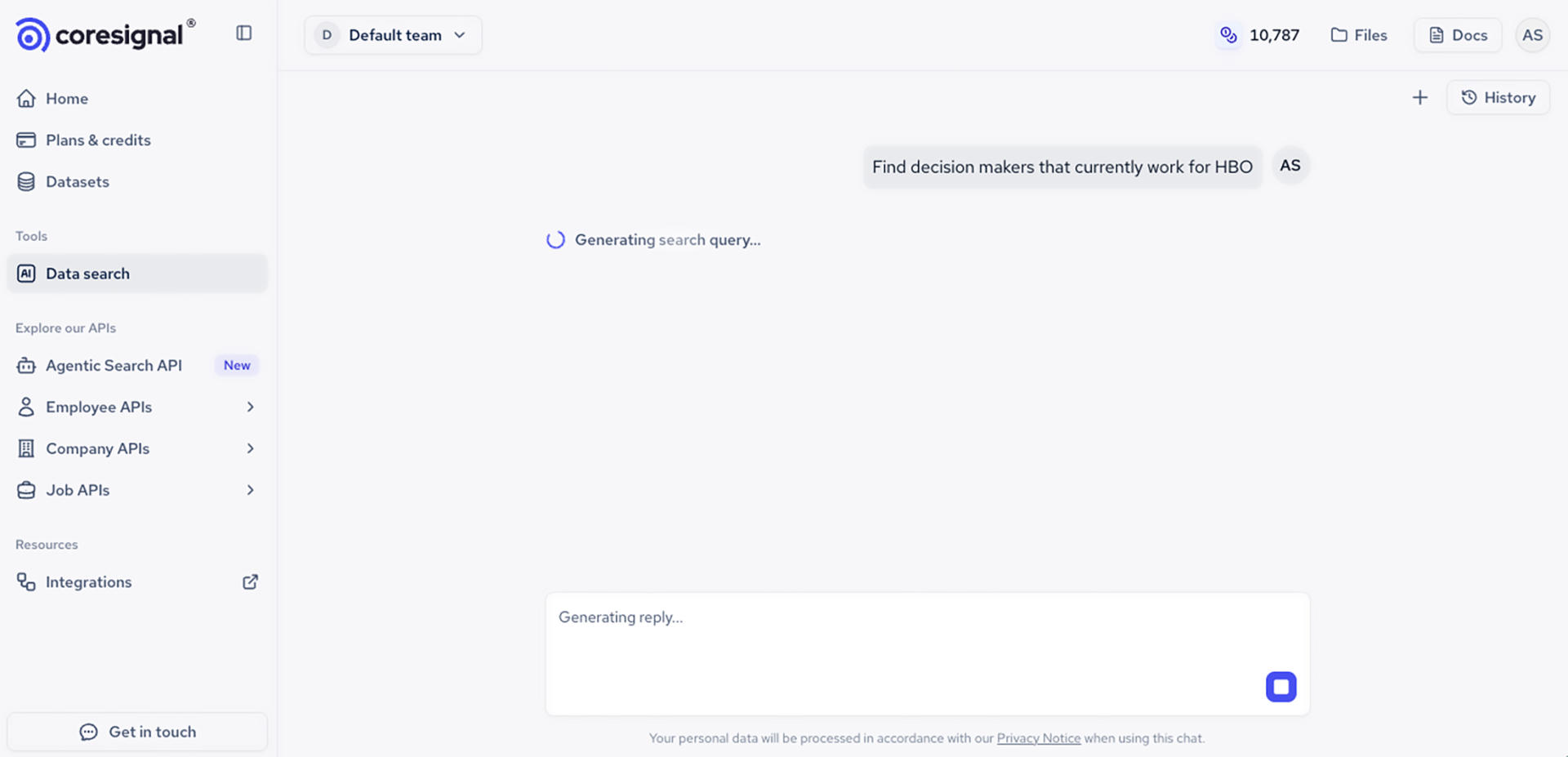
Let's say you want to find decision makers who currently work for HBO.
All you have to do is write the prompt into the dedicated field using your own words. The Data Search then interprets your request, runs the search, and returns results.
Step 3: Review and analyze the results
You will get a list of HBO employees (in this case, 231 people) who are considered decision makers in the company. You can take a look at full profiles to see how the data is structured and what kind of results you can expect.
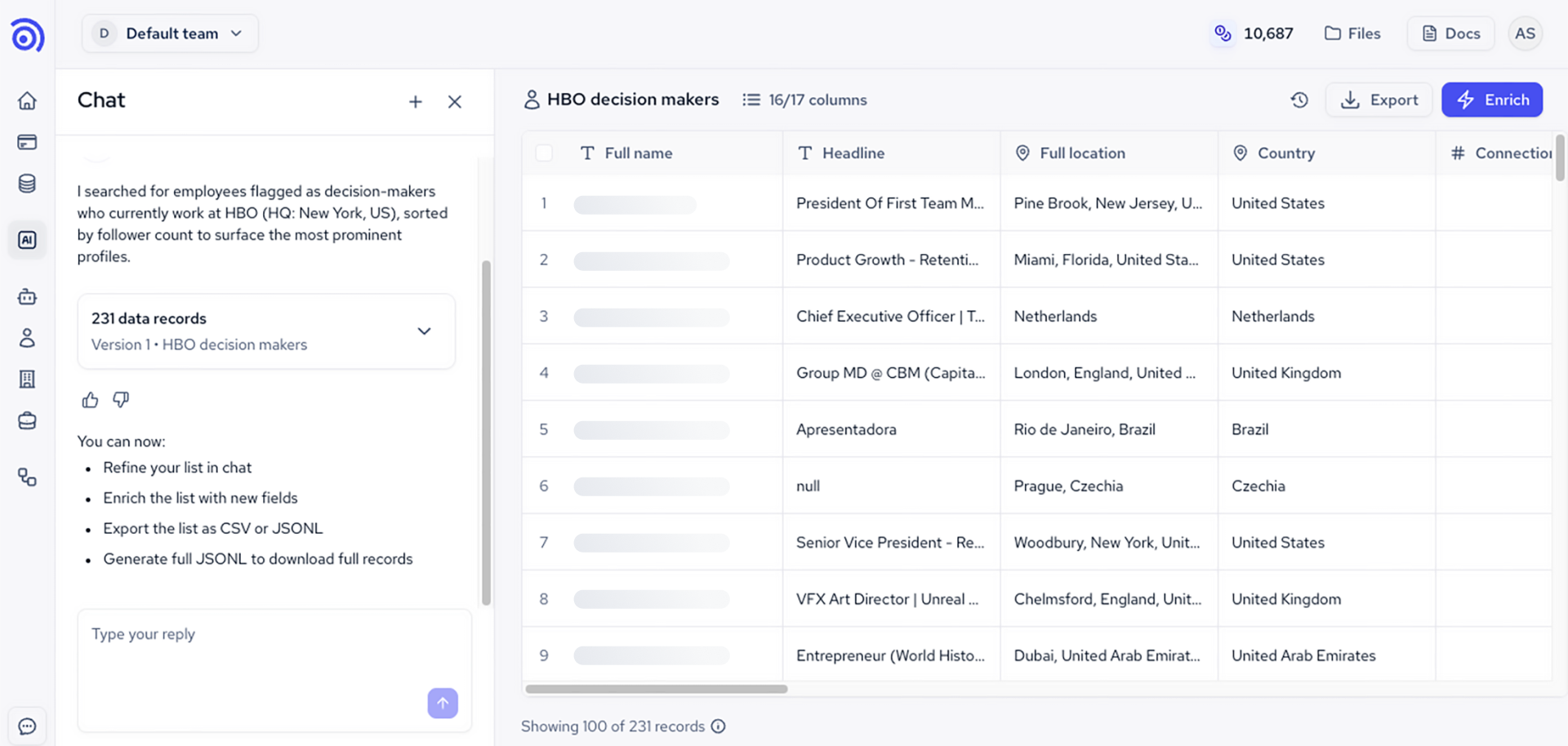
Our AI Data Search also offers guided exploration, suggesting refinements when your request is too broad or returns limited results. In chat, you can also modify your search as you go by providing feedback and adjusting your prompt to improve accuracy. For example, you can specify that you want to find decision makers who work for HBO in the U.S.
Adding specific criteria to your prompt helps narrow results to people more relevant to your specific buying use case. For example, the broader prompt returned 231 records of decision makers working for HBO. After specifying that we are looking for people in the U.S., the search results were refined to 184 data records.
Step 4: Find business decision makers at scale
Our API playground allows you to test a powerful feature of Coresignal’s: our real-time Employee data API. With this API, you can access and retrieve fresh B2B data automatically, with an average response time of 176ms, which is perfect for building products that require real-time data updates.
If you want to automate or scale decision-maker discovery programmatically, the Employee Data API or datasets are the right option, letting you integrate fresh employee data directly into your own workflows and tools.
With Coresignal’s Employee API, you can get:
- Fresh and frequent updates: access employee data, updated and discovered in real time.
- Multi-source enrichment: we combine and enrich employee data from various sources into comprehensive profiles, including job titles, skills, work experience, education, and more.
- Historical insights: include aggregated historical data to track changes in employee metrics over time, going back 10+ years.
- Data fields that include: active experience, professional contact information, workplace details, location, salary projections, skills, certifications, awards, social media metadata, and more.
Interested in finding out more? Let’s talk:
Ready to explore salary data?
Our multi-source jobs dataset contains enriched employee profiles, making it ideal for finding decision makers. Reach out and I would be glad to help you get fresh, ready-made data.
How to research decision makers before outreach?
Once you have found relevant decision-maker contacts, the next step is gathering more information to personalize your outreach. To build relationships successfully, you need context. Learn what challenges they are facing, what tools they already use, and what growth stage their company is in. Without this background, your outreach to executives won’t be too generic to resonate.
Enriched data helps close that gap. By combining basic employee details with broader organizational insights, you gain a sharper view of the person behind the title. A message referencing a recent leadership change or a company's expansion into a new market will land differently than a generic pitch.
Top sources to enrich your decision makers’ database
Relying on a single source often leaves gaps. Instead, leverage multiple, high-quality datasets to paint a complete picture of your target audience. Here are a few data sources and providers worth considering:
- Coresignal – Offers one of the largest and most complete real-time multi-source datasets in the market, with over 907M+ employee records and 70M+ company profiles. With features like the is_decision_maker field, you can filter contacts by authority level and combine them with firmographic and technographic data for a 360-degree view.
- LinkedIn Sales Navigator – Useful for real-time updates and social connections, but limited to its own platform and less scalable for large-scale enrichment.
- Owler – Provides competitive intelligence and company news, giving you context about strategic initiatives that matter to decision makers.
By enriching your decision-maker database with these sources, you can:
- Personalize outreach with relevant talking points.
- Understand company priorities before the first call.
- Build account maps to identify champions, influencers, and final approvers.
- Improve targeting accuracy and reduce wasted time on irrelevant contacts.
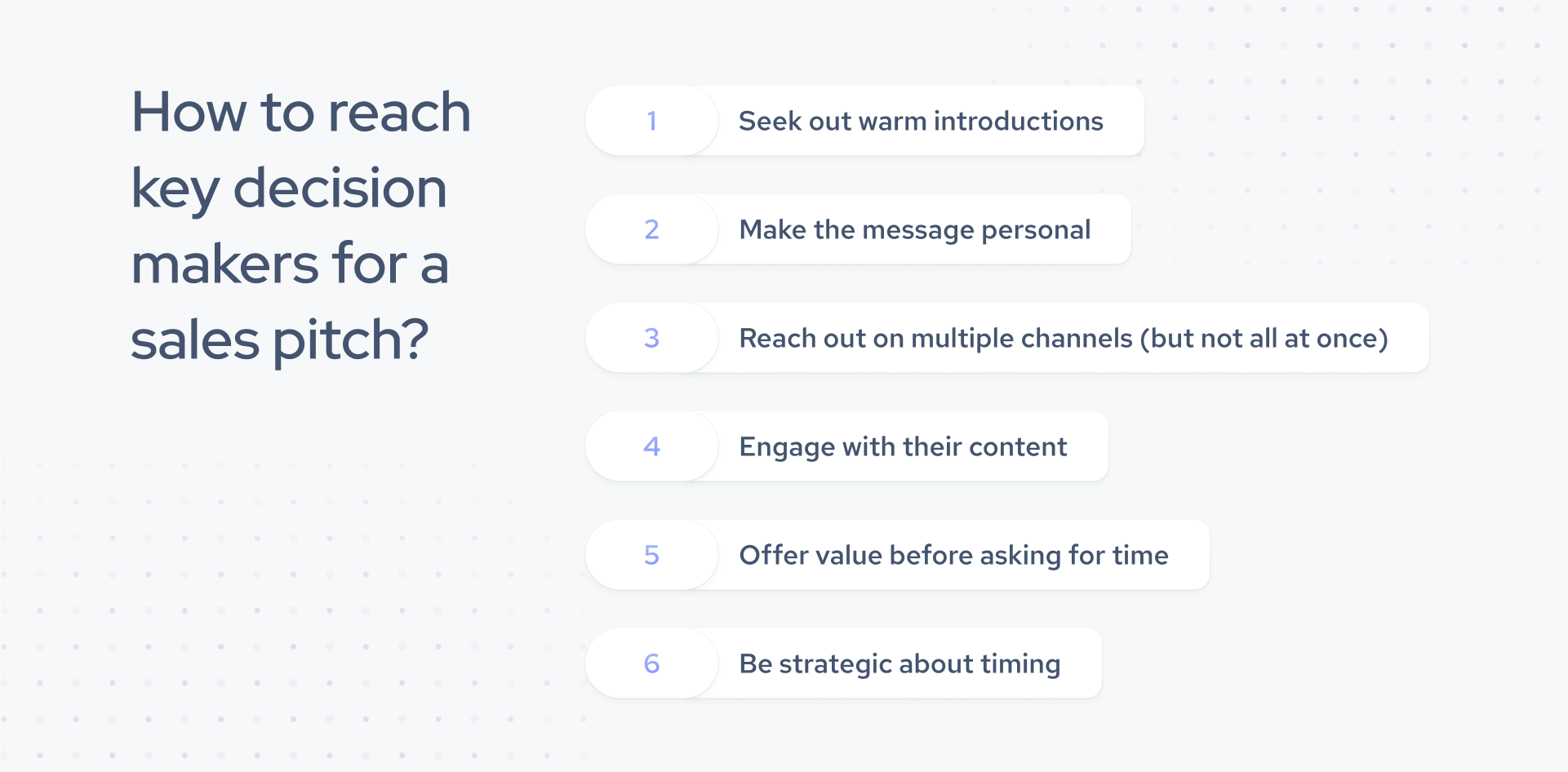
How to reach key decision makers for a sales pitch?
Once you’ve identified key decision makers, the next challenge is getting in front of them. Business executives are often busy, surrounded by gatekeepers, and targeted by countless vendors daily.
To stand out, you need a thoughtful, multi-channel approach that strikes a balance between persistence and personalization.
1. Seek out warm introductions
Referrals remain one of the most effective ways to reach executives. Tap into your professional network, mutual LinkedIn connections, alumni networks, or industry associations to secure introductions. A trusted recommendation instantly increases your credibility.
2. Make it personal
Generic outreach won’t resonate with someone making high-stakes business decisions. Reference company milestones, recent funding rounds, product launches, or job changes in your pitch. Tailoring your message shows you’ve done your homework and respect their time.
3. Reach out on multiple channels (but not all at once)
Business decision makers don’t live in their inbox alone. Combine email outreach with LinkedIn messages, targeted ads, and even phone calls when appropriate. Multi-touch campaigns increase the likelihood of your message being noticed.
Important: don't attempt to reach out to them all at once.
4. Engage with their content
Executives often share insights on social platforms or speak at industry events. Commenting on their posts, asking thoughtful questions, or mentioning a recent talk in your outreach can warm up the conversation and demonstrate genuine interest.
5. Offer value before asking for time
Whether it’s a data insight, an industry report, or a case study, lead with value. Position your pitch around solving a pressing problem, not just selling a product. This consultative approach helps open doors and sets the tone for a meaningful conversation.
6. Be strategic about timing
Use public company and workforce signals to gain context for when the outreach may be the most relevant. Look out for funding announcements, leadership changes, hiring activity, product launches, changes in technology use, and other events. They may indicate changing priorities or new business needs, offering a timely opening for outreach.
Are you ready to find decision makers at scale?
Finding and reaching company decision makers requires more than just a list of names. With Coresignal’s AI Data Search you can write your search query in plain language and get relevant results, without any complex filters. With access to over 907M professional profiles enriched with context, you can identify true decision makers, validate their authority, and connect with the right people a fraction of the time.
If you’d like deeper insights into how multi-source employee and jobs data can support your sales strategy, contact us today. Our team will help you explore tailored datasets and find the right solution for your business needs.
Ready to explore salary data?
Our multi-source jobs dataset contains enriched employee profiles, making it ideal for finding decision makers. Reach out and I would be glad to help you get fresh, ready-made data.