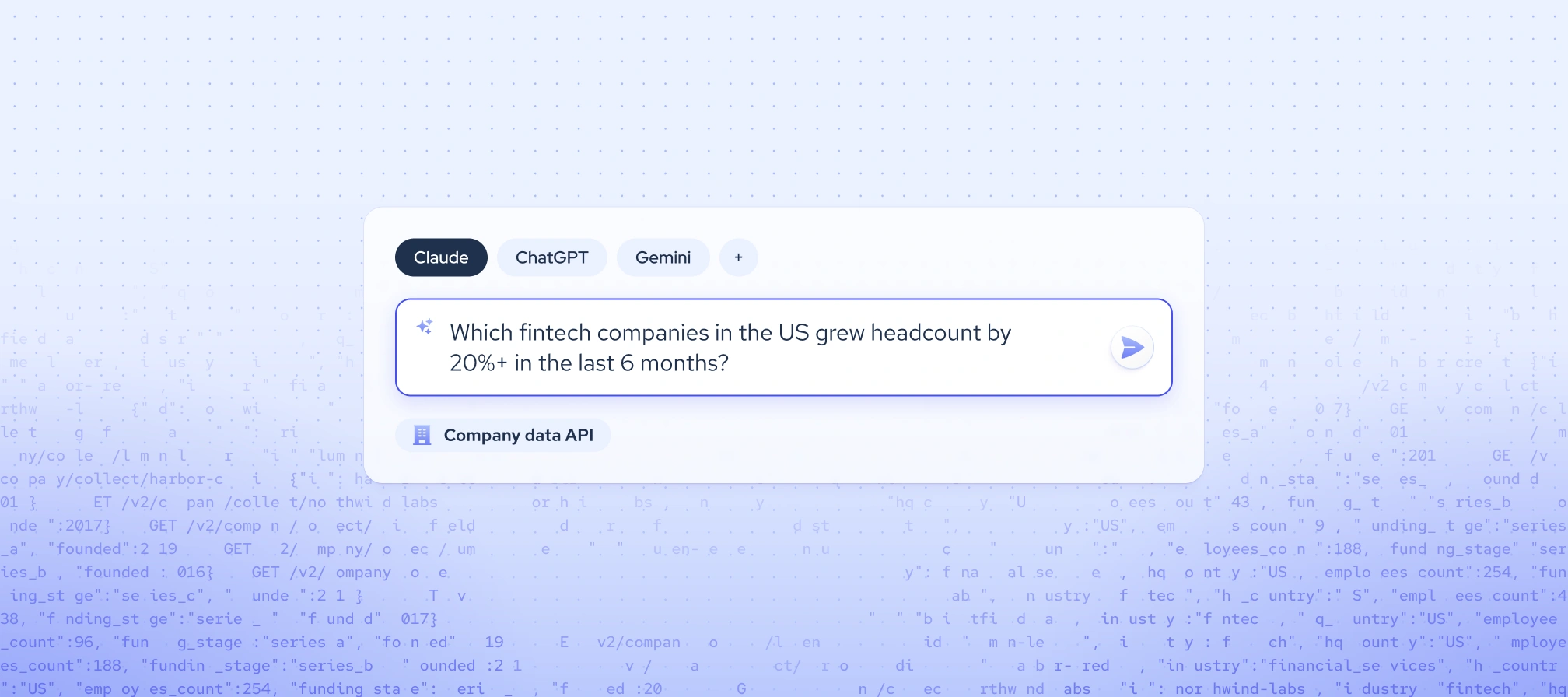


Your AI agent can follow instructions perfectly and still get things wrong. If the employment records it relies on are out of date, every action that follows is off too. It emails a contact who left the company months ago or scores someone who no longer makes the buying decision. Each misstep wastes outreach and chips away at your team's trust in what the agent produces.
In this guide, we compare six employee data APIs on criteria that matter specifically for AI agents. We also explain how to choose the right employee data API for AI agents.
What makes an employee data API ready for AI agents?
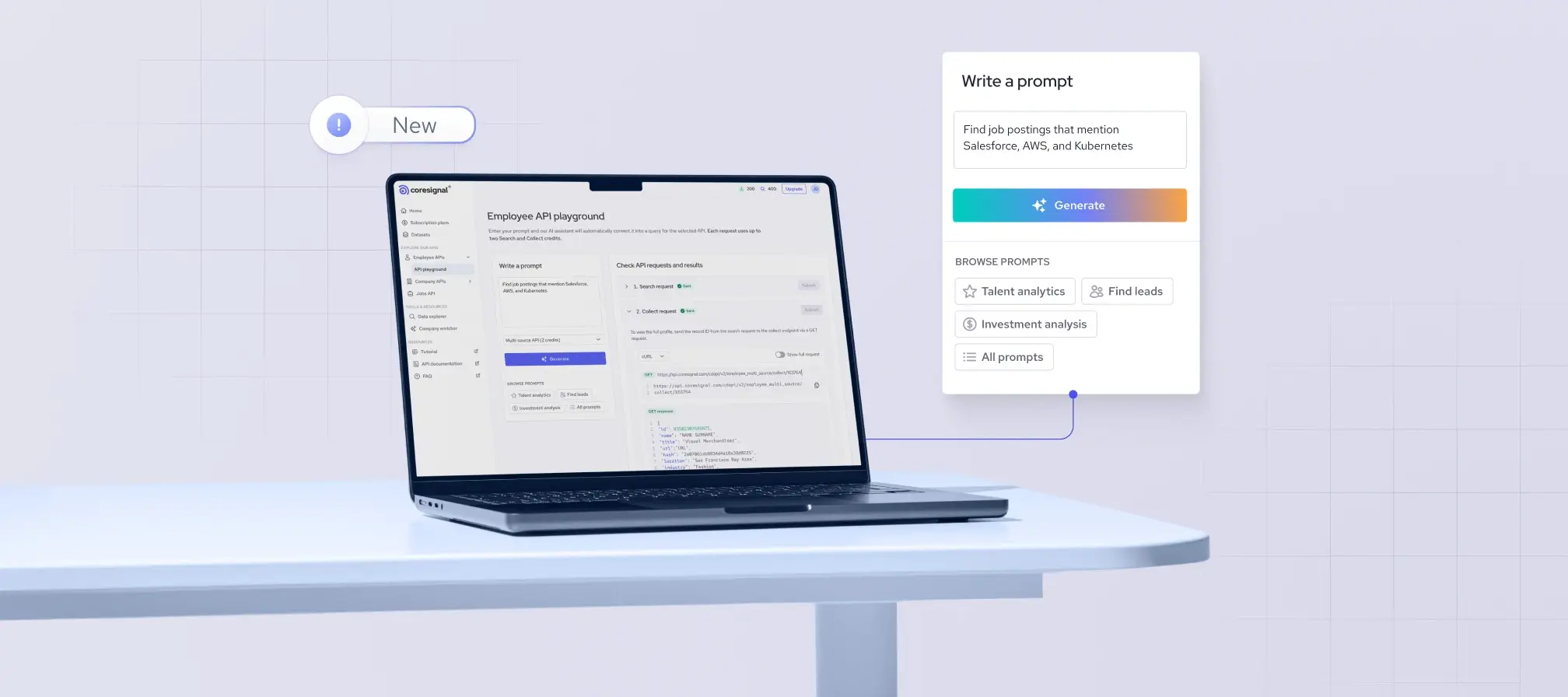
An API (application programming interface) connects a data provider's database to your own systems, so they can request and receive data automatically. An employee data API lets software, including AI agents, search and retrieve structured information about professionals, such as job titles, employers, and work history. Our Employee Data API, for example, returns every record in the same format, so an agent always knows where to find each field.
When an AI agent is the caller, the demands change. An agent makes many calls in a loop, so speed and cost per call add up. It needs structured fields it can filter on, not free text it has to interpret. It also pays for tokens, the units of text a model processes, on every response, so bloated records cost more.
Most importantly, an agent can’t tell when a record is stale and will act on it anyway. That’s why B2B data for AI needs to be structured for AI models, compact, and complete with proper metadata that helps to define record freshness.
How we compared employee data APIs for AI agents
We evaluated each API provider on various criteria that reflect how agents actually use employee data for AI agents workflows, from how current the records are to how easily an agent can query them. Each criterion ties back to the demands described above. The table below breaks down what we looked at and why it matters.
Best employee data APIs for AI agents
Below, we compare employee data providers for AI agents against the listed criteria, with a quick look at how each one’s API handles the needs of AI.
Coresignal
Coresignal merges employee data from multiple public sources into one record per person, enriched with employer and career context. Agents get fewer duplicates to reconcile and more context per call.
- Best for: agents that need structured, multi-source employee records for sales, recruiting, or investment research.
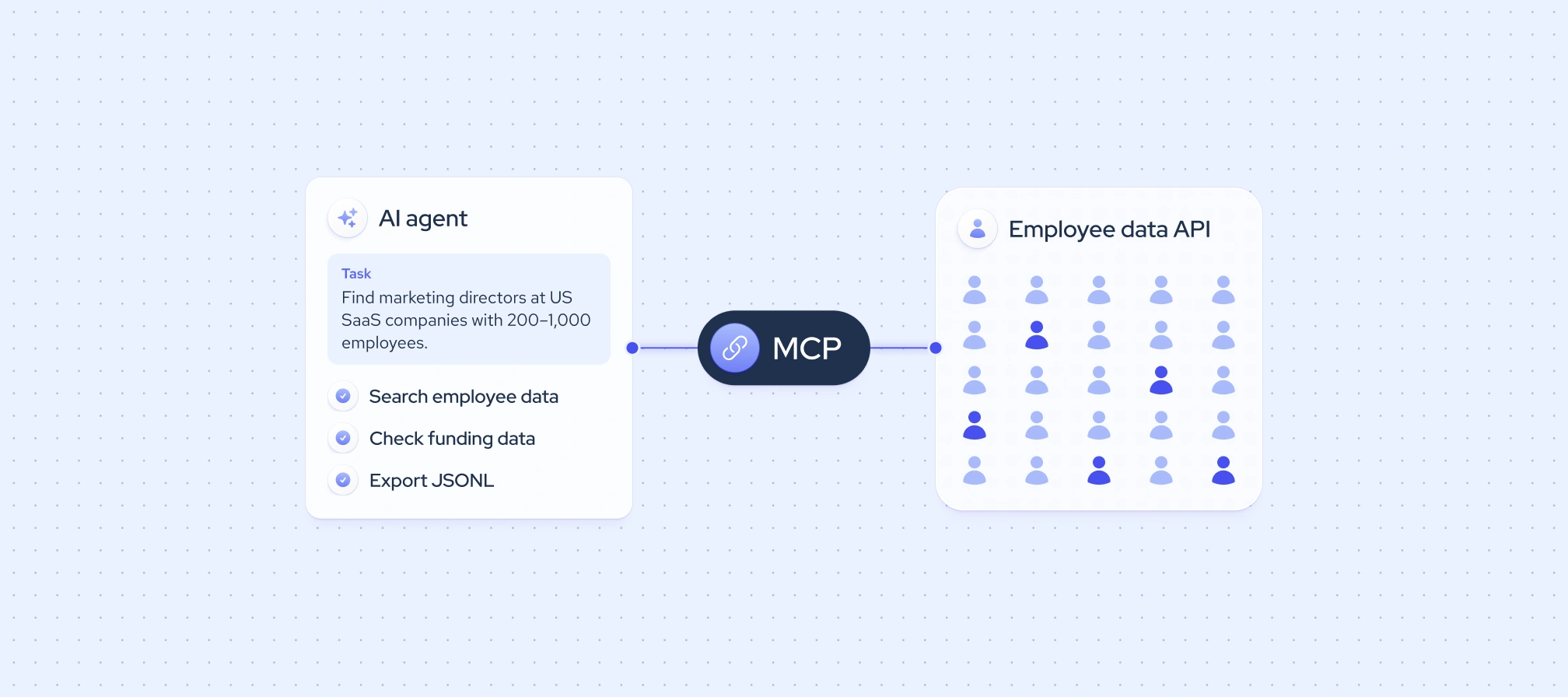
- Agent access: REST APIs, including the Agentic Search API, and an official MCP server with OAuth. Agents can search in plain English, then pull full records or only selected fields.
- Employee data: roles, seniority, skills, experience history, education, employer context, and more in one consistent schema, within a database of 5B+ company, employee, and jobs records.
- Freshness: the API database is refreshed in real time, and Monitors flag role and employer changes via Slack, email, or webhook URL. Update timestamps and historical records show what changed and when.
- Considerations: Coresignal provides data, not outreach, so agents that send emails need a separate tool.
ZoomInfo
As a go-to-market platform, ZoomInfo pairs contact and company data with buyer intent signals. Its API and MCP server bring that data into agent workflows, though what an agent can reach depends heavily on the subscription tier.
- Best for: enterprise sales agents that combine contact details with intent data.
- Agent access: a REST API with filter-based search and enrichment, plus a hosted MCP server with OAuth that accepts plain-language requests in clients like Claude, ChatGPT, and Cursor.
- Employee data: job titles, management levels, employment history, and business contact details such as emails and phone numbers. An output field setting limits responses to the fields an agent needs.
- Freshness: webhooks in the Monitoring API notify an app when a record it already enriched changes, so agents don't need to re-enrich on a schedule.
- Considerations: webhooks require the Scaling API tier, and the MCP server works only with bulk data credits. Field access also varies by subscription.
Apollo
Apollo combines a B2B contact database with sales engagement tools, so an agent can find a prospect and act on it in the same place. That pairing sets it apart from pure data providers.
- Best for: outbound agents that search, enrich, and run email sequences in one tool.
- Agent access: a REST API for people search and enrichment, plus an official hosted MCP server with OAuth. Through MCP, agents can prospect, enrich contacts, and manage sequences using plain-language requests.
- Employee data: job titles, employment history, company information, locations, emails, and phone numbers. Agents can enrich by email, by name and company domain, or by Apollo ID.
- Freshness: Apollo detects job changes for saved contacts and can run job change enrichment on a set schedule inside the app.
- Considerations: job change enrichment is available only on paid plans and runs in the app rather than as an API webhook. The docs also don't describe a way to limit response fields.
Crustdata
Crustdata is a B2B data API for people, company, and jobs data, built around agent workflows.
- Best for: agents that need live lookups, event alerts, and contact details for sales or recruiting.
- Agent access: a REST API, an official MCP server that reports the exact credits each request spends, and plugins for Claude Code and Codex. Semantic search for people is in beta.
- Employee data: titles, seniority, skills, work history with start and end dates, education, and contact details such as business emails and phone numbers.
- Freshness: standard enrichment serves cached records, with a real-time option when an agent needs the latest version. Its standout feature, Watchers, track company headcount, funding, and news, and re-run saved people searches to flag new matches.
- Considerations: lightweight previews and some fields must be enabled per account, and work history isn't returned unless requested. As they are relatively new in the industry, their historical data does not go as deep. Teams that prioritize multi-source records and historical depth may want to consider a Crustdata alternative.
People Data Labs
People Data Labs (PDL) is a developer-focused data provider that sells person and company data through APIs and bulk licenses.
- Best for: developers building identity resolution or enrichment into their own products.
- Agent access: a REST API with enrichment, search, and identify endpoints. Search uses structured queries rather than plain language. Also, only third-party MCP servers are available.
- Employee data: job titles, company details, dated experience and education history, inferred salary, and contact data. A field selection parameter keeps responses lean.
- Freshness: API data updates monthly. A Person Changelog API shows what changed between releases, and webhooks flag updated records for enterprise customers.
- Considerations: monthly updates can trail fast job changes, and agents connect through third-party MCP tools. Teams that need real-time updates and an official MCP server can look into a People Data Labs alternative.
Bright Data
Bright Data is best known for web scraping infrastructure, and it also sells employee data through datasets and APIs.
- Best for: teams that need custom web-scale collection beyond a fixed schema.
- Agent access: an official MCP server and a Business Search API, in beta, that accepts natural language queries.
- Employee data: career history, skills, education, certifications, and locations.
- Freshness: monthly refreshes, last-updated timestamps, and subscriptions for new or updated records.
- Considerations: dataset filtering runs as asynchronous jobs, which adds wait time in agent loops. It’s also not the easiest provider to use, more adapted to large enterprises with their own engineering teams. That’s why teams that need real-time records may consider a Bright Data alternative.
How to test an employee data API before connecting your agent
A short test run shows how an API will behave once an agent starts calling it in a loop. Use the free trial or credits most providers offer and follow these steps:
- Run the same prompt everywhere. Send one natural language request, such as a role, seniority, and location, to each shortlisted API and compare the results with a profile that you’re well familiar with.
- Spot-check current roles. Pick a few returned records and confirm the job titles and employers match what's publicly known today.
- Look for update timestamps. Check that each response shows when the record was last updated, since your agent can't judge freshness without it.
- Measure one full task. Track the credits spent and response size for a complete agent workflow, not a single call, to estimate real costs.
Testing Coresignal’s Employee Data API
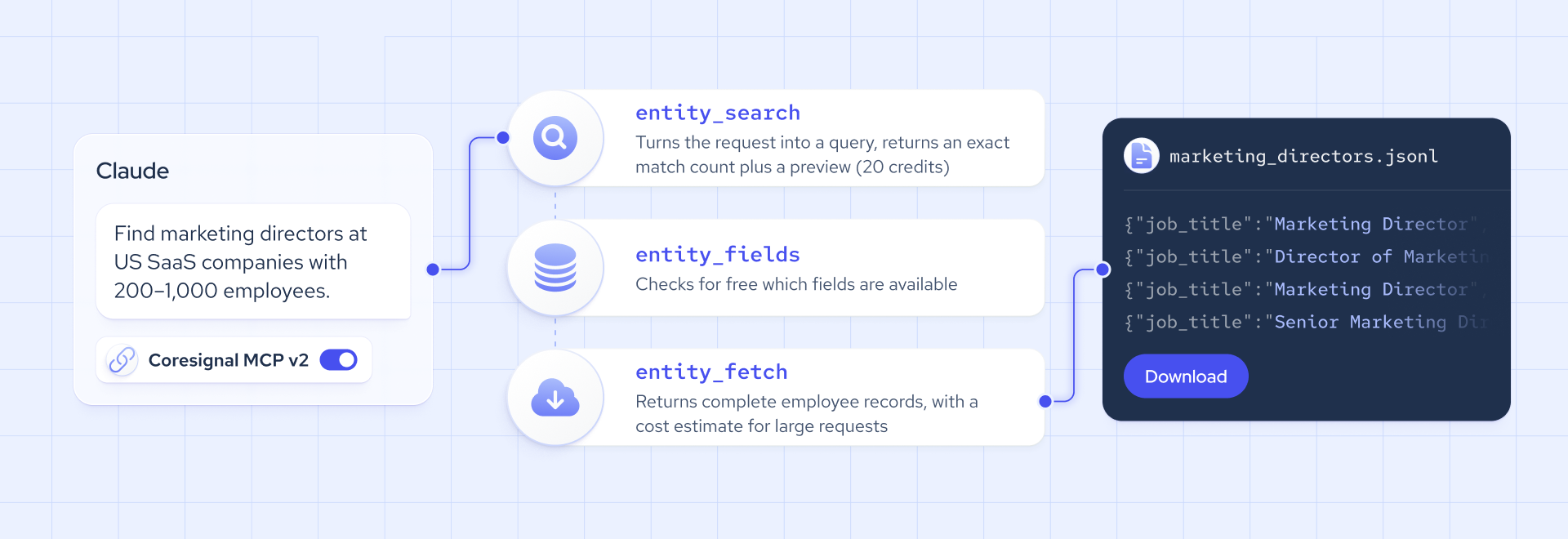
To see how our data holds up in a real agent workflow, we ran one common task: confirm that a contact still works at a target company before outreach. We tested it on November 24th, 2026, through our Claude MCP server, using a C-level executive at a large public company whose current role we could verify independently. To keep data private, we don't show the record itself.
The agent followed three steps:
- Search. It sent one plain English request, "chief executive officer currently working at [company]," with no filters or query syntax.
- Choose fields. It looked up the field names it needed: current title, employer, department, management level, experience dates, and update timestamps.
- Fetch. It pulled one record with only those fields.
Final thoughts
An agent doesn't pause to wonder whether a record is outdated. It trusts what it receives and acts, often hundreds of times in a row. That's why the right employee data API for AI agents isn't simply the one with the most features. It's the one whose data an agent can act on without a human double-checking it: one record per person, fields it can filter on, responses sized to the task, and clear signals of when something changed.
Test each option on a real agent task before committing, because the gaps that matter only show up in practice.