


.jpg)
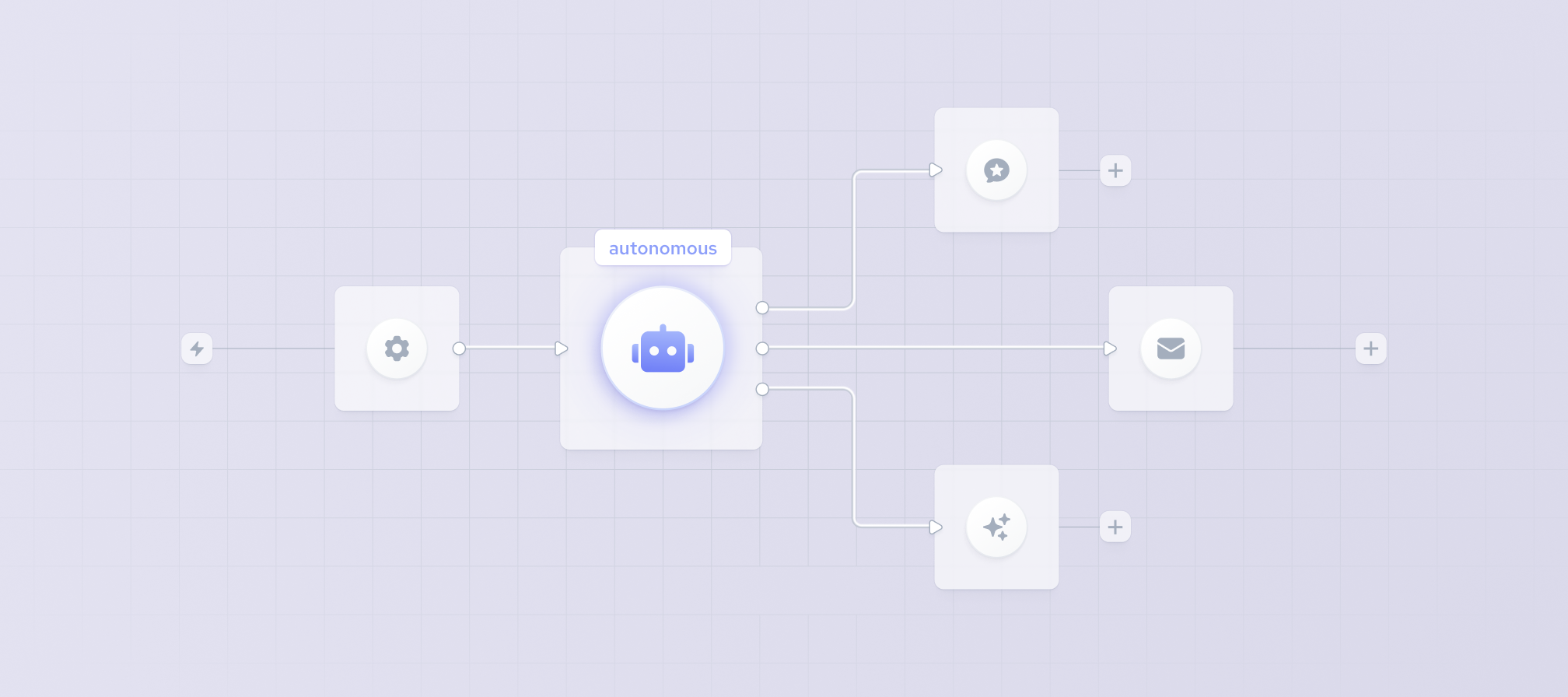
Large language models (LLMs) are powerful at generating and interpreting text, but an LLM alone is not an autonomous system. Without memory, tools, planning, evaluation, and guardrails, it can lose context, make unreliable decisions, or produce outputs that look convincing but fail in real-world use.
That is why developers are increasingly building AI agents and agentic workflows that can break complex goals into smaller steps, use external tools, retrieve information, evaluate results, and decide what to do next. But reliable autonomy also depends on the quality of the data behind those actions. Web search alone is often not enough when an agent needs fresh, structured, or domain-specific information.
This guide explains how to build an AI agent in 2026, covering the reasoning loop, memory architecture, tool design, evaluation, guardrails, and the data layer required to support reliable agentic workflows.
An agent is a reasoning loop, not a pipeline
Many teams approach agentic workflow architectures by wiring different components together. This pipeline mindset essentially assumes the system will progress from one task to another in a linear fashion, which does not reflect how agentic workflows behave in practice.
An autonomous agent requires a reasoning loop that often starts with messy, unpredictable, and ambiguous user inputs with large amounts of context. The system then has to convert those unstructured requests into structured instructions and execute them by calling the tools needed to achieve the user’s goal, all while evaluating its own progress at every step.
And yet, many of these intermediary points aren’t as airtight as they need to be for true autonomous operation. In most cases, the handoffs aren’t mapped right, the transitions aren’t stress tested, and there’s no observability baked in to look into what’s going on inside the agent loop.
As a result, more developers distrust the accuracy of AI tool output (46%) than trust it (33%), according to Stack Overflow’s 2025 Developer Survey.
The foundations of building an AI agent
AI agent architecture is the structure that determines how an agent understands a goal, decides what to do next, accesses information, uses tools, and evaluates the results of its actions. In practice, an AI agent often follows a simple loop: it receives a goal, reasons about the next action, calls a tool or retrieves data, observes the result, updates its context, and repeats the process until the task is complete.
The LLM is only one part of the system. Reliable AI agents also depend on accurate data, well-defined tools, effective memory, and clear controls around how and when actions are executed.
Below are several core components for building a smart AI agent.
The reasoning engine
LLMs like ChatGPT, Gemini, Claude, or Llama are still at the heart of it all. But instead of using the highest-end model for the simplest tasks, which would not only be inefficient but also quite expensive, the reasoning engine selects the best-fitting LLM based on the user’s input.
Prompts play a key part in this, as a reasoning engine is only as good as the instructions you provide. Clearer instructions improve routing, tool use, formatting, and failure handling.
Memory architecture
To address the “forgetful AI” problem in AI agent development, memory systems should store and retrieve only the context useful for the task, such as conversation summaries, approved long-term facts, task state, previous tool results, and relevant external records.
This allows the agentic AI to access both long-term knowledge storage and short-term conversational context to keep the workflows moving naturally across multiple sessions.
Agents can also use retrieval-augmented generation (RAG) to fetch relevant information from external knowledge sources before generating a response or deciding on the next action. RAG is different from agent memory: memory stores information from previous steps or interactions, while retrieval searches an external source for information relevant to the current task. For production agents, retrieval can include internal documents, vector databases, search systems, or structured third-party datasets.
Tooling and rules
Agentic AI systems can only take real-world actions through the tools they’re connected to, such as APIs, databases, and services. The tooling loop starts with web searches or code executions and ends with results integrated back into the agent’s reasoning engine.
This is one of the main collapse points, as tool failures can bring down entire agentic systems if there are no rules in play. That means strict governance is a must, from assigning risk ratings to different tools to adopting input validation systems, retry logic, and reliable error handling.
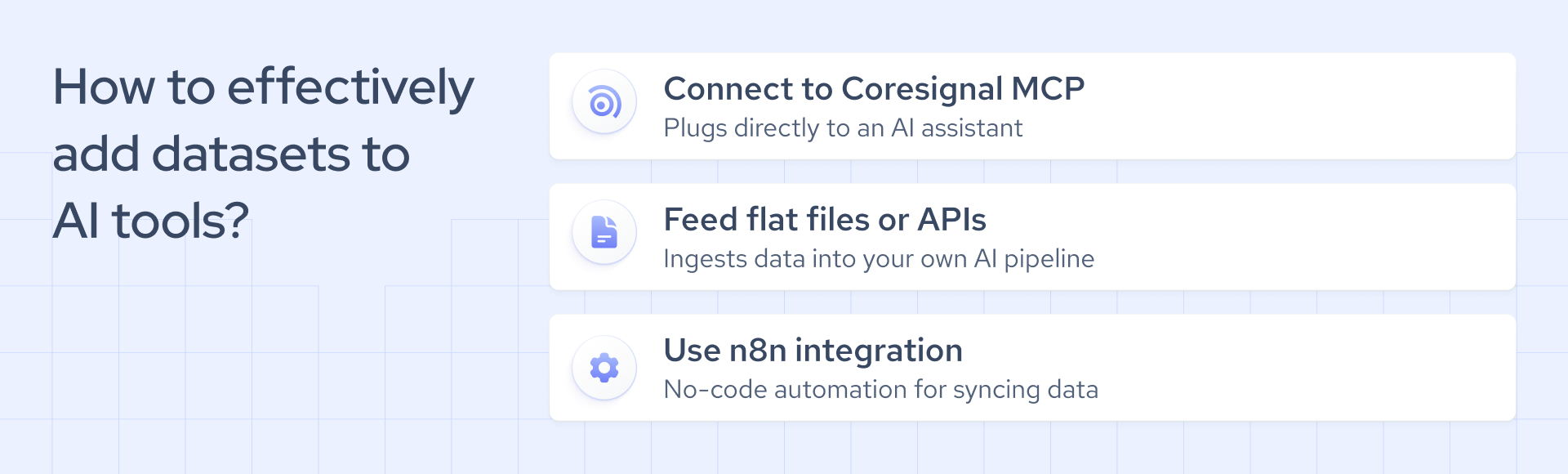
Another way to connect agents to external tools and data is through the Model Context Protocol (MCP). MCP provides a standardized interface that lets compatible AI systems discover and interact with external resources without requiring a custom integration for every tool. For example, an agent could use an MCP server to query company, employee, or job data as part of its reasoning process.
Planning and orchestration
The more tools you have connected, the more reasoning passes it takes to handle complex tasks. This kind of setup requires planning frameworks like ReAct (Reasoning + Acting), which alternates between reasoning about the current state and acting.
ReAct-style patterns interleave reasoning, action, and observation, enabling the agent to decide what to do next based on tool results. In production, teams should log tool calls, inputs, outputs, and concise decision summaries for observability, rather than relying solely on raw model reasoning for debugging.
Evaluation and guardrails (quality and safety)
Now that autonomous agent systems use AI-generated responses, continuous testing plays an even greater role than in standard software development.
So, before an agentic AI goes live, you should thoroughly evaluate its outputs using a small test dataset. A test suite that hits an API with a few representative queries and checks the output periodically can also save you a lot of troubleshooting down the line.
Placing guardrails on both user inputs to block unwanted requests and on output to catch hallucinations before they reach the user is also a necessity.
How to build an AI agent: steps
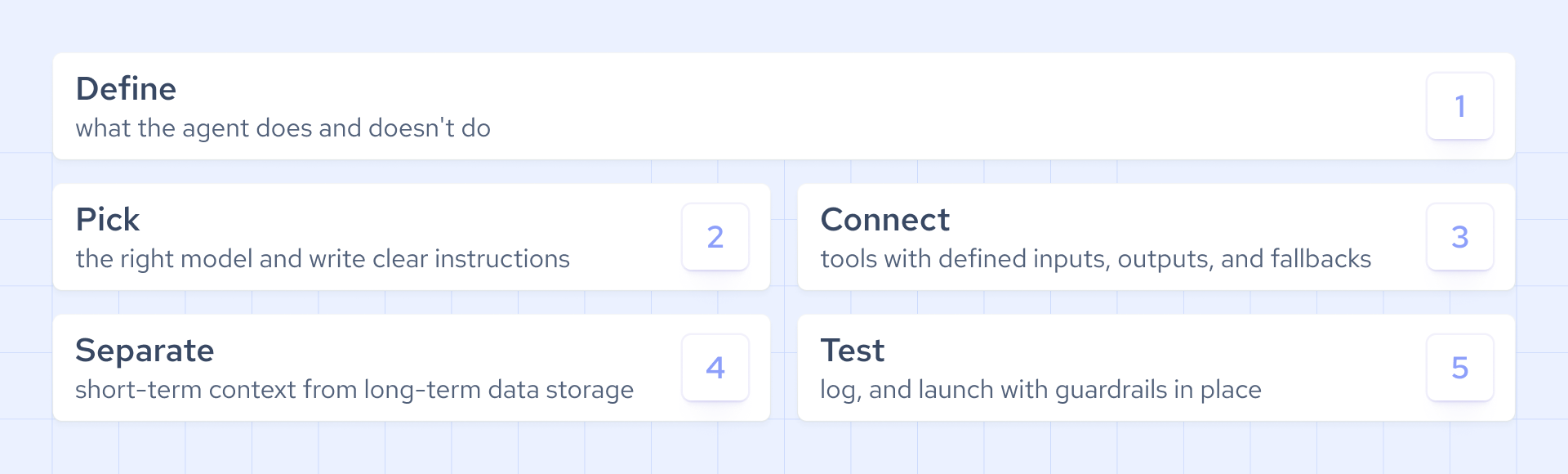
Below is a practical framework for teams looking to create an AI agent:
- Agent responsibilities: start by clearly defining the tasks your AI should handle, so the system knows where to start, when to stop, and how to escalate.
- Model selection: don’t feel obliged to go for high-end models. Instead, deploy a system that balances capabilities and costs when choosing an LLM.
- Prompt building: craft clear yet detailed instructions with explicit rules to ensure consistent behavior, formatting, tool usage, and failure handling.
- Tool integration: ensure that every connected API, database, and external service has defined inputs and outputs, with the appropriate permissions and retry logic baked in.
- Memory design: separate local, short-term conversational context from long-term knowledge stored in external B2B datasets to ensure proper data retrieval.
- System testing: use a small but representative dataset to evaluate the agentic workflow or implement a live test suite that occasionally hits an API and checks the output.
- Failure tracking: add output rules and deep logging to the agent loop so you can observe every prompt, tool call, and execution workflow for failures in production.
- System deployment: launch the system with appropriate guardrails for input validation, rate limits, approval checkpoints, retry logic, and output validation.
How to ensure long-running agent loops
Even a well-designed autonomous agent can fail given enough loops, and for a variety of reasons:
- A model provider may change SDK or tool-calling behavior.
- An API provider may have changed its JSON schema.
- A slight hallucination could have passed the output check.
These are all just examples of unpredictable events that can break the entire agentic loop.
Let’s take this simple CRM data enrichment agentic workflow as an example:
- A company is added to the CRM, and the system pulls the company ID.
- A short wait buffer ensures the company is fully accessible in the CRM.
- Agentic AI fetches the company record to get the ID and the domain.
- The record is matched via the company domain and enriched with Coresignal’s data.
- The CRM’s fields are mapped and updated with the enriched data.
- A new company gets added to the CRM, and the loop repeats.
For such a system to remain stable in the long run and return fewer errors, there are a few non-negotiable operational rules that need to be implemented:
- Check every tool’s response before the output moves on to the next step.
- Set retry limits for API calls to restrict the number of actions and prevent infinite loops.
- Create fallback logic for failed API calls that escalates edge cases to humans.
- Add a logging system for prompts, tools, and outputs to support failure debugging.
- Define clear exit conditions for all loop paths.
It’s a good idea to bake these reliability checkpoints into the system from the start, as retrofitting them into an already unstable loop can be challenging.
Building small vs large AI agents
The scale doesn’t really affect the underlying principles of AI agent development. Whether you’re running a single system or an entire fleet, the foundations, such as the reasoning engine and the data layer, remain the same. The only difference lies in the architecture:
Data layer for AI agents
To create an AI agent that’s both stable and accurate, a strong reasoning engine is only half of the autonomous agent equation. The other half depends on the data you’re feeding the AI, which makes choosing the right data provider for AI a critical infrastructure decision.
Depending on the use case, this retrieval layer may use web search, retrieval-augmented generation (RAG), structured APIs, or protocols such as MCP to give the agent access to information beyond the model’s training data.
Web search for agents
Whether you're relying on ChatGPT, Gemini, Claude, or Llama, the model's training data isn't enough if your agent needs to reason over real-time events or live content. That's where open-web search providers like Firecrawl and Parallel Web Systems can be useful, with APIs purpose-built to retrieve, extract, and structure web content for AI agent consumption.
Rich B2B context for AI agents
Enterprise-grade agents for candidate assessment, outbound outreach, competitor tracking, and market intelligence need data that you can’t get with a quick web search. Those systems require providers with AI-ready B2B datasets and dedicated agentic search infrastructure.
Coresignal’s Agentic Search API lets agents query jobs data in natural language and receive structured B2B data in seconds. Bright Data is another option for LLM-ready datasets across multiple industries.
For agents supporting sales, recruiting, enrichment, or market intelligence workflows, this kind of public, business-related data is often more useful than raw web results because it is already in a structured format.
Product and eCommerce data
Crawling the open web isn’t enough for autonomous agents focused on retail, either. These agents need to understand products, variants, pricing, descriptions, availability, inventory signals, ratings, and reviews, which requires partners with robust scraping solutions like Oxylabs and eCommerce-first APIs like Traject Data.
Stock and financial data
Agents in the financial industry, whether they’re focused on trading or portfolio analysis, rely on direct, low-latency market feeds, fundamental data, and historical prices. Massive (formerly Polygon.io), known for its fast, reliable market data feeds and stock market data APIs, and Alpaca, with its developer-first API for stock and crypto trading, are both great options here.
Key mistakes to avoid when creating AI agents
It’s no easy task to build an AI agent. First-time builders struggle because they don’t always follow the fundamental principles of AI agent development, which only pushes problems further down the line. Consider these tips:
- Keep your agents focused on fewer tasks they can do well.
- Apply strict permissions and implement fallback logic rather than granting the model unrestricted access to external tools.
- Don’t neglect the test suite, as assessing the agent’s performance on a small dataset is much easier than fixing unstable loops later.
- Separate short-term conversational context from long-term knowledge, rather than storing everything in a single context window.
- Implement strict token limits to control resource usage, and add triggers that escalate complex issues and edge cases for human review.
Building AI agents that last
The gap between a demo that works and an agent that holds up in production comes down to how well each layer – reasoning, memory, tooling, and data – is built and connected. The principles covered in this guide apply whether you're deploying a single enrichment agent or orchestrating an entire fleet.
Start narrow, test early, and treat data quality as a top-priority concern from day one. Agents are only as reliable as the information they act on. For teams building on B2B data, structured and queryable datasets remove one of the more common sources of agent failure: unreliable, unstructured input data.

.webp)
