
Basic headcount tracking has long been the go-to option for understanding how people move between jobs. But in my experience, this approach rarely delivers in 2026. Modern workforce dynamics, including how talent moves, companies expand, and competitors position themselves, require access to structured, high-quality employee data.
As Deloitte notes in their 2026 Global Human Capital Trends report, “Staying relevant means continually reimagining how workers change, learn, and grow… Organizations are moving toward systems built for perpetual learning, experimentation, and reinvention.” That’s only possible when employee data is continuously updated, historically tracked, and structured for analysis.
While some companies build their own employee databases, more and more organizations are actually turning to external providers because the need for workforce insights grows.
These vendors provide access to accurate, regularly updated data and historical insights that companies can integrate directly with their own systems for seamless scaling. But what exactly does reliable employee data look like? More importantly, how do you find what works for you?
To help you understand, I’ll answer the most common questions about employee data. I’ll cover everything from what goes into a typical employee database and how one differs from a dataset to what top providers offer, what to look out for, and how employee data can be used.
If you have any additional questions, you can always contact our sales team or me for help.
What is employee data?
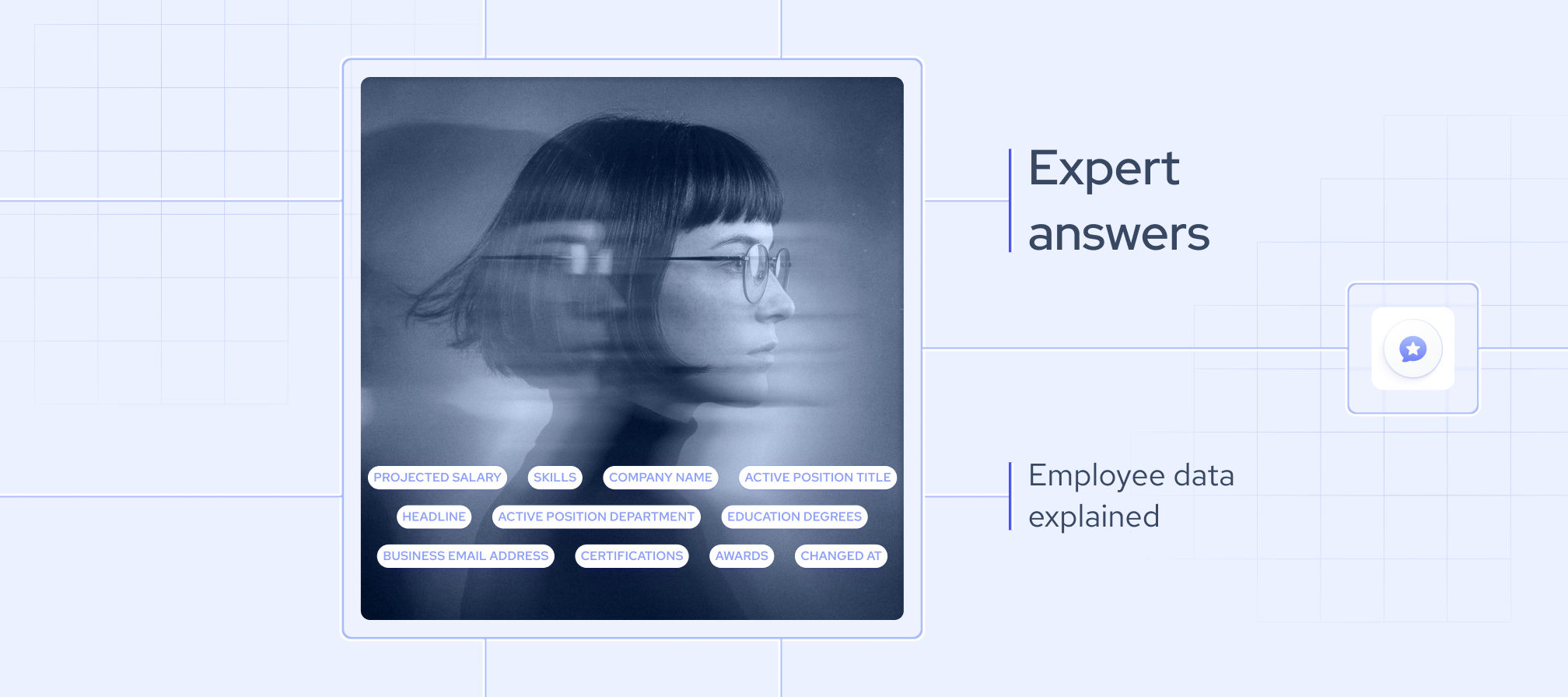
As its name suggests, employee data refers to any information that an organization collects and manages about its employees and their specific roles within a company. Besides personal identifiers and employment details, a high-quality employee database also includes:
- Job title and role: This includes an employee’s position within the organization.
- Seniority: This indicates job level, from entry-level to executive positions.
- Department: Function-related indicators, such as engineering, sales, or marketing, also play a role, especially for mapping internal company structures.
- Employment history: Most employee databases also contain records of positions previously held by these professionals.
- Skills: This category provides information about an employee’s expertise and can be instrumental for talent research.
- Company affiliation: Information about an employee’s current company, previous employers, job start and end dates, roles, and career progression is also often available.
What are the top employee data providers in 2026?
From my experience, there is no one-size-fits-all solution. The best providers depend entirely on your specific needs. For instance, a provider with sales intelligence-focused employee data may not be the best choice for a business looking to train AI models, and vice versa.
In that sense, it’s best to compare top employee data providers by data coverage, update frequency, historical depth, sources, deduplication logic, delivery methods, and similar factors that matter to your particular use case.
That’s what I did with the five leading employee data providers in the table below:
As you can see, these providers all excel in different areas. Coresignal offers a vast employee database with daily deliveries of AI-enriched, multi-source data that both HR professionals and investors can benefit from.
On the other hand, Crustdata and Mixrank focus on professional profile updates for teams that need to react quickly to workforce movements.
Meanwhile, People Data Labs is all about scale and coverage, which makes it useful for enrichment pipelines. Then there’s ZoomInfo, whose APIs are often used for enrichment and go-to-market (GTM) workflows.
Which employee database offers the most accurate professional records?
The accuracy of an employee database depends on how you use it, its update frequency, and its geographic scope. Fresh, real-time, properly validated data is also crucial in maintaining accuracy.
I’d recommend you look for providers that offer:
- Standardized fields
- Multi-source data collection
- Built-in deduplication
- Historical tracking
Regular data refreshes are especially crucial for workforce analytics and competitive intelligence. The same goes for complex AI applications; I’ve seen models trained on outdated records yield flawed results.
Coresignal takes care of that by continuously updating its database and offering a real-time employee scraping API. That’s why it’s one of the top choices for use cases where fresh data is fundamental.
What is the best employee database for workforce insights?
If you’re specifically looking for an employee database for workforce insights, you’ll want to go with a provider that emphasizes historical depth and offers structured role data across industries. In my experience, it’s these exact features that enable analysts to understand how companies evolve over time.
Structured employee data collection also plays a vital role. It allows teams to track headcount and leadership changes, as well as department growth, and empowers analysts who are studying hiring trends, mapping competing business teams, or identifying rising skill demands, which also provides insights into talent.
What is the difference between an employee database and an employee dataset?
An employee database is a queryable system that stores professional records. It’s updated at regular intervals and allows users to search and filter workforce data in real time. It’s most often used by teams that need ongoing analysis or have these databases embedded in their workflows, especially for enrichment purposes.
On the other hand, an employee dataset is essentially a snapshot of a database. It’s usually extracted as a CSV or a JSON file, which is then imported into any one-time research project.
A database supports continuous employee data collection, real-time queries, and historical tracking, and can easily be scaled through integrations with analytics tools. While datasets become outdated the moment they’re exported, they’re still very useful for reporting tasks, training machine learning models, and similar purposes.
What is included in a professional employee database?
A high-quality employee database provides a structured overview of talent and their roles across companies and industries. And while it offers the standard attributes found in a professional data of employees dataset, it also gives you access to:
- Personal information: An employee’s name and professional contact details, often with links to sources like LinkedIn, create the foundation;
- Role details: Job title, seniority, department, and employment dates define the employee’s role within an organization;
- Employment history: Most databases also include details about a professional’s previous employers, past roles, and promotions (or demotions);
- Skills and competencies: Work-related feedback, professional skills and certifications, licenses, and areas of expertise provide analysts with insights into talent capabilities; and
- Location data: Country, city, or state-level information is often included as well, empowering analysts working on regional hiring trends.
What is the difference between internal HR data and public company employee data?
An internal HR team’s employee data refers to the workforce information an organization gathers and manages. What is included in a typical employee dataset for HR technology varies from company to company, but most businesses keep:
- Personal employee identifiers
- Salary and bonus data
- Employment contracts
- Performance-related reviews
In contrast, a public company’s employee data consists only of talent information that can be aggregated from publicly available sources:
- Job titles and roles
- Employment history
- Skills and expertise
- Company affiliation
The key differences are in ownership and data sensitivity. Internal HR records are the organization’s property and are tightly regulated because they contain more personal data, whereas public employee data focuses on professional attributes that can be obtained from external sources.
How often should employee data be updated, and when is real-time data freshness required?
In an ideal scenario, an employee database should be reviewed and updated whenever your use case requires. For tracking general hiring trends or workforce growth, weekly or monthly refreshes are typically enough.
But if you’re doing competitive intelligence, following hiring signals, or training AI models, cadence matters a lot more. In that case, I’d recommend choosing a provider with real-time employee data, and that’s precisely what Coresignal’s employee scraping API can give you.
Can employee data be used to train AI models?
Yes, employee data can be used to train machine learning models, and it often is. Companies regularly feed employee datasets to AI to build comprehensive talent intelligence systems, predict employee churn, support workforce planning, extract skills from career histories, map an organization’s hierarchy, and handle other similar processes.
That’s because structured employee records offer vital insights into current labor markets. Here, job titles, seniority levels, employment history, skills, department structures, and historical records can be particularly valuable for analyzing both talent mobility and company growth.
What is historical employee data, and why is it critical for competitive intelligence?
Historical employee data refers to records that track changes in an organization’s workforce over time. It exists in sharp contrast to a simple snapshot, which only shows who’s in the company today.
This data provides detailed insights into employee role changes, company headcount movements, departmental growth, and leadership evolution.
By tracking these trends over months or even years, analysts can pinpoint patterns they could never extract from static snapshots. They can identify hiring patterns, growth signals, and broader market shifts, all of which are crucial for competitive intelligence.
How do I integrate employee data into my HR system using an API?
To access employee data through an API, you’ll first need to obtain an authentication API key from your data provider. From there, connect the API to your HR system (HRIS) to establish a secure connection for either scheduled batch processing or real-time webhook-based updates.
Once an API is connected to your HRIS, you can send requests to a search endpoint and apply filters such as company, department, or location, keywords like job title or employment type, and a date range to narrow down your results.
Most organizations rely on integrations to enrich their workforce profiles and standardize roles. Many also use APIs to set up auto-updates that keep their internal records aligned with those from external sources. Also, matching employee records during integration with external data is just as important as the quality of the provider’s data. That means you’ll need to pay attention to names, professional identifiers, roles, and company affiliations to ensure there are no duplicates or incorrect updates. From there, it’s all about keeping your data fresh through regular re-syncs.
What are the privacy regulations for public employee data collection?
Employee data collection is subject to strict regulations, such as the GDPR in Europe and the CCPA in the U.S. These frameworks generally make it legal for providers to collect employee records, as long as they do so from publicly available sources, such as company websites and talent profiles.
Providers run into issues with sensitive employee data. Private contact details, salaries, performance reviews, and personal identifiers, such as Social Security numbers, can create compliance risks.
Fortunately, most public databases and datasets omit these fields, focusing instead on professional attributes, such as job titles, career history, skills, location, and company affiliation.